
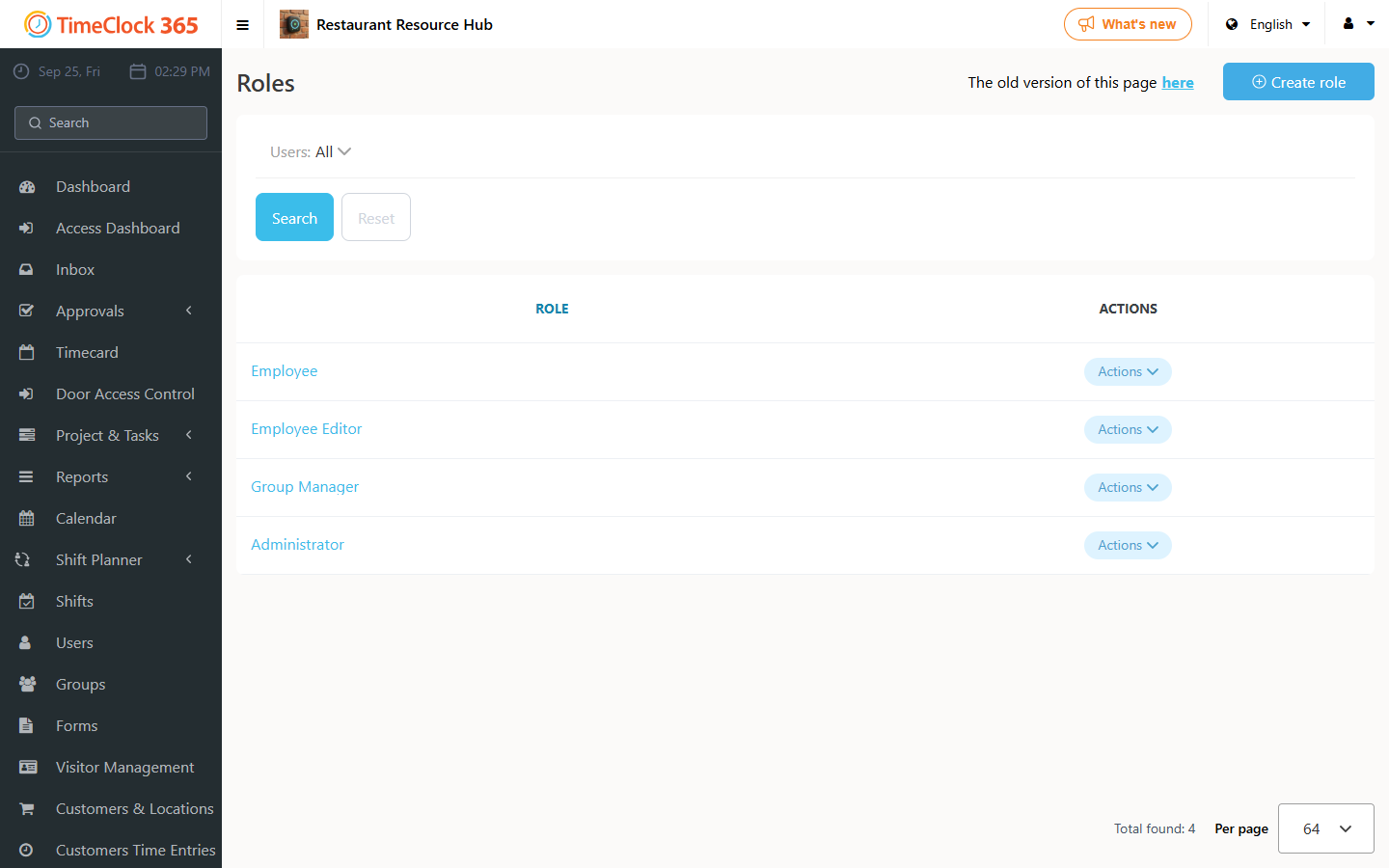
Roles control what each user can see and do in TimeClock 365. By default, there are four roles to choose from: Employee, Employee Editor, Group Manager and Administrator.
Note: we encourage you to consult with us before changing existing roles, as you may inadvertently break things, including locking yourself out of your own account. A table of the default settings is at the bottom of this page.
Employee
This role is for employees who are not allowed to edit their timesheets. Users with the Employee role can:
- Punch in/out
- Start tasks
- Request time off
- View and approve their own timesheets
Employee Editor
This role is for employees who are allowed to edit their timesheets. Users with the Employee Editor role can:
- Punch in/out
- Start tasks
- Request time off
- View, edit and approve their own timesheets (editing is allowed if the timesheet is not approved)
Group Manager
This role is for department managers who need to approve their employees' time off requests and timesheets. Users with the Group Manager role can:
- Punch in/out
- Create and start tasks, and assign them to their group/employees
- Request time off, also on behalf of their employees
- Approve time off requests by their employees
- View and edit their own timesheets and the timesheets of their employees (editing is allowed if the timesheet is not approved by the employee)
- Approve their employees' timesheets
- See in real time who is working and which tasks they work on, for employees in their group
Administrator
This role is for a senior manager who manages the system, and allows access to everything. Users with the Administrator role can:
- Punch in/out
- Create and start tasks, and assign them to all groups/employees
- Request time off, also on behalf of everyone
- Approve time off requests by all employees
- View and edit everyone's timesheets
- Manage approval of all employees' timesheets
- See in real time who is working and which tasks they work on, for everyone
- Create projects
- Create groups
- Access user cards, and create and change users' details
- Define locations in the system (for geofencing or customers' locations)
- Access various reports - Payroll, tasks reports, Modifications report (audit trail of changes made to timesheets) and more
- Manage alerts
- Manage contract definitions and assignment
- Manage the configuration of roles
- Manage company-wide configurations
- Access the type and quantity of subscriptions
Editing a role
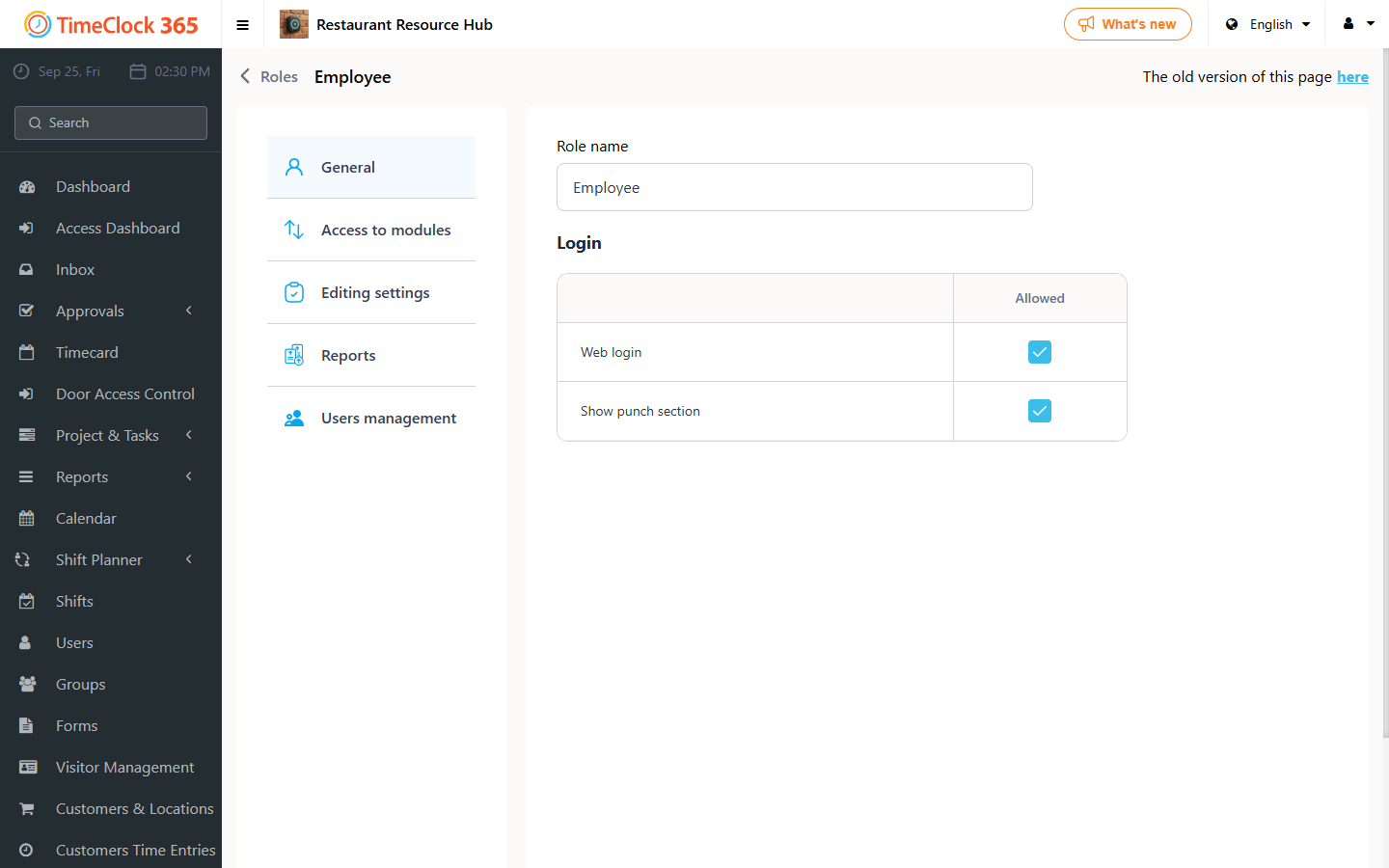
To see or change the settings of a role, open Roles from the sidebar and select the role.
Comparative table of the default role settings
"User" means the user's own data, "Group members" means the users in the manager's groups, and "Entire" means the entire organization. "Create, Edit, and Delete" is shown as CED.
| Setting / Role | Administrator | Group Manager | Employee Editor | Employee |
|---|---|---|---|---|
| Login | ||||
| Web login | Yes | - | Yes | Yes |
| Access to modules | ||||
| Who is working | User, Group members, Entire | User, Group members | - | - |
| Birthdays on dashboard | User, Group members, Entire | User, Group members, Entire | User, Group members, Entire | User, Group members, Entire |
| Projects | User, Group members, Entire | User, Group members | - | - |
| Customers | User, Group members, Entire | User, Group members | - | - |
| Route history | User, Group members, Entire | User, Group members | - | - |
| Live map | User, Group members, Entire | User, Group members | - | - |
| Time tracking access and punch location | User, Group members, Entire | User, Group members | User | User |
| Reports | User | User, Group members | User | User |
| Door access control | User, Group members, Entire | User, Group members | - | - |
| Contracts | User, Group members, Entire | User, Group members | - | - |
| Users | User, Group members, Entire | User, Group members | - | - |
| Groups | User, Group members, Entire | User, Group members | - | - |
| CRM | User, Group members, Entire | User, Group members | - | - |
| Alerts | User, Group members, Entire | User, Group members | - | - |
| Roles | User, Group members, Entire | User, Group members | User | - |
| Support | User, Group members, Entire | User, Group members | User | User |
| Expenses | User, Group members, Entire | User, Group members | - | - |
| Projects tracking | - | - | - | - |
| Assign shifts | - | - | - | - |
| View assigned shifts | - | - | - | - |
| Complete/restore task for all users | User, Group members, Entire | - | - | - |
| View employees absences on dashboard | User, Group members, Entire | User, Group members | - | - |
| View all employees absences on calendar | - | - | - | - |
| Editing settings (Create, Edit, Delete permissions) | ||||
| General | CED | Create, Edit | Create, Edit | - |
| Time entries | CED | Create | Create | - |
| Task time entries | CED | Create | Create | - |
| Time Off | CED | Create | Create | Create |
| Tasks | CED | Create | - | - |
| Auto fill | CED | - | - | - |
| Edit report via modal window | CED | Create | Create | - |
| Contracts | CED | - | - | - |
| Company profile | CED | - | - | - |
| Terminals | CED | - | - | - |
| Alerts | CED | Create | - | - |
| Expenses | CED | CED | CED | - |
| Punch in/out comments | CED | - | - | - |
| Locked time entries | CED | - | - | - |
| Reports | ||||
| Detailed Attendance | Yes | Yes | Yes | Yes |
| Tasks | Yes | Yes | Yes | Yes |
| Tasks detailed | Yes | Yes | Yes | Yes |
| IIA Report | Yes | Yes | Yes | Yes |
| Modifications | Yes | Yes | Yes | Yes |
| Customers/Location | Yes | Yes | Yes | Yes |
| Payroll | Yes | Yes | Yes | Yes |
| Usage | Yes | Yes | Yes | Yes |
| Time off balance | Yes | Yes | Yes | Yes |
| One punch days | Yes | Yes | Yes | Yes |
| Monthly Overtime | Yes | Yes | Yes | Yes |
| Absence control | Yes | Yes | Yes | Yes |
| Manual punches | Yes | Yes | Yes | Yes |
| Decline approved report | - | - | - | - |
| Skip mandatory file on absence | - | - | - | - |
| Historical correction report | - | - | - | - |
| Enable manager note modification | Yes | - | - | - |
| Company tasks summary | - | - | - | - |
| Task Estimate Comparison | Yes | - | - | - |
| Users management | ||||
| Create: users can be created with these roles (Employee, Employee Editor, Group Manager, Administrator) | All roles selected | None | None | - |
| Core | ||||
| Allowed: Show punch section | Yes | Yes | Yes | Yes |