
How to Use One Absence Type’s Balance for Another
This guide explains how to use the accrued balance of one absence type for another. For example, if an employee has accumulated 12 sick days (the primary absence type) throughout the year, they can use this balance for related absence types, such as: 5 regular sick days (primary absence type) 7 child sick days (secondary […]
How to enable / disable and Mandate Notes on Punch via Mobile Phone
In order to enable the notes and comments feature on the TimeClock 365 mobile app, the administrator must first configure the contract settings. Here are the steps: Navigate to Settings and click on Contracts. Select the specific Contract you wish to modify. Scroll down and expand the “Timeclock conditions for smartphones” tab. Enable the options […]
How to Track Tasks from Jira
TimeClock 365 & Jira: A Quick User Guide This guide will walk you through tracking your time on Jira issues using the TimeClock 365 Chrome extension. https://timeclock365.com/wp-content/uploads/2025/01/jira_chrome_alert.mp4 Part 1: User – Tracking Time on Jira Issues 1. Install the TimeClock 365 Chrome Extension: Go to the TimeClock Extension page in the Chrome Web Store. Click […]
How To Disable System Notifications

This guide explains how to find and disable both types of notifications in the system. Reminders – these are contract-based emails and phone messages that remind users to punch in, approve reports, etc. Alerts – these are emails with reports and notifications that managers receive to keep updated (attendance data, summary reports, upcoming employees birthdays, […]
QuickBooks Integration
Integrating TimeClock 365 with QuickBooks Setting Up a User in TimeClock 365 Log in to TimeClock 365 Navigate to the sidebar -> Users -> Add New user Fill out all the required information in the user card. Important: Ensure that the email address you enter in TimeClock 365 exactly matches the email address associated with the user’s profile in […]
How to See All Time Entries for a Day
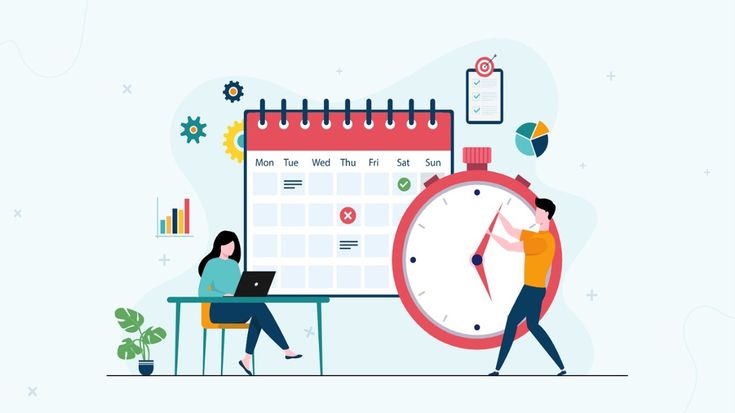
If you have multiple Punch In and Punch Out sessions in a single day, here’s how you can easily view all the details in your report: Basic View: In the Sessions column of the Detailed Attendance Report, you will see your first Punch In and Punch Out of the day. More Sessions: If you have […]