How Can We Help?
How to assign contract to employee
By default, the “Default contract” would affect all the employees.
If you would like to create new contract and assign it to one of the employees, go to “Users”, find the employee,
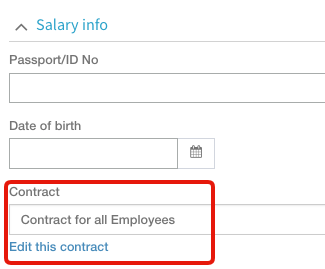
click on the pencil to edit his info, scroll to “Salary Info”, select the contract you created for him and click “save” .
You can also edit the contract from here.