
When you add a date to a Site Policy, the classification you choose acts as a trigger. It tells the system which part of the employee's contract to use. Without the correct classification, the timesheet does not know whether to credit a full day, a half day or a regular day.
1. The "Holiday" classification
- Use case: full national holidays, religious holidays, or company-wide bank holidays when the office is completely closed.
- System logic: on a date marked "Holiday", the system ignores the standard work schedule.
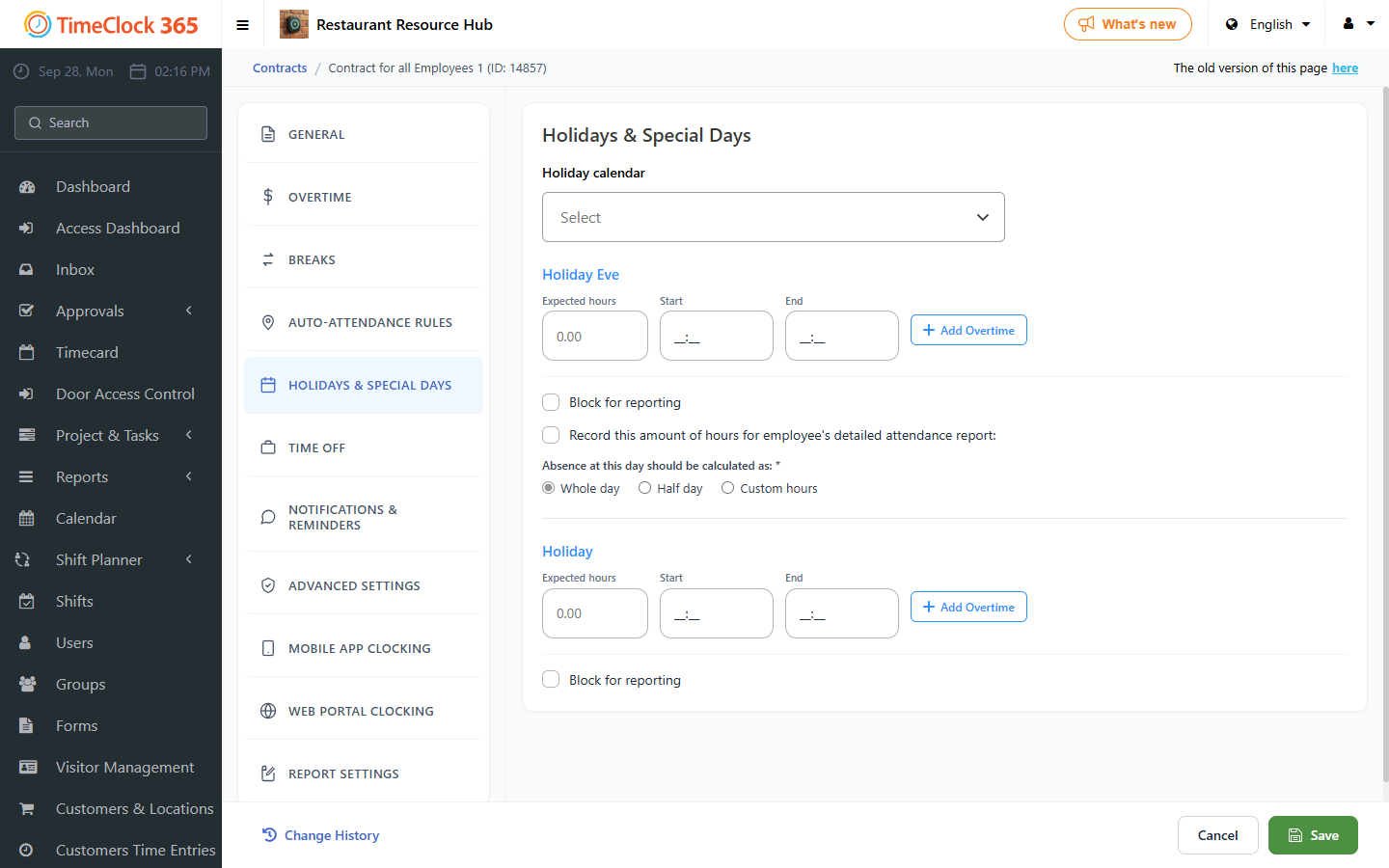
- Contract connection: it goes directly to the Holiday settings in the employee's contract (Holidays & special days tab).
- Result: the employee is credited with the hours defined in the Holiday quota (for example, 8 hours), and the day is marked as a non-working day.
2. The "Holiday Eve" classification
- Use case: the day before a major holiday (for example Christmas Eve or New Year's Eve), or specific local short days.
- System logic: this is a special-logic trigger. Many companies work shorter hours or have different pay rates on eves.
- Contract connection: it goes to the Holiday Eve settings in the contract.
- Result:
- If the contract sets the Holiday Eve quota at 4 hours, the employee is expected to work only 4 hours.
- If they don't work, they are credited with 4 hours.
- If they work more than 4 hours, the system can be set to trigger overtime rates immediately.
3. The "Regular Working Day" classification
- Use case: optional holidays, or when one branch stays open while the rest of the country is on holiday.
- System logic: this is an override rule. It tells the system to treat the date as a normal working day, even if it is globally recognized as a holiday.
- Contract connection: it ignores the Holiday settings and uses the regular work hours.
- Result:
- The employee must clock in and out as usual.
- No automatic holiday credit hours are given.
- Standard overtime rules apply.
Changing classifications
If you labeled a holiday as a Regular Working Day by mistake, update the Site Policy and save. The system re-reads the contract for all linked employees and updates their attendance reports to show the correct holiday pay.