
Biometric access control with fingerprint and face
Nothing to lose, lend or copy. Employees open doors with a fingerprint or their face, you manage every reader from the cloud - and the same scan can clock them in.
- Fingerprint & face
- Templates, not images
- Works offline
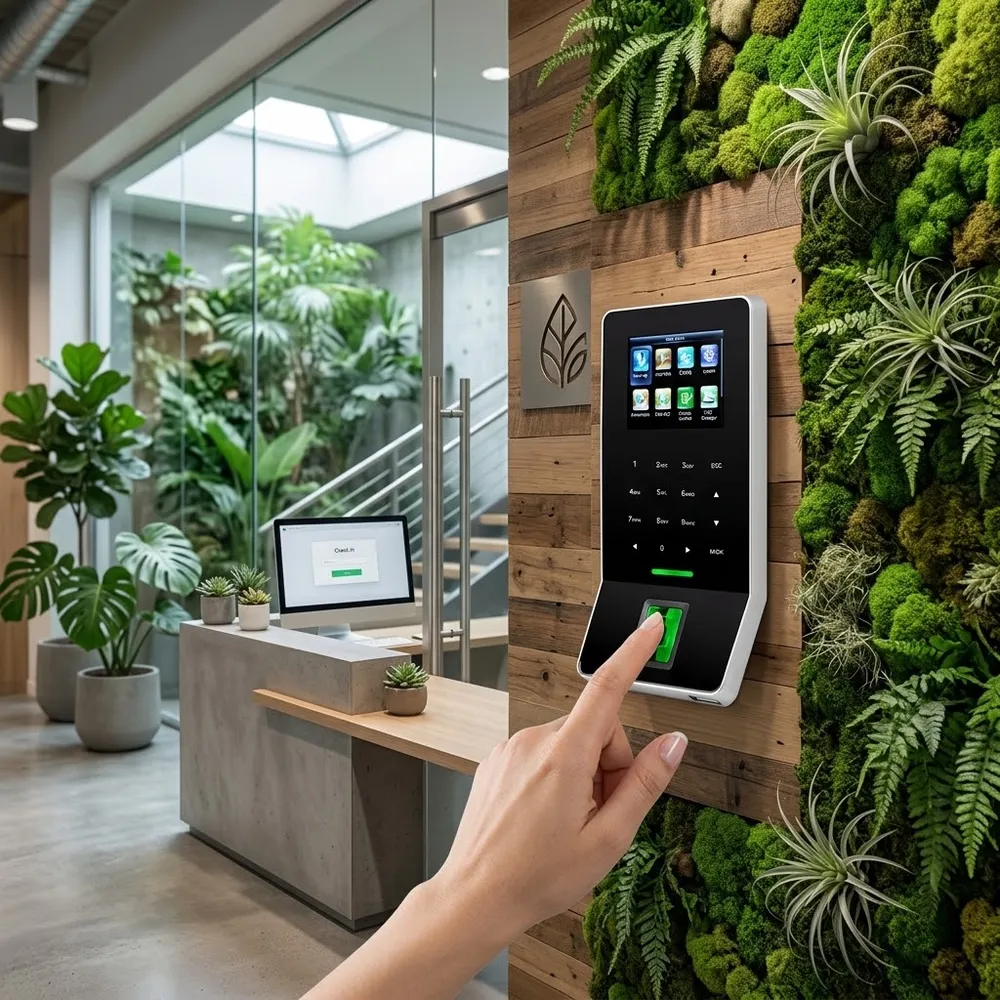
What is biometric access control?
Biometric access control opens a door by checking who the person is - their fingerprint or face - instead of what they carry. At enrollment, the reader turns the fingerprint or face into a template. At the door, it compares the person with the template and opens only if that person has permission for that door at that time.
Because a fingerprint or face can't be passed to a colleague, biometric doors stop shared cards, borrowed keys and "can you let me in" requests.
Choose the method
Fingerprint, face or card - which door needs what
| Fingerprint | Face recognition | Card or fob | |
|---|---|---|---|
| Touch-free | No | Yes | Tap |
| Can be shared or lost | No | No | Yes |
| Works with gloves | No | Yes | Yes |
| Best for | Offices, restricted rooms, stock rooms | Busy entrances, kitchens, labs, sites | Outdoor gates, visitors, contractors |
| Combine for high security | Card + fingerprint on server rooms and sensitive doors | ||
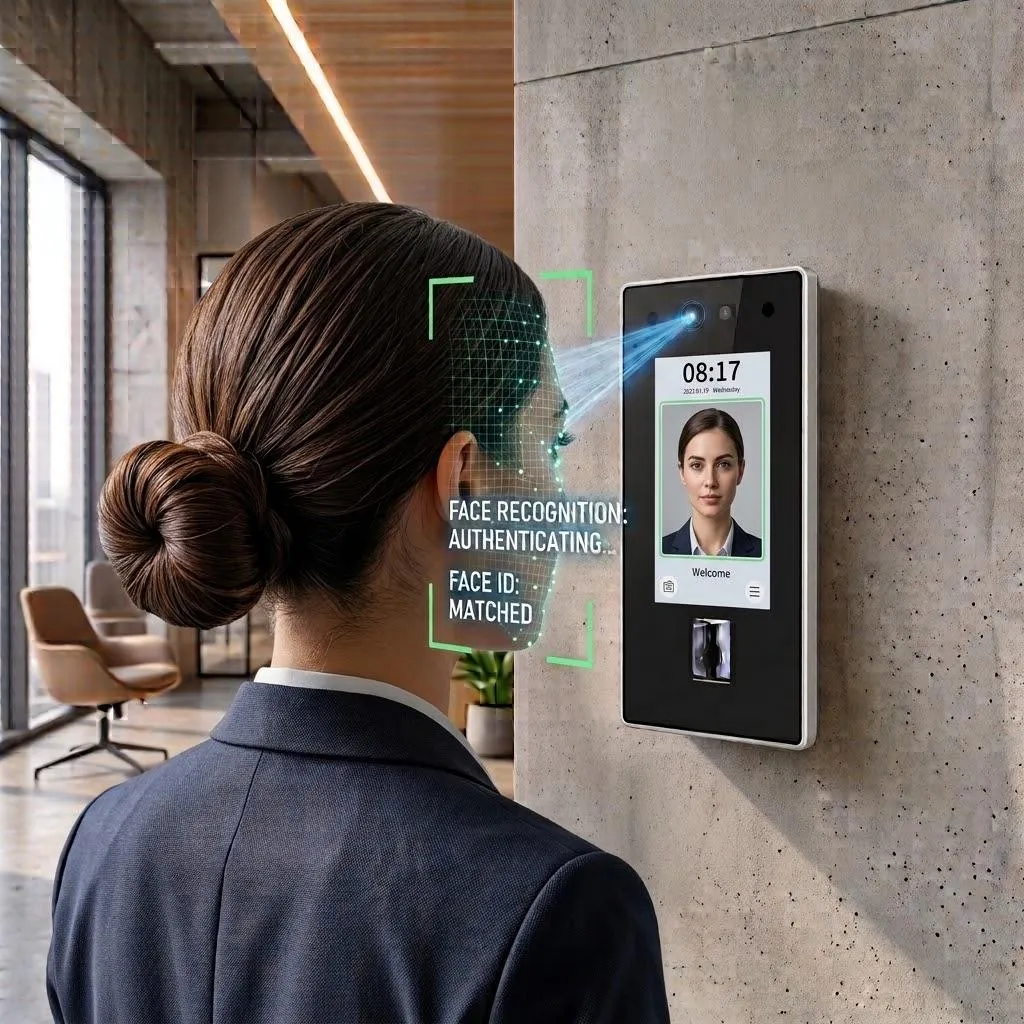
Face recognition
Walk up, look, walk in
Face recognition opens the door in under a second without touching anything - ideal for main entrances at shift start, hygiene-sensitive areas and teams that wear gloves.
- Touch-free and fast for busy entrances
- Face + card on the same reader
- Every entry logged with time and door
Privacy
Biometric data, handled responsibly
Employees and works councils rightly ask what happens to their fingerprints. The short answer: a fingerprint template is stored, not a picture - and it can't be turned back into one.
- Templates, not images - a mathematical code from the fingerprint
- Used only to open doors and record entries
- Removed when the person is deleted
- ISO/IEC 27001:2022 certified, GDPR compliant
Multi-factor doors
Require card + fingerprint on server rooms, stock rooms or medication cabinets.
Instant offboarding
Deactivate a person once and every biometric reader stops letting them in.
Doubles as attendance
The scan that opens the door can start the workday - no buddy punching.
Devices
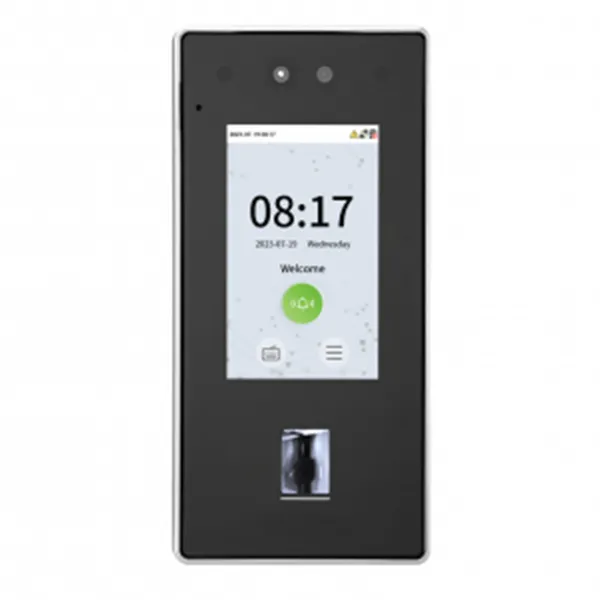
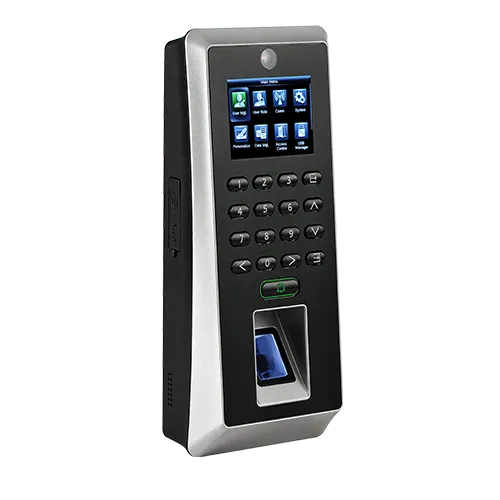
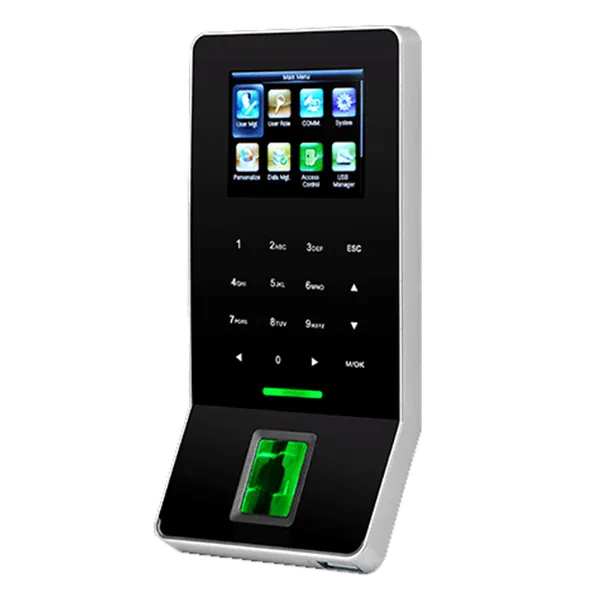
Biometric readers and controllers
Every device connects to your TimeClock 365 account and is managed from the cloud.
Pricing
Door access control from $1.90 per user / month
Billed annually, including biometric, RFID and NFC access. Readers and controllers are quoted per building.
Frequently asked questions
What is biometric access control?
Biometric access control opens doors by checking a physical trait - a fingerprint or a face - instead of a key or card. The reader compares the person with the enrolled template, and the door opens only for people who have permission for that door at that time.
Fingerprint or face recognition - which is better?
Fingerprint is fast and cost-effective for offices, retail and restricted rooms. Face recognition is touch-free and better for busy entrances, kitchens, labs and sites where people wear gloves. Many companies use face at the main entrance and fingerprint on inner doors.
Is fingerprint data stored as an image?
No. The reader stores a template - a mathematical code made from the fingerprint - not a picture, and the template cannot be turned back into a fingerprint image. TimeClock 365 is ISO/IEC 27001:2022 certified and GDPR compliant.
Can I combine biometrics with a card or PIN?
Yes. Sensitive doors such as server rooms or stock rooms can require two methods together, for example card plus fingerprint.
What happens when an employee leaves?
Deactivate them in TimeClock 365 and their access is removed from every door. There is no card to collect, and a fingerprint or face cannot be lent to someone else.
Can biometric entries be used for attendance?
Yes. The same scan that opens the door can record the clock-in, because access control and attendance share one TimeClock 365 account.
Do biometric readers work without internet?
Yes. Users and permissions are stored on the device, so doors keep working during an outage. Events sync when the connection returns.
Related
See biometric doors in action
Book a 30-minute demo and get a quote for your doors.