
Biometric time clocks, connected to the cloud
Employees clock in with a fingerprint, face, card or PIN at the entrance. Every punch lands in TimeClock 365 within seconds - ready for attendance reports, overtime and payroll. No buddy punching, no paper, no server.
- Works offline
- Setup in minutes
- ISO 27001 certified
Tap the sensor to punch
How it works
From fingerprint to payroll, automatically
The clock is just the front door. Everything else - rules, reports, approvals - happens in the cloud.
- 1
Employee punches
Fingerprint, face, card or PIN, with Check-In, Check-Out or Break.
- 2
Clock verifies
Identity is confirmed on the device in under a second.
- 3
Punch syncs
Sent to TimeClock 365 over Ethernet or Wi-Fi - or stored until the connection is back.
- 4
Hours are calculated
Overtime, breaks and absences by contract, ready for approval and payroll.
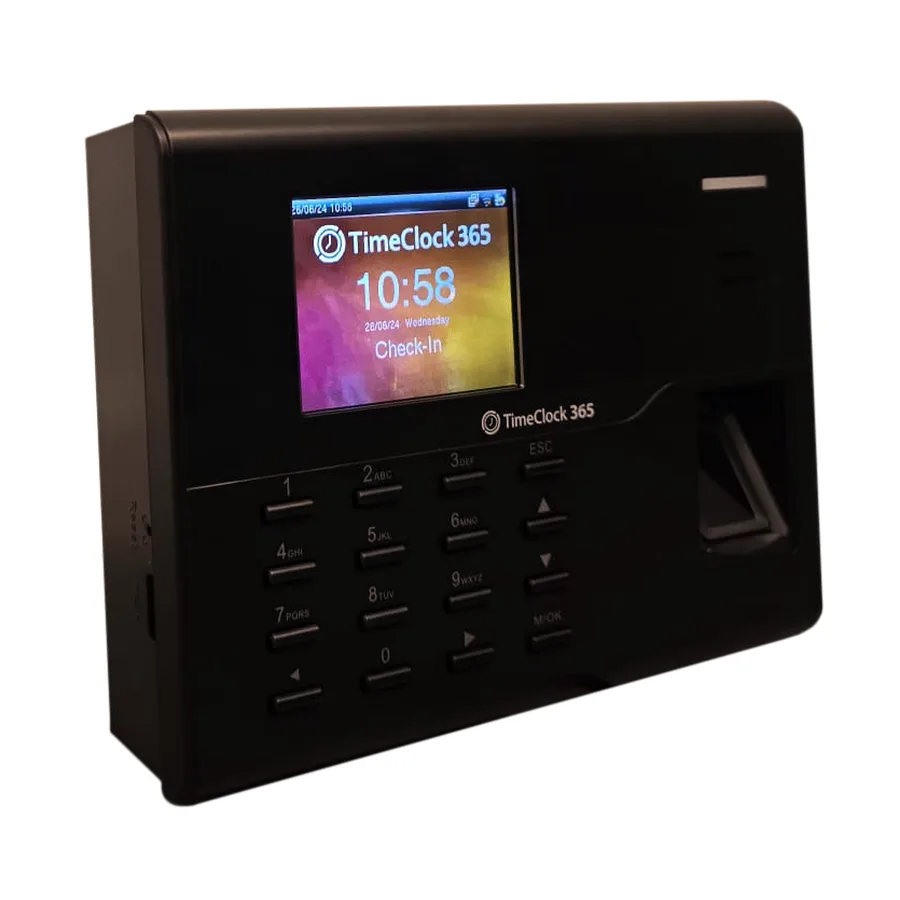
The fingerprint clock
Built for the wall at your entrance
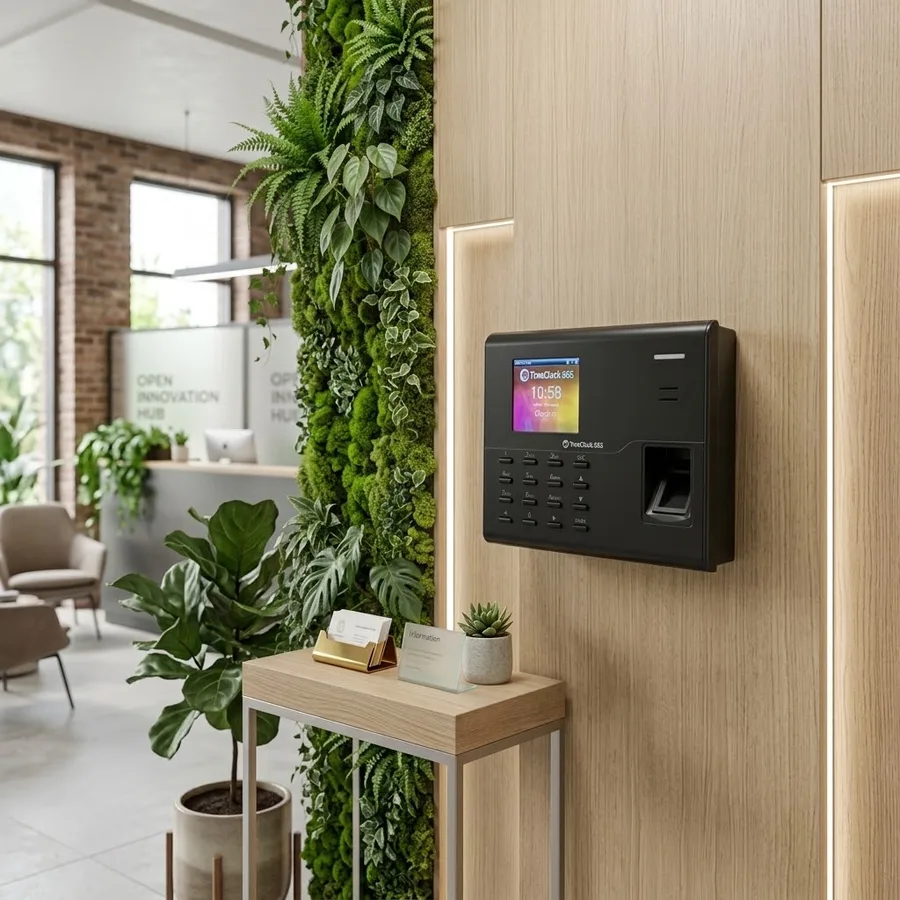
A compact terminal with a color screen, keypad and fingerprint sensor. Mount it at the entrance, connect it to the network and it's ready.
- Identification
- Fingerprint, RFID card, PIN - alone or combined
- Screen
- 2.8, 3 or 3.5-inch color screen with keypad
- Connection
- Ethernet or Wi-Fi to the cloud, USB port
- Capacity
- Up to 10,000 users and 300,000 records (by model)
- Offline
- Punches stored on the clock and synced later
- Extras
- Punch states, shift bell, voice prompts, door lock output
Choose how employees identify
The right method for every workplace
Mix methods across sites - all punches end up in the same attendance report.
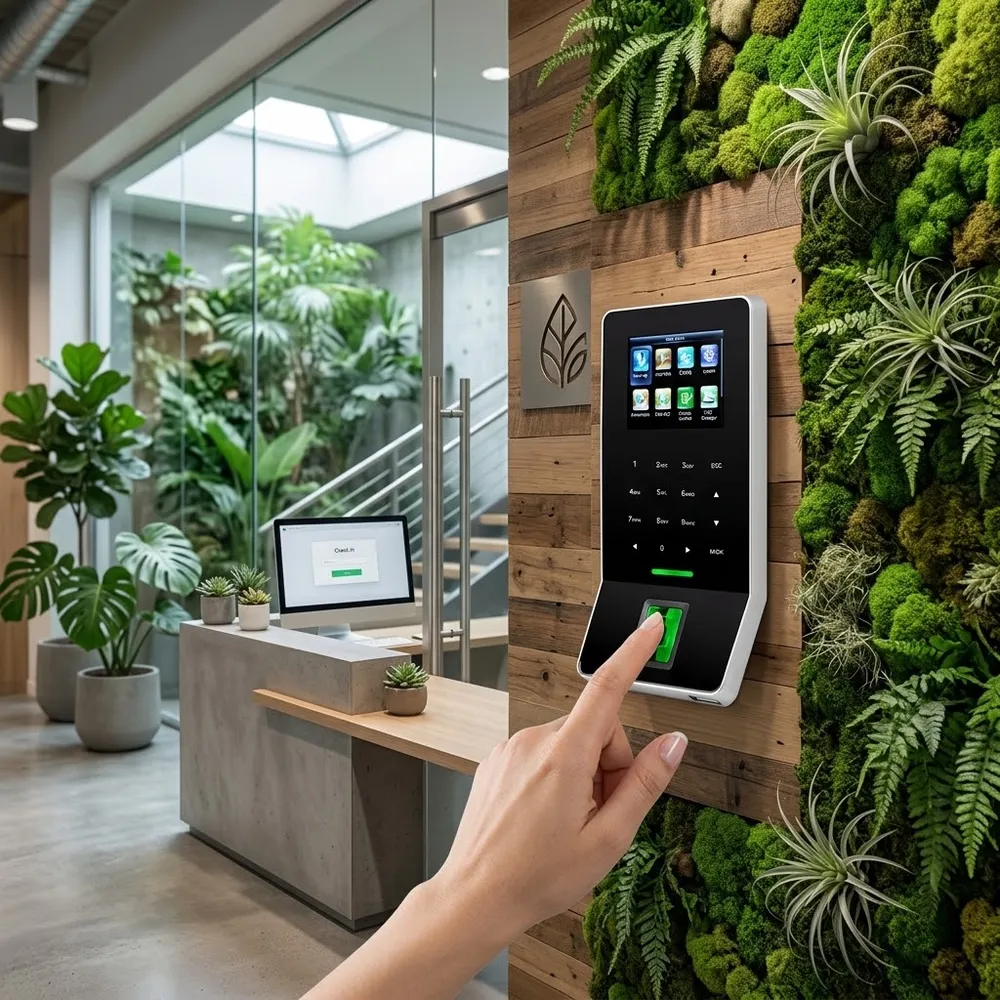
Fingerprint
Under a second. The most common choice for offices, retail and manufacturing.
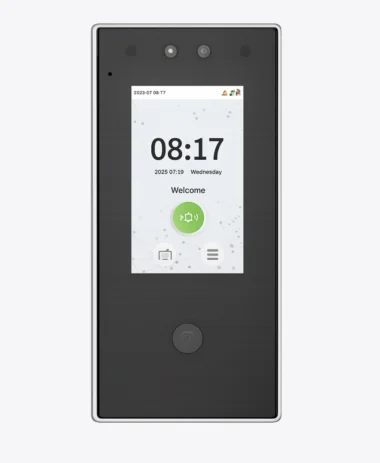
Face recognition
Touchless clock-in for busy entrances, kitchens and sites where hands are gloved or dirty.
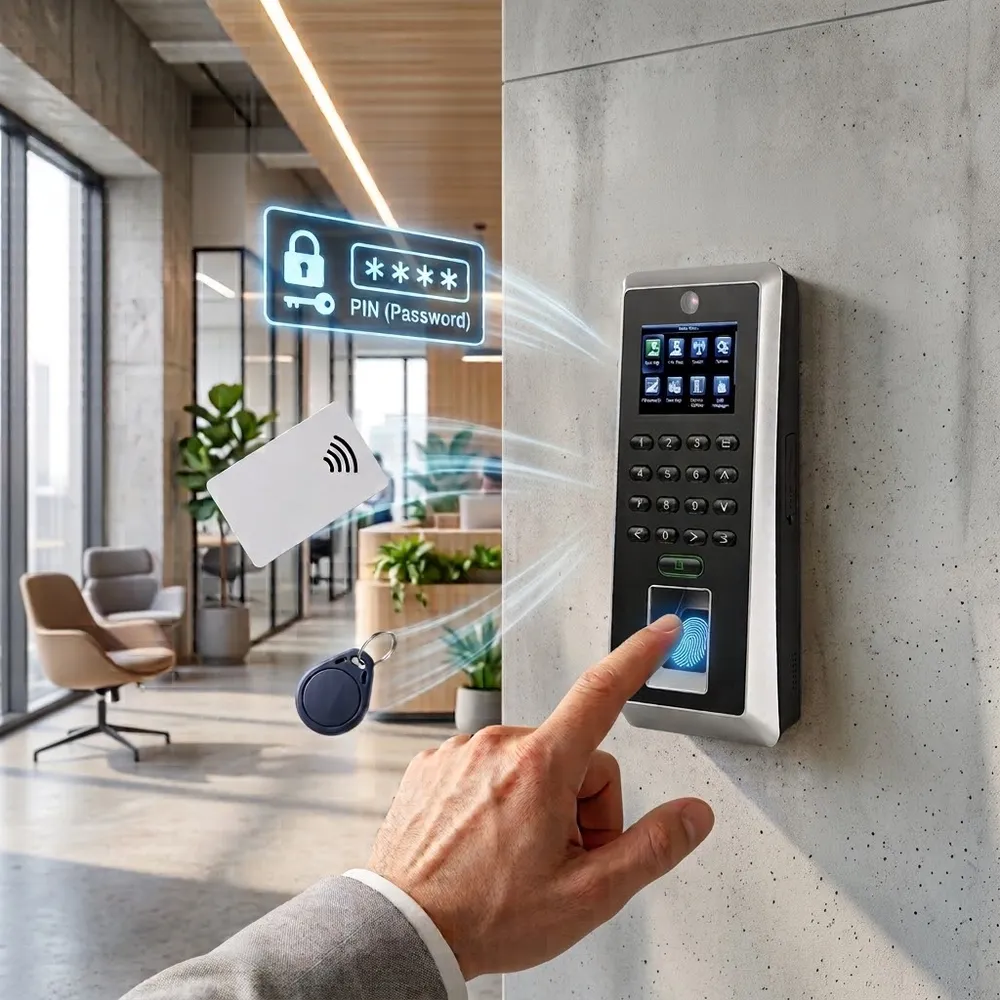
Card or PIN
RFID card or a personal password for employees who can't use fingerprint.
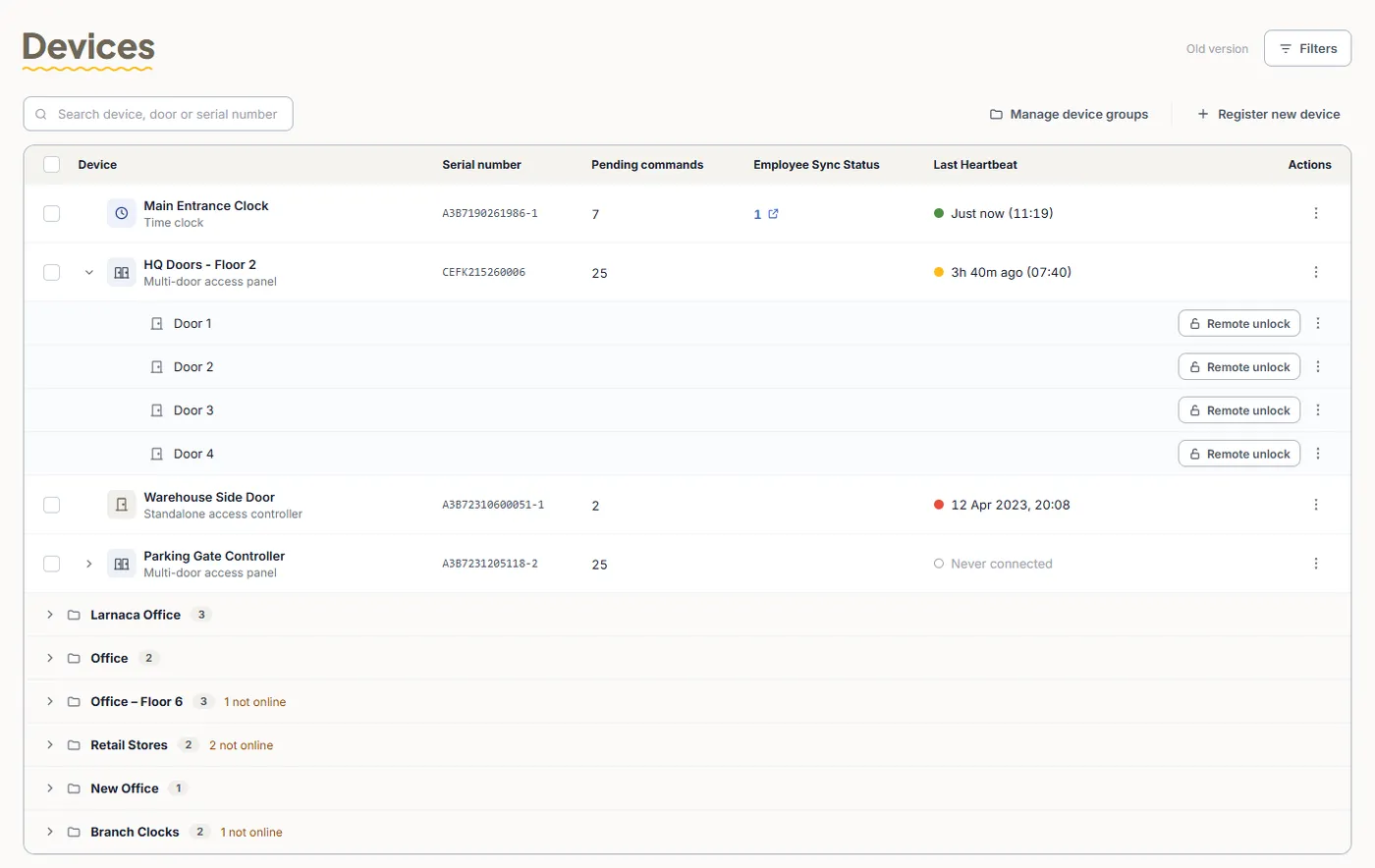
Managed from the web portal
Every clock, every site, one screen
See which clocks are online, when they last connected and whether all employees are synced - without walking to the device.
On the device
More than a fingerprint reader
Punch states
Check-In, Check-Out, Break and Overtime - chosen by key or switched automatically by time.
Guide →Shift bells
Ring the clock (or an external bell) at shift start, breaks and end of day.
Guide →Attendance search
Employees check their own punches on the clock screen.
Guide →USB download
Download attendance data to a USB drive as a backup.
Guide →Admin roles
Only authorized managers can open the clock menu.
Guide →Backup & restore
Back up users and records, restore or clear data.
Guide →Language & voice
Screen language, voice prompts and volume.
Guide →Self-test
AutoTest checks the screen, sensor, keypad and clock.
Guide →Why biometric
Only the real employee can punch
Cards get shared and PINs get passed around. A fingerprint or face can't be lent to a colleague - so the hours you pay are the hours that were worked.
- No buddy punching - each punch is tied to a verified person
- Nothing to lose - no cards to replace or passwords to reset
- Fewer disputes - every punch has a time, a device and a method
- Privacy built in - templates, not fingerprint images; ISO 27001 and GDPR
Who uses it
Where biometric clocks make the difference
Manufacturing & warehouses
Shift bells, punch states and many employees at the same entrance.
Retail & restaurants
A clock in every branch, all reporting to one account.
Construction & sites
Face recognition when hands are gloved, mobile app for remote sites.
Offices & clinics
One scan to clock in and open the door.
Frequently asked questions
How does the biometric clock send punches to TimeClock 365?
The clock connects to the internet with a network cable (Ethernet) or Wi-Fi. Every punch is sent to the TimeClock 365 cloud and appears on the dashboard and in the attendance reports - no server or local software needed.
What happens if the internet goes down?
The clock keeps working. Punches are saved on the device and sync automatically when the connection is back. You can also download attendance data from the clock to a USB drive.
Which identification methods are supported?
Fingerprint, RFID card and PIN password, alone or combined (for example fingerprint plus PIN). A face recognition clock is available for touchless clock-in.
How are employees added to the clock?
Add employees once in the TimeClock 365 web portal and they are uploaded to the clock automatically. Then enroll each employee's fingerprint or card at the clock in under a minute.
Is fingerprint data safe?
The clock stores a fingerprint template - a mathematical code, not a picture of the fingerprint - and it cannot be turned back into a fingerprint image. TimeClock 365 is ISO/IEC 27001:2022 certified and GDPR compliant.
Can the same clock open a door?
Yes. A biometric terminal wired to an electric lock opens the door after a successful verification, and the same scan records the clock-in. Lock delay, door sensor and alarm are set on the clock.
How many employees can one clock hold?
It depends on the model. A standard fingerprint clock holds up to 10,000 users and 300,000 attendance records. You can check usage on the clock under System Info.
Can employees see their own punches at the clock?
Yes. With Attendance Search, an employee enters their ID and a date range to see their records on the clock screen. The full history is always in the web portal and mobile app.
Setup guides
Put a biometric clock at your entrance
Tell us how many employees and sites you have - we'll recommend the right clocks and send a quote.