
Security you can show your auditor
Who opens which door and who worked which hours is sensitive data. TimeClock 365 is ISO/IEC 27001:2022 certified and gives IT the controls to keep it that way.
- ISO/IEC 27001:2022
- SSO & 2FA
- Role-based access
Data integrity
Hours and entries you can trust
Four roles
Administrator, group manager, employee, editor.
🌐Office IP only
Limit web punch-in to the office network.
Locked reports
Nothing changes after payroll is run.
Live access log
Every door entry and denied attempt.
Biometric identity
Fingerprint and face stop buddy punching.
Offline doors
Controllers keep permissions locally.
Certification
ISO/IEC 27001:2022 certified
ISO 27001 is the international standard for managing information security. TimeClock 365's certification covers the cloud platform that runs your doors, attendance and HR data.
View the certificate →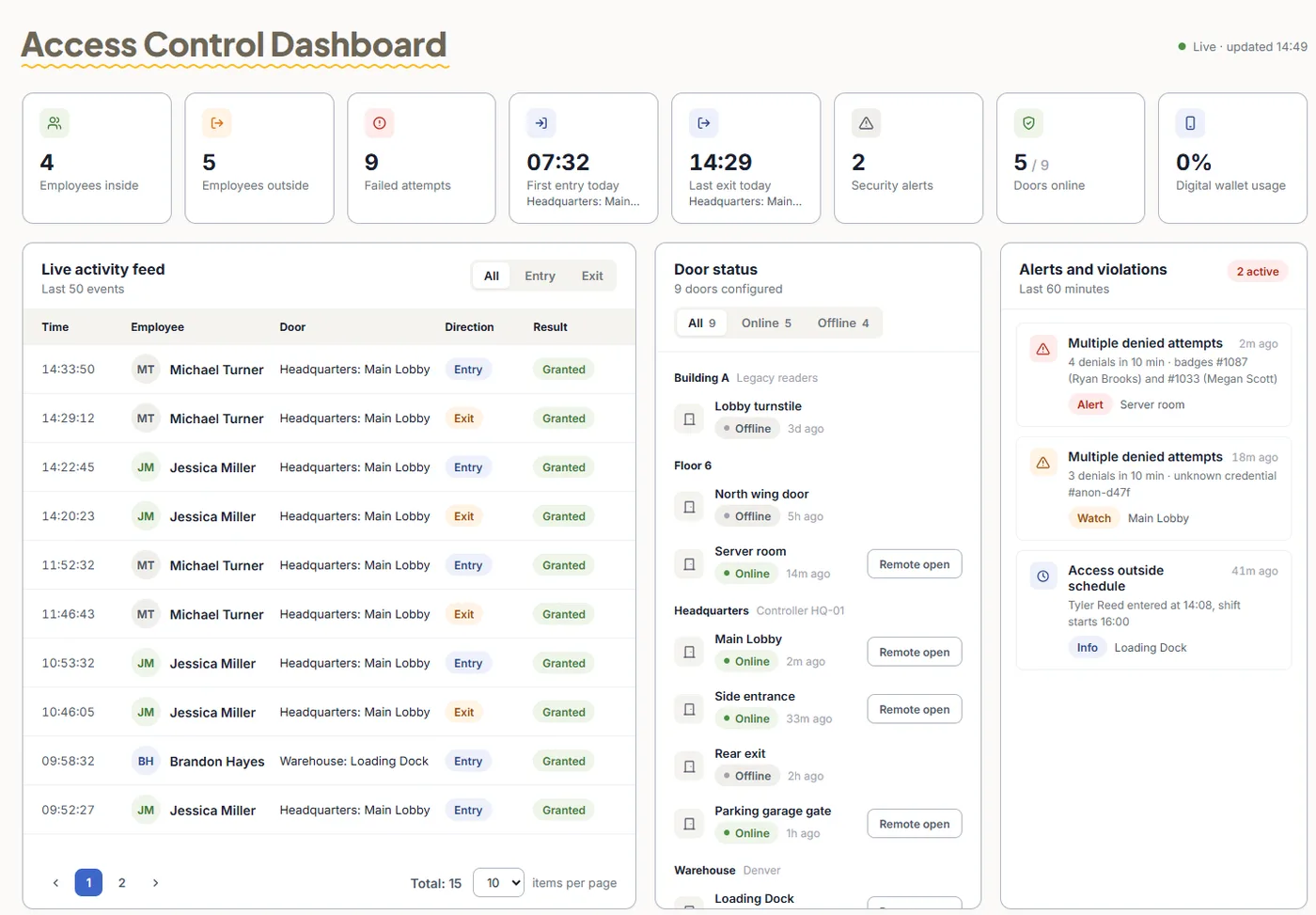
Frequently asked questions
Is TimeClock 365 ISO 27001 certified?
Yes. TimeClock 365 is certified to ISO/IEC 27001:2022, the international standard for information security management. The certificate can be viewed on the TimeClock 365 ISO 27001 page.
Does TimeClock 365 support single sign-on?
Yes. TimeClock 365 supports SAML single sign-on and user sync with Azure Active Directory (Microsoft Entra ID), and an Okta integration that imports groups and maps them to TimeClock 365 roles.
Can we require two-factor authentication?
Yes. Two-factor authentication (2FA) can be enabled for user login, and an auto-logout timer ends inactive sessions after the time you set.
Who can see what in TimeClock 365?
Access is role-based. TimeClock 365 has four roles: system administrator, group manager, employee and editor. Group managers see and approve their own teams, and absence types can be restricted by permission level.
Can employees only clock in from the office network?
Yes. Web punch-in can be restricted to the office IP address, mobile punches can be limited to a geofence, and biometric clocks identify the employee by fingerprint or face.
Can attendance be changed after payroll?
Reports can be locked after a set date so nothing changes after payroll is run, and alerts can notify managers when employees edit their own reports.
What happens to door access during an internet outage?
Controllers keep their access permissions locally, so doors keep working, and events sync to the cloud when the connection is back. Lost cards and revoked users are blocked on every door from the cloud.