
Switching to TimeClock 365 without the headache
Bring your employees, your work rules and your doors into one cloud system - and run it next to your old system until the numbers match.
How it works
Four steps to switch
- 1
Import employees
From Excel, or synced from Azure AD.
- 2
Set work rules
Work agreements for hours, breaks and overtime.
- 3
Connect devices
Register readers and clocks; employees upload automatically.
- 4
Run in parallel
Compare a pay period, then switch over.
From on-premise access
Moving doors to the cloud
Replacing an on-premise access system? TimeClock 365 controllers keep permissions locally so doors work offline, while you manage every door, card and phone key from the browser - and door entries can become attendance.
Cloud vs on-premise →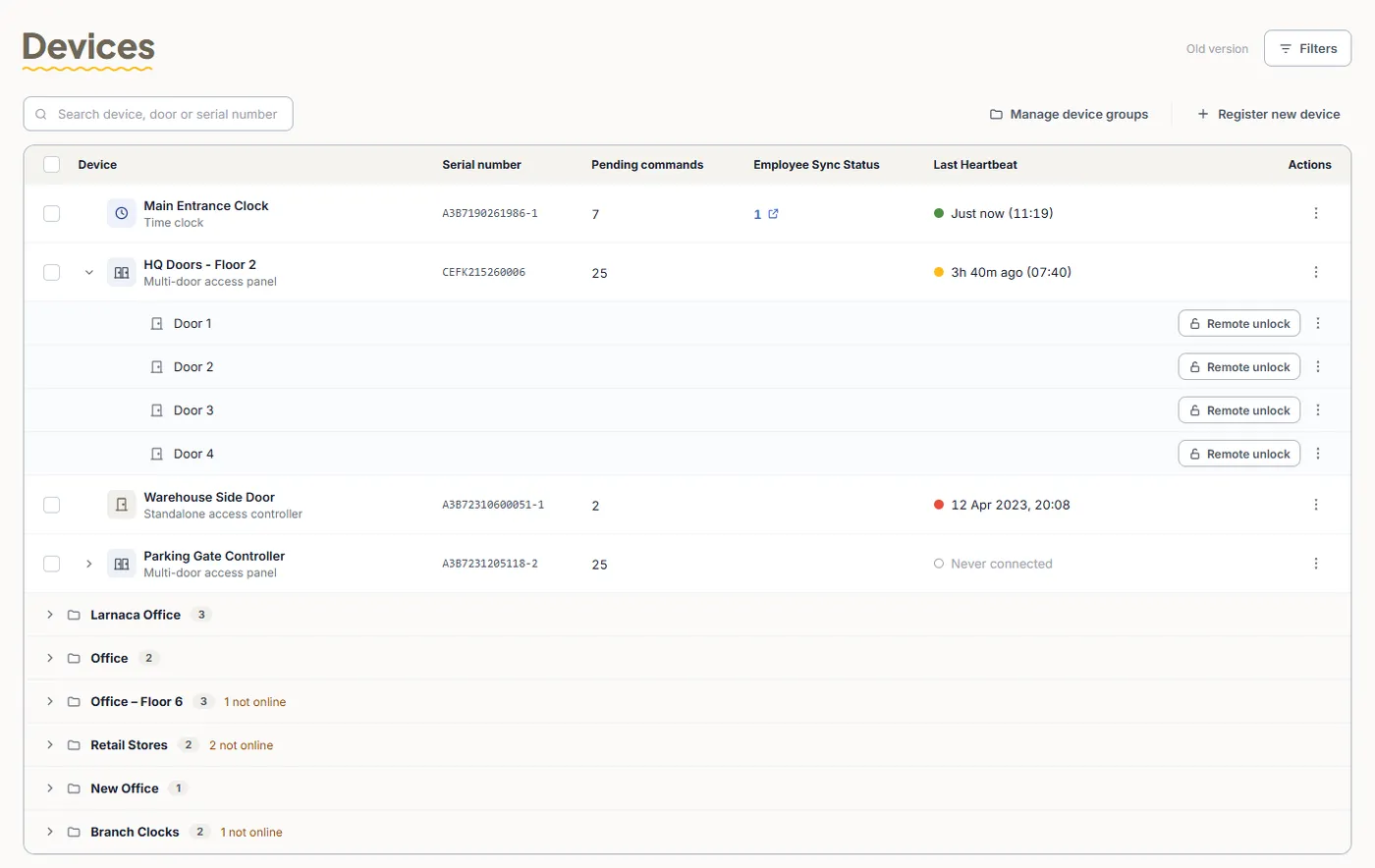
Frequently asked questions
How do I switch to TimeClock 365 from another system?
Import your employees from an Excel file (or sync them from Azure AD), set up work agreements with your standard hours and overtime rules, choose clock-in methods, and register any TimeClock 365 controllers, readers or time clocks in the web portal. The TimeClock 365 team can walk you through it in a demo.
Can I import employees in bulk?
Yes. Employees can be imported from an Excel file using the template described in the support guide, added one by one, or synced from Azure AD.
Do we need new hardware?
Not to start. Employees can clock in from the web, the mobile app, Microsoft Teams or Slack. For door access control or biometric clock-in, TimeClock 365 controllers, readers and time clocks are quoted per site and registered in the web portal; employees are uploaded to the devices automatically.
Can we try it before switching?
Yes. There is a 14-day free trial of the full platform with no credit card, so you can run TimeClock 365 next to your current system before switching.
How much does it cost?
Door access control starts at $1.90 per user per month, attendance at $3.90, and Attendance + Access Control is $4.90 per user per month, billed annually.