
Cloud door access control
Let people in with a mobile wallet, card, fingerprint or face. Manage every door, site and permission from one cloud dashboard, unlock remotely and see every entry live - with no server to maintain. Each entry can also clock the employee in.
- No local server
- Remote door unlock
- Multi-site
- ISO 27001
From $1.90 per user / month · See plans
Access methods
Open doors the way that suits each entrance
Use one method or combine them - for example card + fingerprint for a server room.
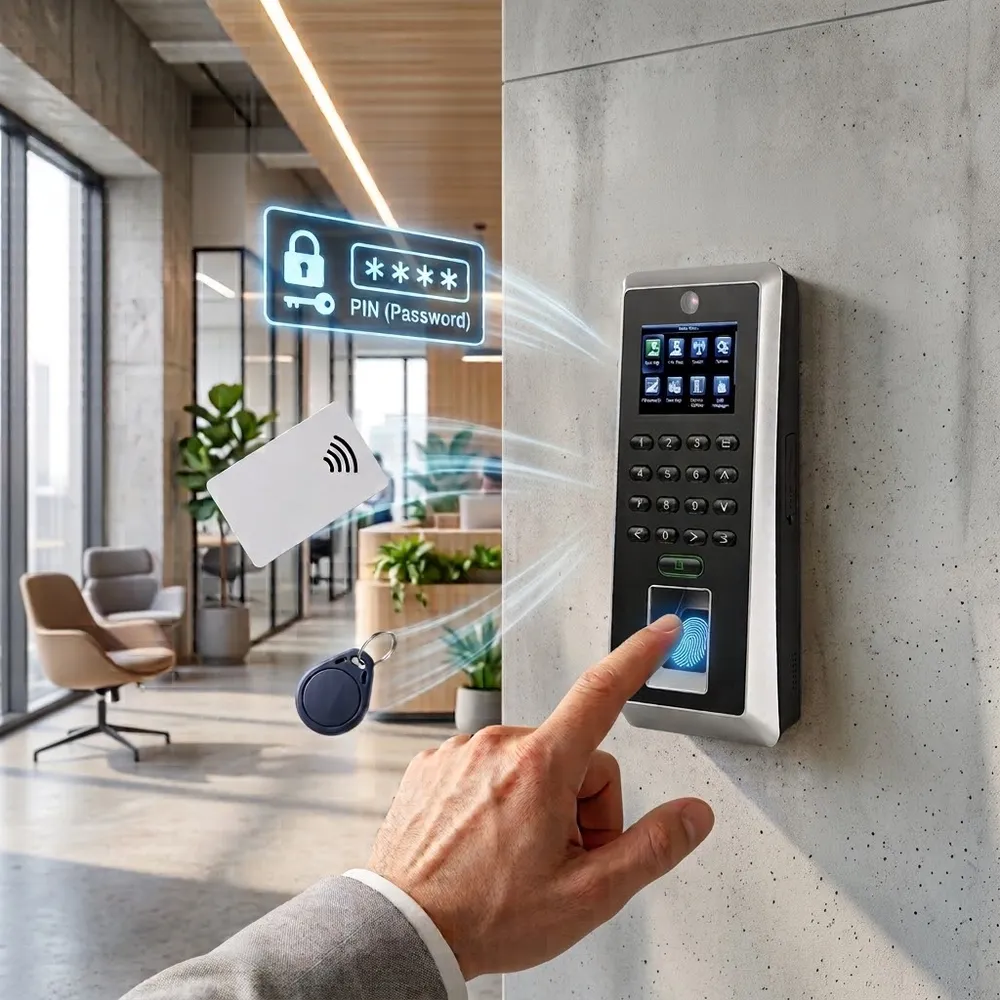
Card, fob and PIN
RFID / NFC cards and key fobs (Mifare, DESFire, HID) or a PIN code. Easy to issue, instant to revoke.
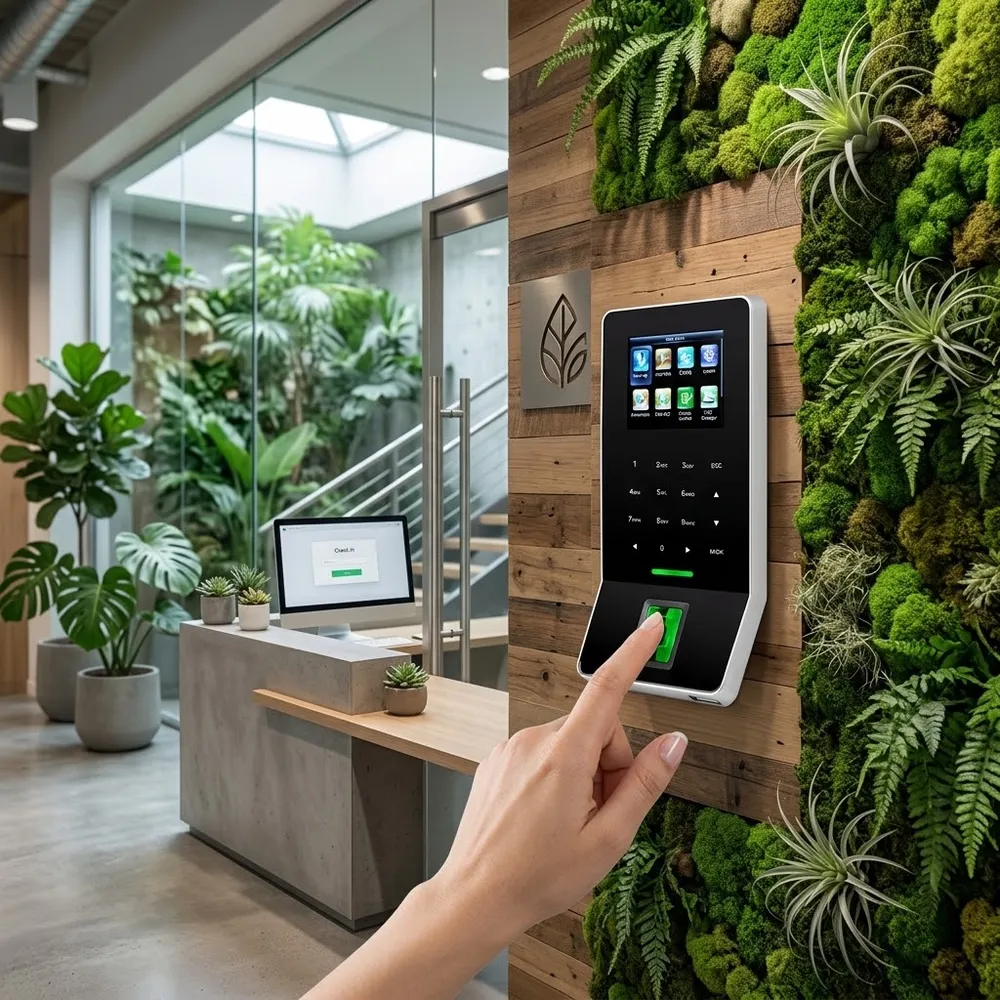
Fingerprint
Nothing to lose or share. Ideal for restricted rooms and sites with high staff turnover.
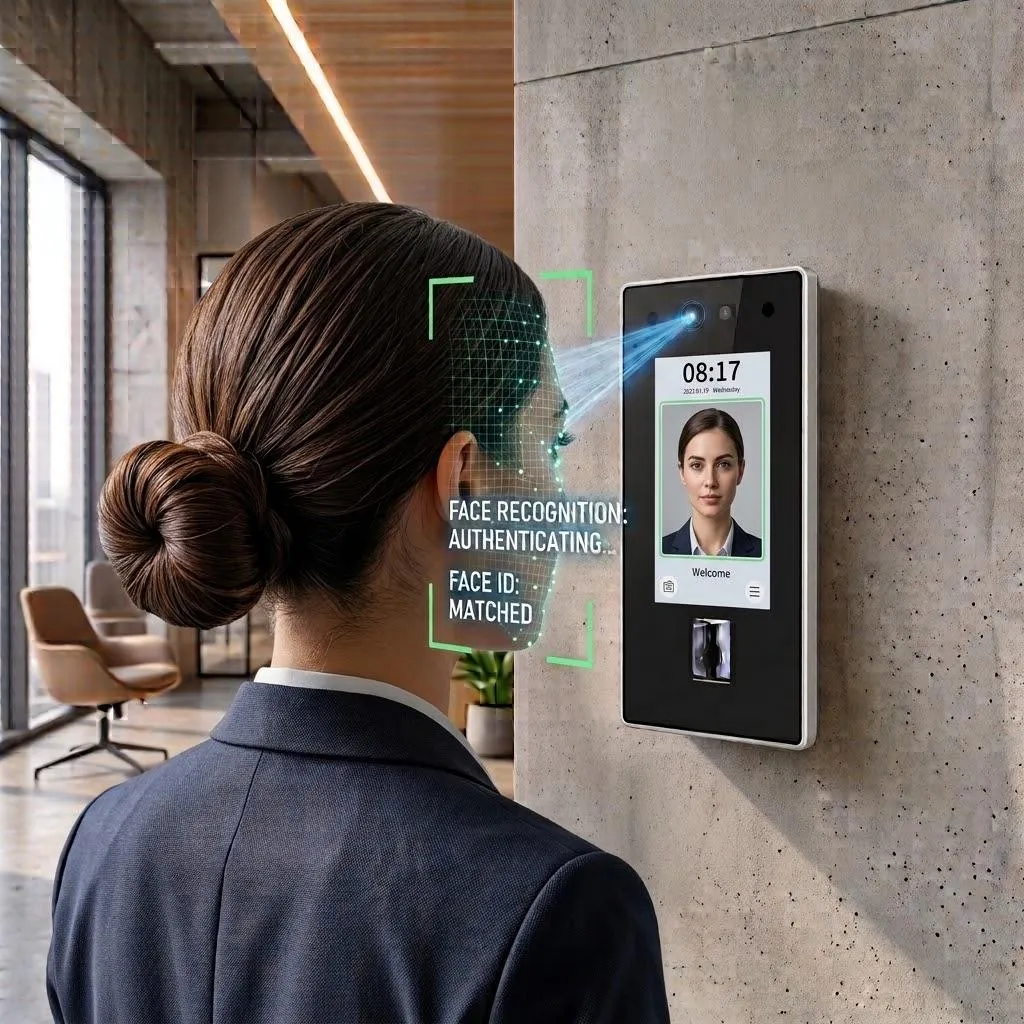
Face recognition
Touch-free entry in under a second - good for busy entrances and hygiene-sensitive areas.
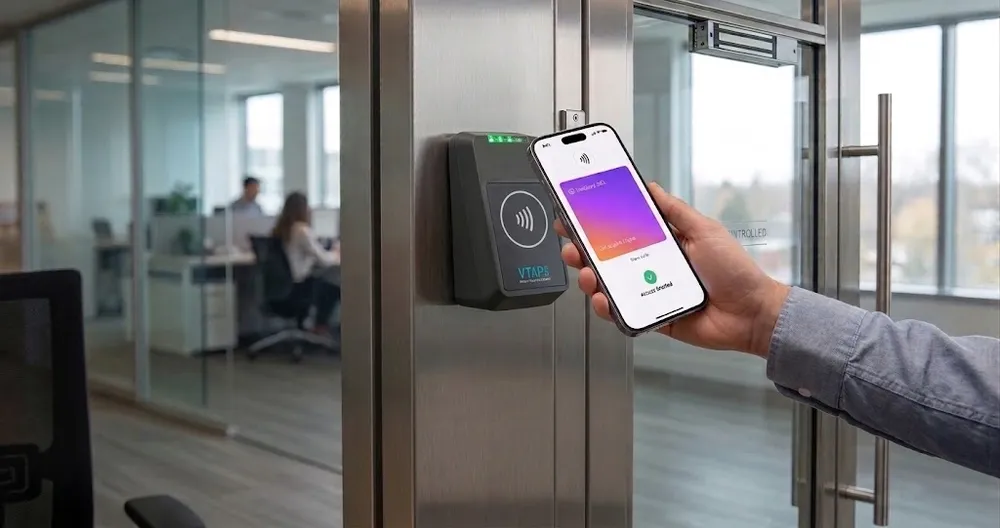
Apple Wallet & Google Wallet
The employee's phone becomes their key. No cards to print, hand out or collect back.
Try it
Open the door yourself
Interactive demo - tap to open the door
How it works
From the door to your dashboard in four steps
- 1
Install the hardware
Mount a controller and readers at your doors, gates or turnstiles and connect them to the network (LAN, Wi-Fi or 4G, depending on the model).
- 2
Add doors and people in the cloud
Devices appear in your account. Add employees - or sync them from Azure AD, Okta or HiBob - and group doors by site.
- 3
Set who can go where, and when
Give each group access to specific doors during specific hours. Changes are sent to the doors automatically.
- 4
Every entry is logged
Each door event is recorded with person, door, method and time - and can count as a clock-in for attendance.
Real-time visibility
See who's inside, right now
The Access Dashboard shows a live feed of door events as they happen, who is inside and who is outside the building, and any alerts or violations from the last hour.
- Live activity feed - the latest door events, updated in real time
- Employees inside / outside - useful for headcounts and emergency roll-calls
- Alerts and violations - denied attempts and unusual access, flagged immediately
- Access log - filter by date, site, door or employee and export it for audits
- SMSarah MitchellMain entrance · FaceGranted
- DKDaniel KimWarehouse side door · CardGranted
- LPLaura PerezServer room · FingerprintGranted
- VSVisitorReception · Invite linkGranted
- JBJames BrownServer room · CardDenied
Illustration with sample data
Access Control Dashboard
Your whole building on one live screen
Who's in, who's out, which doors are online, and what needs your attention - updated in real time.
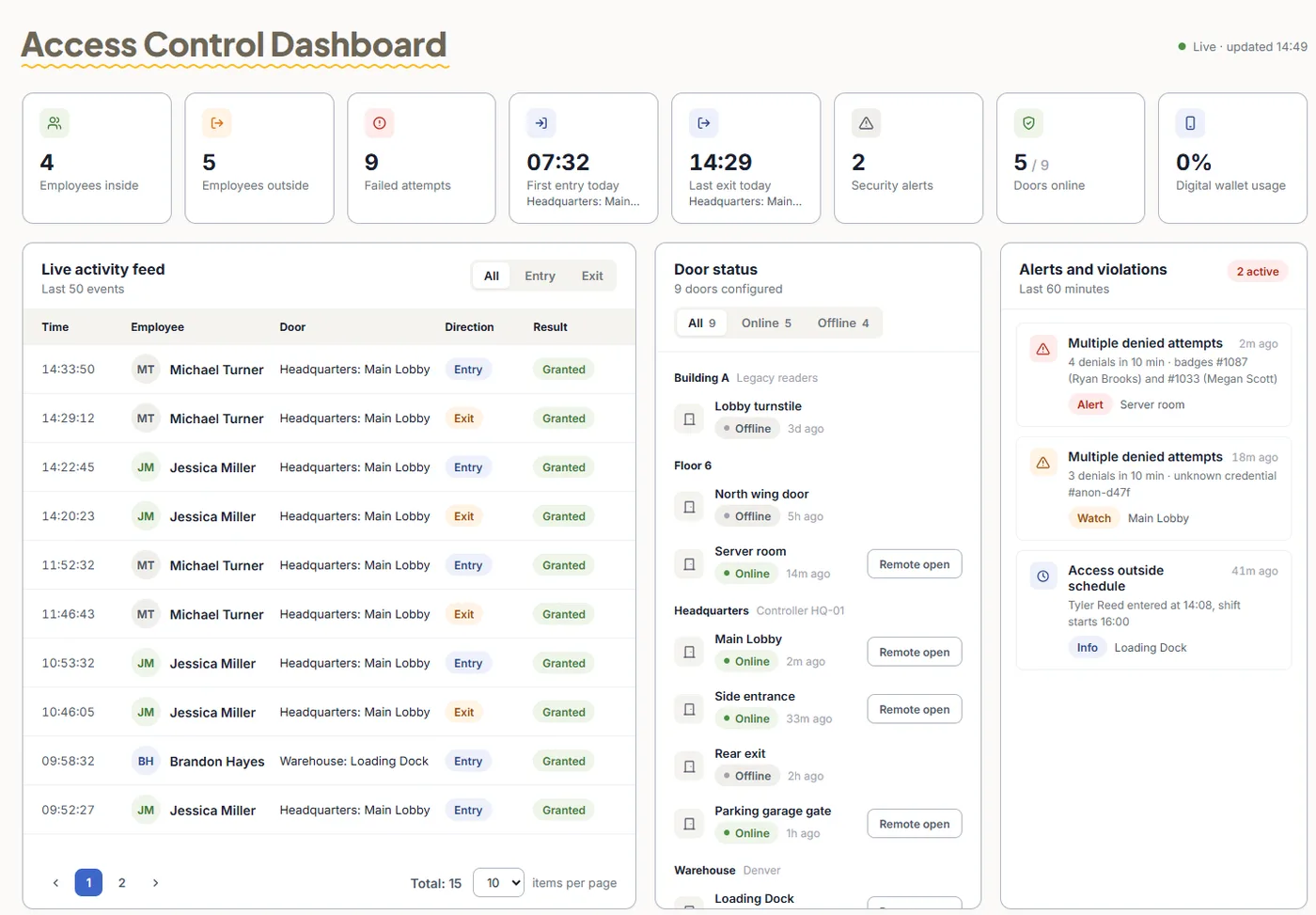
Today at a glance
Employees inside and outside, failed attempts, first entry and last exit, security alerts, doors online and digital wallet usage.
Live activity feed
Every entry and exit with time, employee, door and result - filter by entry or exit.
Door status & remote open
Online and offline doors grouped by building, with a Remote open button for each door.
Alerts and violations
Repeated denied attempts and access outside an employee's schedule are flagged automatically.
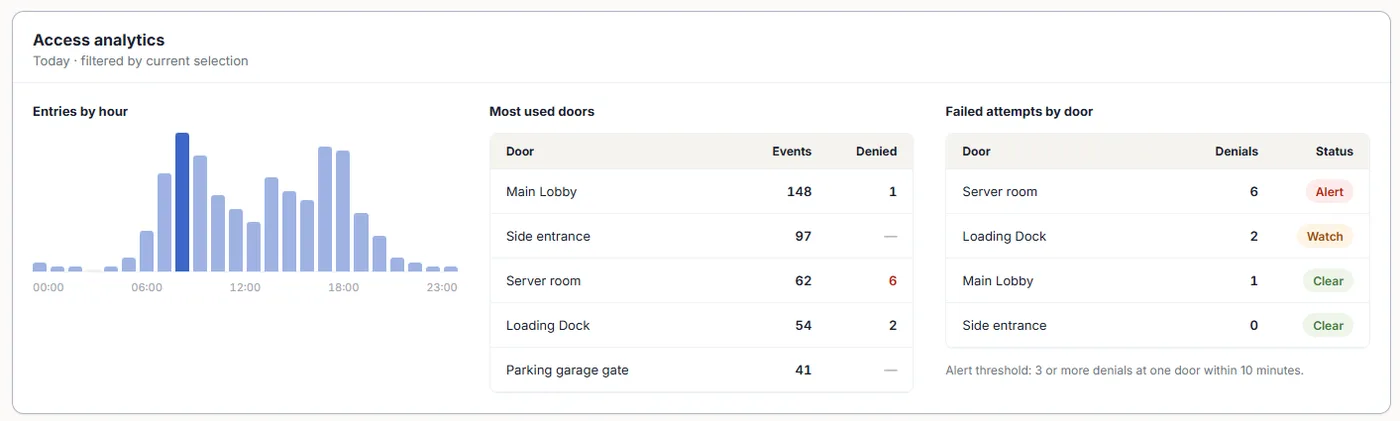
Access analytics: entries by hour, the most used doors, and failed attempts per door - with an alert when a door gets repeated denials in a short time.
Manage every device from the cloud
All your doors, clocks and controllers on one screen
Check the status of every device, open a door remotely, and organize devices by site - without visiting the building.
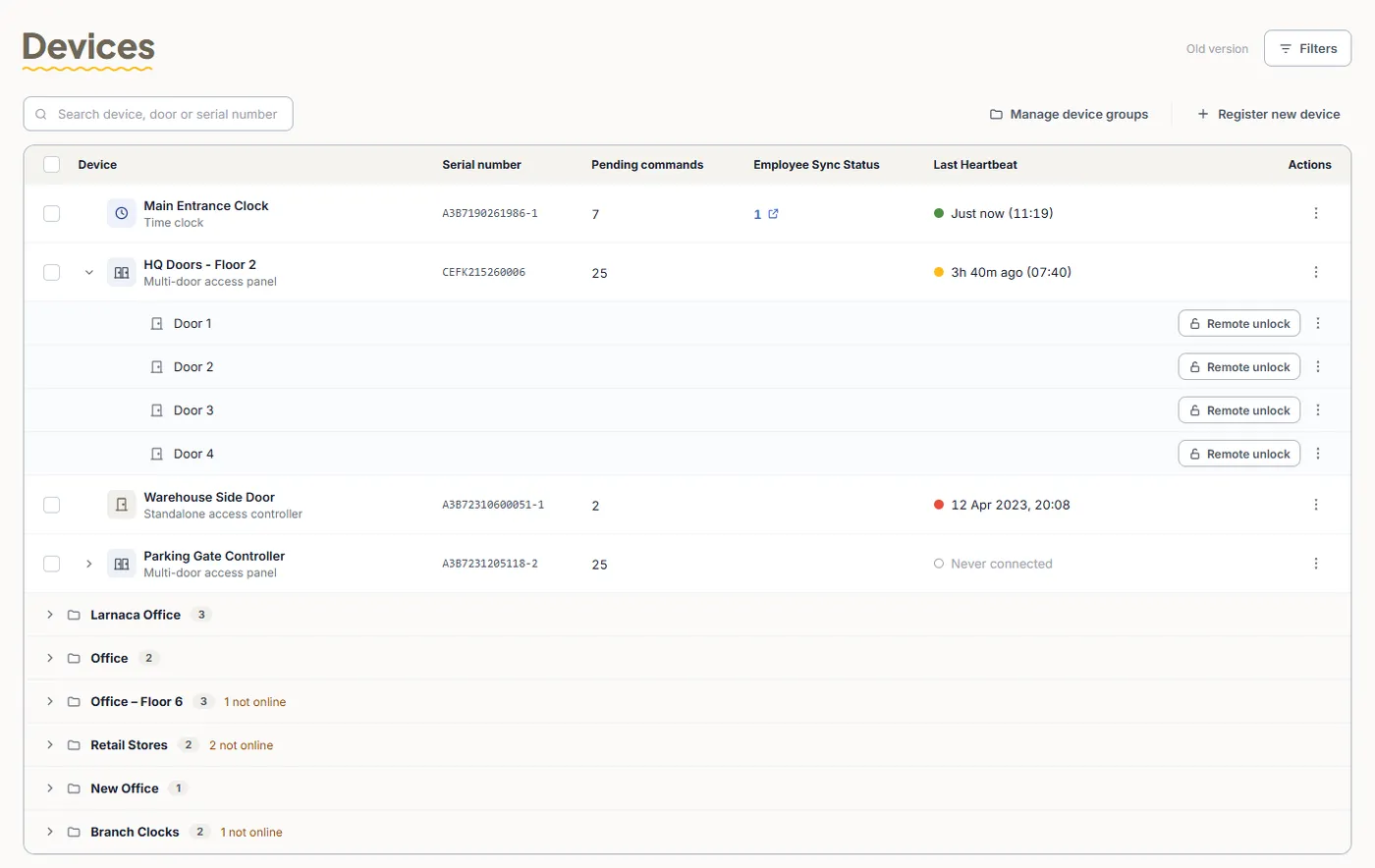
Remote unlock
Open any door from the web portal - for a courier, a visitor or a locked-out employee.
Live device status
Last heartbeat for every device, so you know right away if a door controller goes offline.
Employee sync status
See which devices are up to date and which still have employees or commands waiting to sync.
Device groups by site
Group devices by office, floor or branch and see at a glance how many are not online.
Permissions & rules
Exactly who can go where, and when
Set access once by group, and TimeClock 365 pushes it to every relevant door. When someone joins, moves team or leaves, their access changes with them - no cards to chase.
Access groups
Give teams access to the doors they need - for example, Warehouse staff to loading docks only.
Time schedules & holidays
Allow entry only during working hours, and block or open doors on holidays.
Multi-factor at sensitive doors
Require two methods together, such as card + fingerprint, for server rooms or stock rooms.
Door sensor & alarms
Alerts when a door is held open too long or after repeated failed attempts.
Always-open / always-closed periods
Keep a door unlocked during reception hours, or locked for everyone overnight.
Instant offboarding
Deactivate a user and their access is removed from every door - including contractors whose project has ended.
Access + attendance
One entry, two records
Because door access and time & attendance share one account, the first entry of the day can start the workday and the last exit can end it. Managers see who arrived, when and through which door - in the same reports they already use for payroll.
Time & attendance →Visitor management
Guests and contractors, under control
Schedule a visit or send an invite link, and track when each visitor checks in and out - all in the same account as your doors and staff.
Visitor management →Why cloud
Cloud access control vs a traditional system
Traditional access control lives on a server in a back room. Cloud access control runs from any browser.
| Traditional system | TimeClock 365 cloud | |
|---|---|---|
| Where it runs | A local server and software on site | The cloud - manage from any browser |
| Change permissions | On site, on the server PC | From anywhere, sent to the doors automatically |
| Credentials | Mostly plastic cards | Mobile wallet, cards, fingerprint, face, PIN |
| Open a door remotely | Rarely possible | One click in the web portal |
| Several sites | A system per building | All sites in one account |
| Employee leaves | Collect the card, update each system | Deactivate once - removed from every door |
| Attendance | A separate system | Built in - door entry can be the clock-in |
| Internet outage | - | Doors keep working, events sync later |
Pricing
Simple per-user pricing
Billed annually. Mobile wallet keys (Apple & Google Wallet) are an add-on - pricing on request. Hardware is quoted per building.
Door Access Control
$1.90/user/month
- Fingerprint, face, RFID and NFC access
- Remote door unlock
- Permissions per user, door and time
- Real-time security alerts
- Full access audit reports
Attendance + Access Control
$4.10/user/month
- Everything in Door Access Control
- Full time & attendance
- First entry = start of the day
- Last exit = end of the day
- One dashboard for doors and hours
Hardware
Controllers and readers for every door
Every device connects to your TimeClock 365 account and is managed from the cloud.
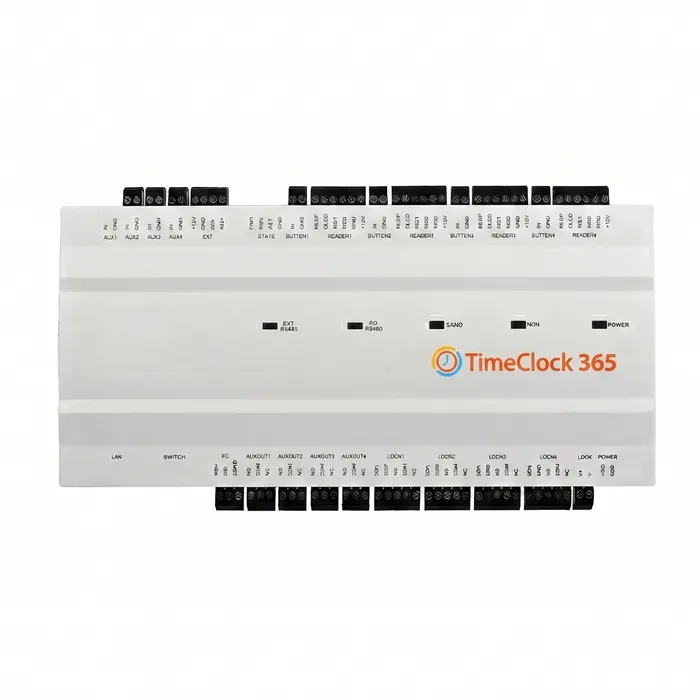
Multi-Door Controller
- Up to 4 doors
- PoE / Wi-Fi / 4G
- Offices, floors and campuses
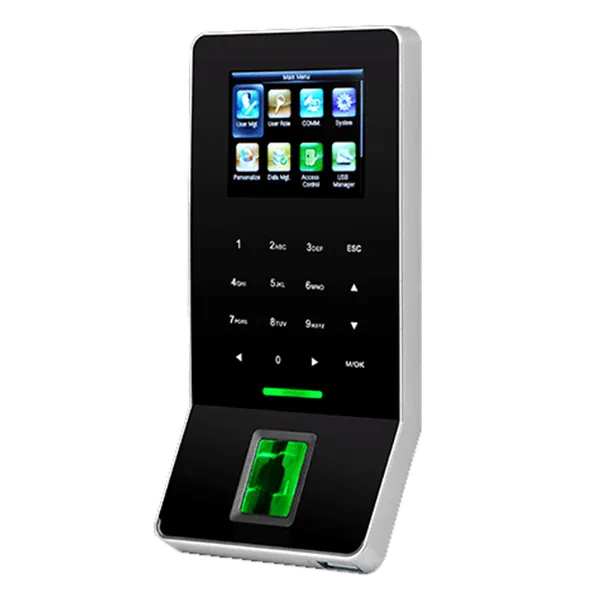
Slim Controller
- 1 door
- LAN / Wi-Fi
- Small offices and SMBs
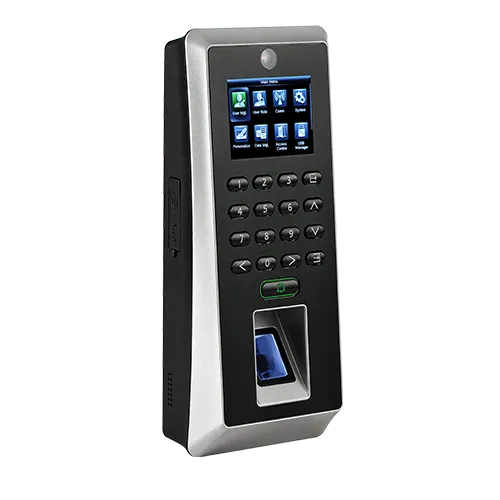
Fast Controller
- 2 doors
- Fingerprint, card, PIN
- All-in-one entry points
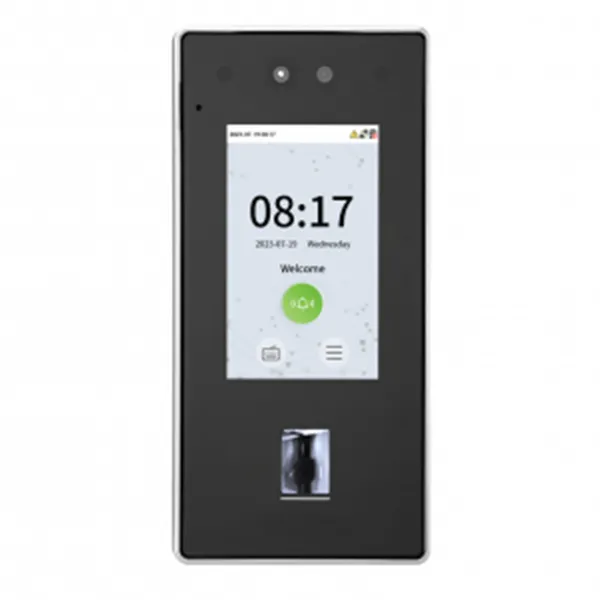
Face Recognition Reader
- Face + RFID card
- Under 1 second
- Wall mount, PoE
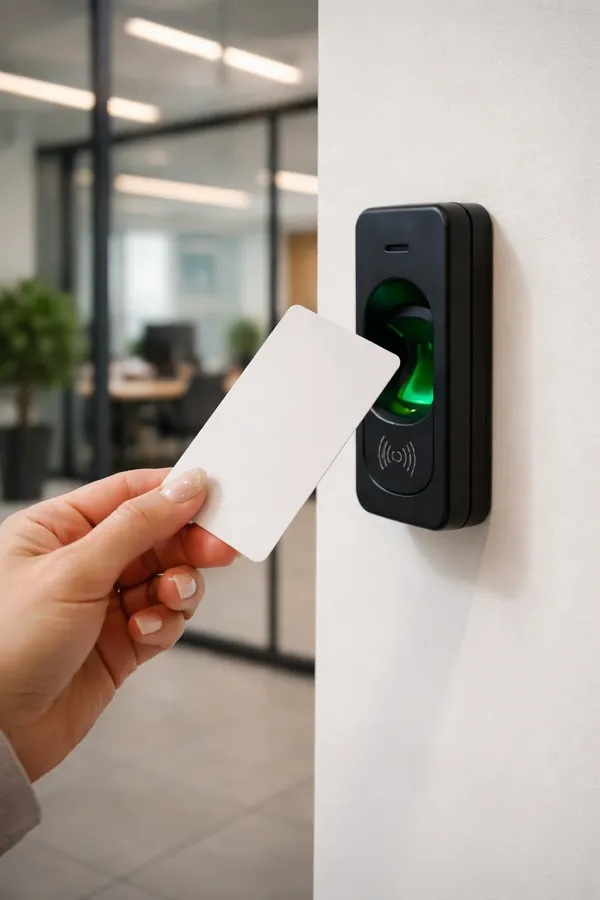
RFID Card Reader
- Mifare, DESFire, HID
- Weather-resistant (IP65)
- Outdoor gates
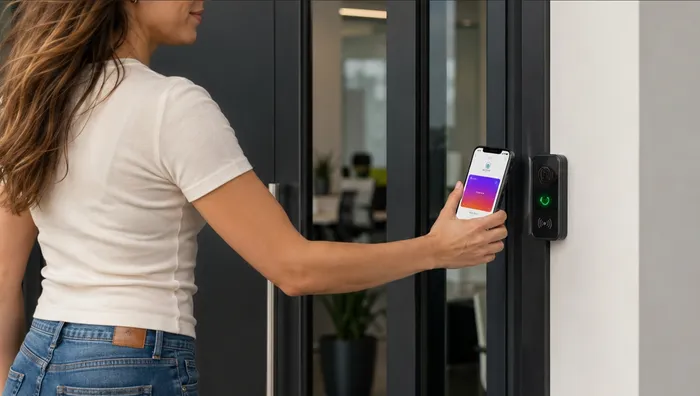
NFC / Wallet Reader
- Apple & Google Wallet
- No card needed
- Modern offices
Who uses it
Built for real workplaces
Offices & co-working
Phone or card entry, visitor invites, meeting-room and floor access.
Manufacturing & warehouses
Shift-based access to production areas and loading docks, with entry used as attendance.
Healthcare & labs
Audit trails for medication and storage rooms, multi-factor at sensitive doors.
Retail & multi-branch
Every store's doors managed centrally, with status and alerts per branch.
Frequently asked questions
How does TimeClock 365 door access control work?
Cloud-connected door controllers and readers are installed at your doors. Employees open a door with a card, fingerprint, face, PIN or their phone. The controller checks their permissions, opens the lock, and sends the event to your TimeClock 365 account, where it appears in the access log and can also count as an attendance punch.
Do attendance and access control work together?
Yes. Door access and time & attendance run in the same TimeClock 365 account. The same employee list, groups and permissions are used for both, and door entry events can be used as clock-in records - no second system and no double data entry.
Which credentials are supported?
RFID and NFC cards and key fobs (Mifare, DESFire, HID), fingerprint, face recognition, PIN code, and Apple Wallet / Google Wallet on a smartphone. Different doors can use different methods, and you can combine them, for example card + fingerprint.
Do I need a local server?
No. Everything is managed in the cloud from any browser. There is no on-premise server or software to maintain.
What happens if the internet goes down?
Users and their permissions are stored on the controller, so doors keep working. Access events are saved on the device and sync to the cloud when the connection returns.
Can I open a door remotely?
Yes. An administrator can unlock a specific door from the web portal, for example to let in a courier or a visitor, without being on site.
Can I manage several buildings or branches?
Yes. Group devices by site (for example "HQ - Floor 2" or "Warehouse"), give each group its own doors and permissions, and manage all of them from one dashboard.
How long does installation take?
A typical single-site installation takes less than a day: mount the controller and readers, connect them to the network, then add employees and permissions in the cloud. Our team helps with setup.
How much does cloud access control cost?
Door Access Control starts at $1.90 per user per month (billed annually). Attendance + Access Control is $4.10 per user per month and adds full time and attendance. Mobile wallet keys are an add-on - pricing on request. Hardware is quoted per door - contact sales for a quote for your building.
Can I revoke access instantly?
Yes. Deactivate a user or remove them from a group and their access is removed from every door - no cards to collect back.
Can visitors and contractors get temporary access?
Yes. With Visitor Management you schedule a visit, assign a credential and choose the allowed doors - access works only during the visit.
Is it secure?
TimeClock 365 is ISO/IEC 27001:2022 certified. Data is encrypted, every access event is logged, and admin roles control who can change permissions.
Learn more
Cloud access control
Why cloud systems are replacing on-premise servers.
Biometric access control
Fingerprint and face recognition, by use case.
Employee access control
Per-employee permissions, schedules and audit trails.
For small business
What you actually need - and what you don't.
Setup guide: door settings
Lock delay, door sensor and alarm settings.
Setup guide: connect a device
Connect a controller to the network and the cloud.
See access control running on your doors
Book a 30-minute demo and we'll show you the dashboard, the devices and how it fits your building.