
NFC access control: tap a card, fob or phone
The fastest way in. Employees tap a card, a key fob or their phone, the door opens - and if a card goes missing, you switch it off for every door in seconds.
- Mifare & DESFire
- Apple & Google Wallet
- Outdoor readers
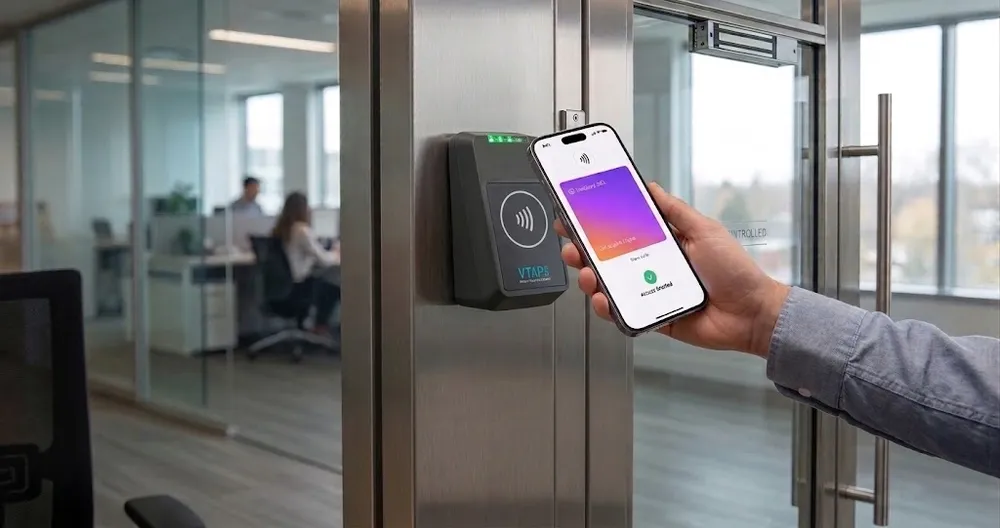
What is NFC access control?
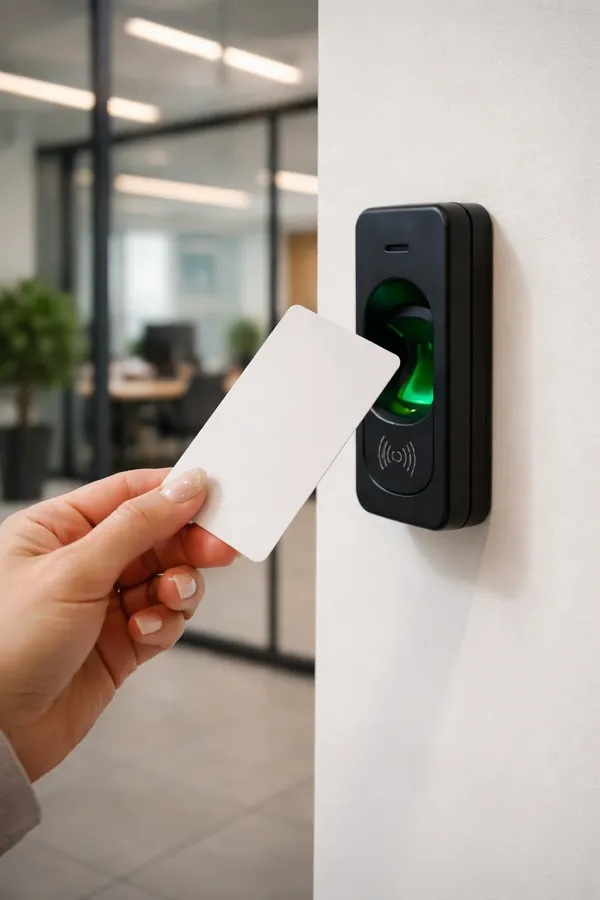
NFC (Near Field Communication) access control opens a door when a credential is held close to the reader - a card, a key fob or a smartphone. The reader identifies the credential, checks whether that person may use that door right now, and opens it.
It's the most familiar way to enter a building: fast, contact-light and easy to hand out to new staff, contractors and visitors.
Credentials
Three ways to tap in
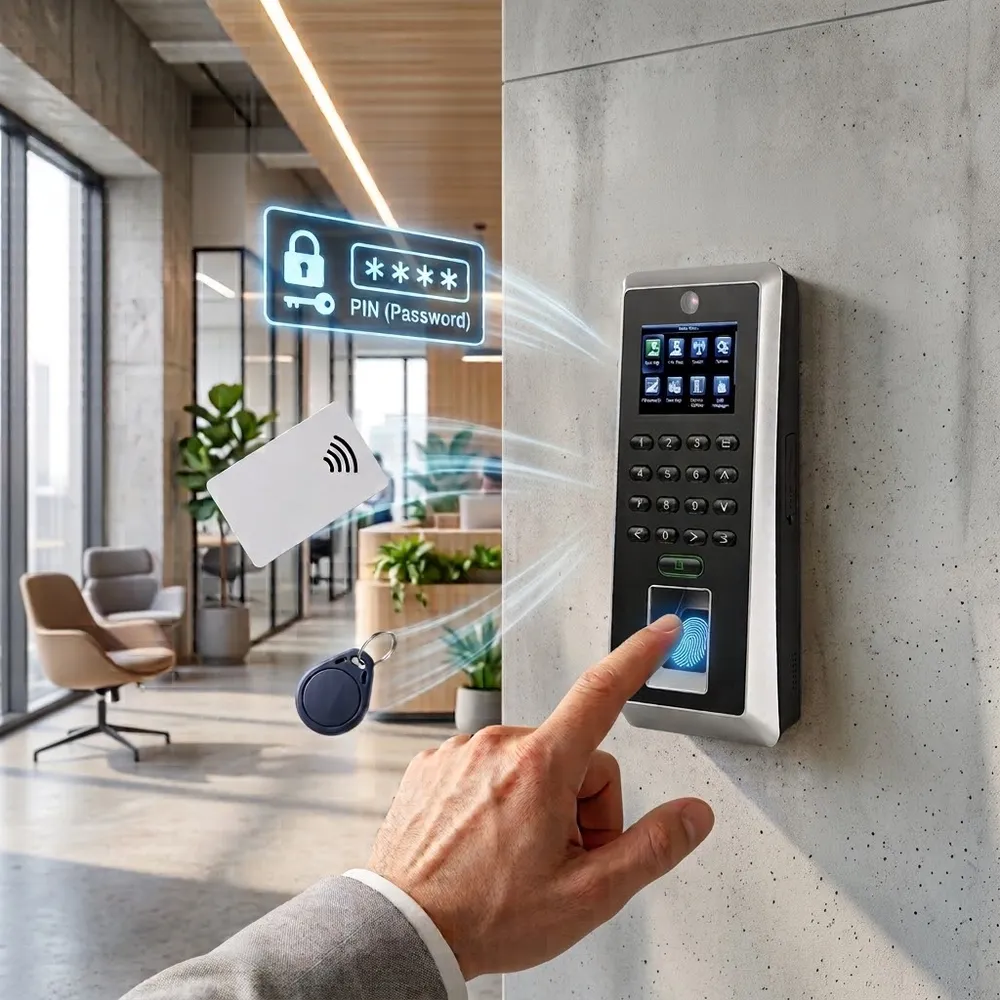
Card + PIN
Tap the card and enter a PIN - extra security for offices and sensitive doors.
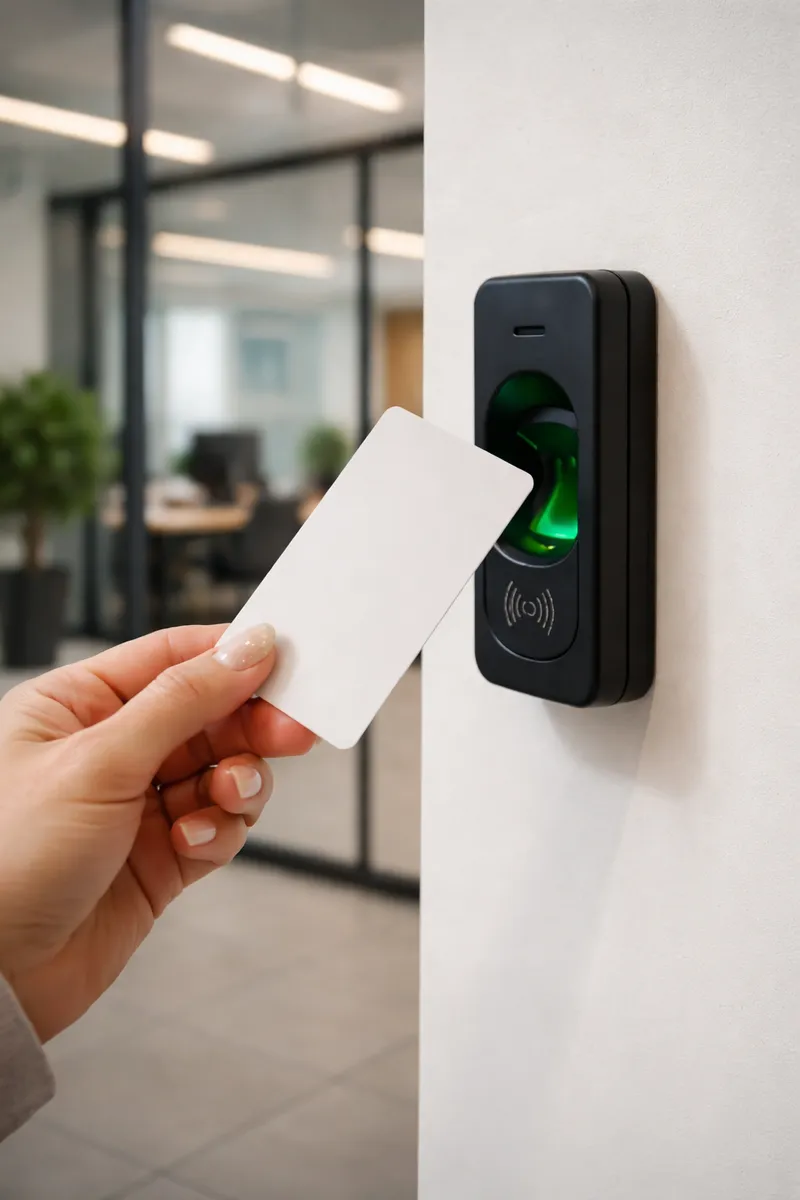
Cards & key fobs
Mifare and DESFire cards and fobs, plus HID on supported readers - popular for warehouses and gates.
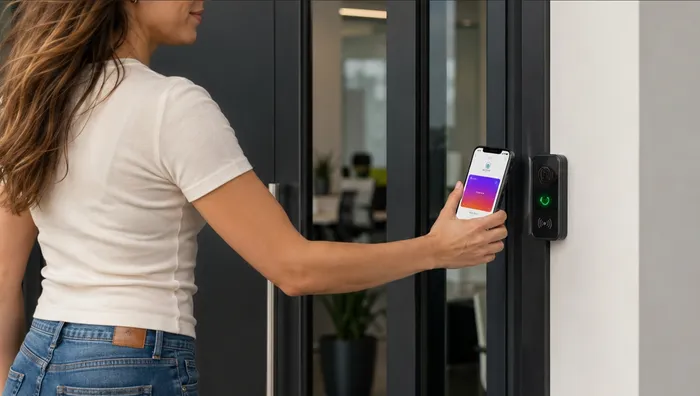
Mobile wallet keys
Apple Wallet and Google Wallet on iPhone and Android - no card to print, hand out or collect.
Cards or phones?
Plastic cards vs mobile wallet keys
| Cards & fobs | Mobile wallet keys | |
|---|---|---|
| Issuing | Print or encode, then hand out | Sent to the employee's phone |
| Lost credential | Deactivate, then issue a new card | Deactivate - phones are rarely forgotten |
| Sharing | Can be lent to a colleague | Tied to the employee's own phone |
| Best for | Outdoor gates, visitors, staff without smartphones | Offices, co-working, hybrid teams |
| Managed in | The same TimeClock 365 account - mix both per door | |
Lost cards
A lost card is a two-second problem
With a traditional system, a lost card means a security gap until someone updates every door. Here, you deactivate it once in the browser and it stops working everywhere.
- Deactivate instantly - on every door and site
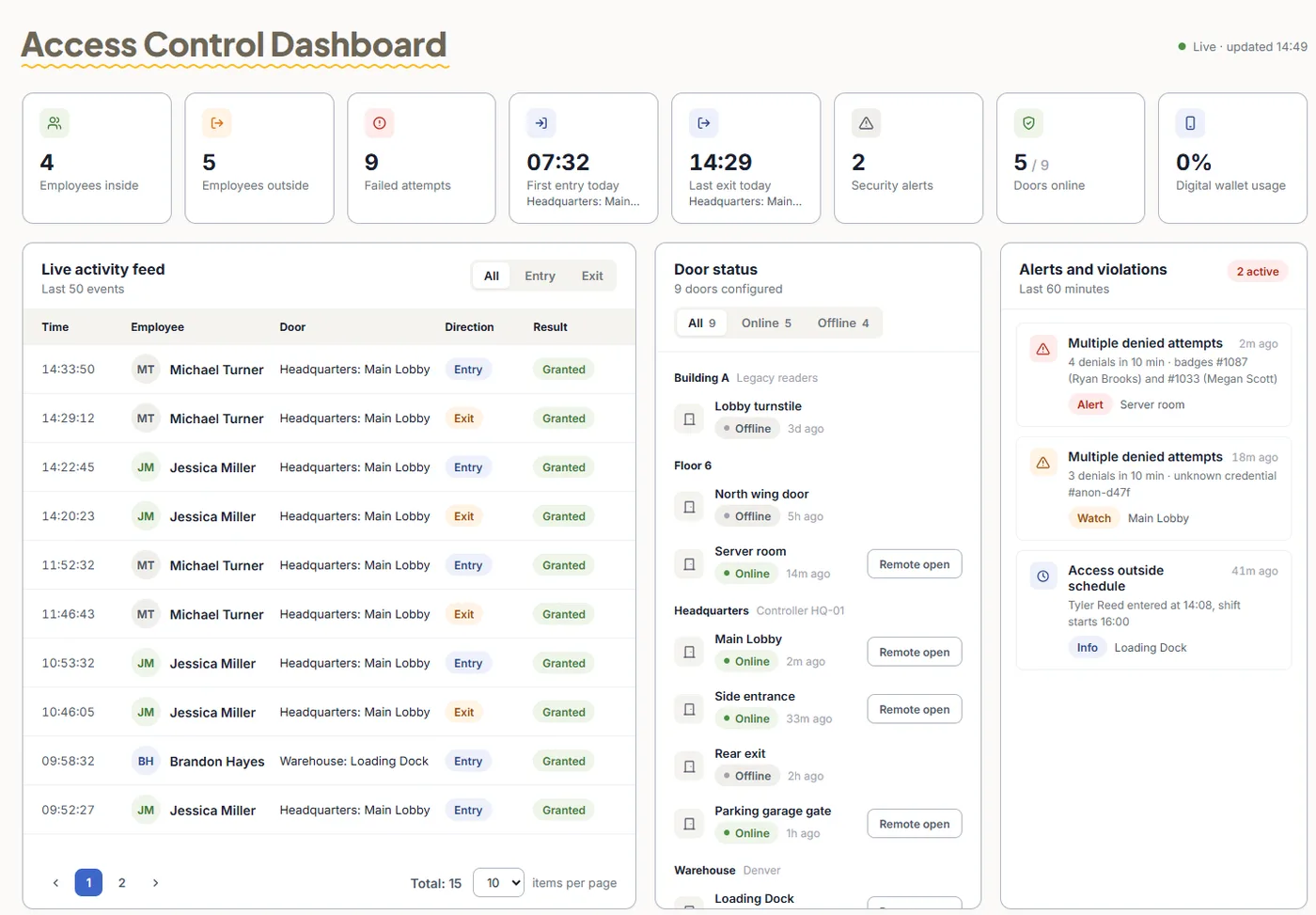
- Live access log shows where the card was last used
- Alerts on repeated denied attempts with an unknown card
- Card + PIN on sensitive doors
Pricing
Door access control from $1.90 per user / month
Billed annually, including RFID and NFC card access. Mobile wallet keys are an add-on - pricing on request. Readers are quoted per building.
Frequently asked questions
What is NFC access control?
NFC access control opens doors when a card, key fob or phone is tapped on a reader. The reader reads the credential over Near Field Communication, checks the person's permissions and opens the door.
Which cards and fobs are supported?
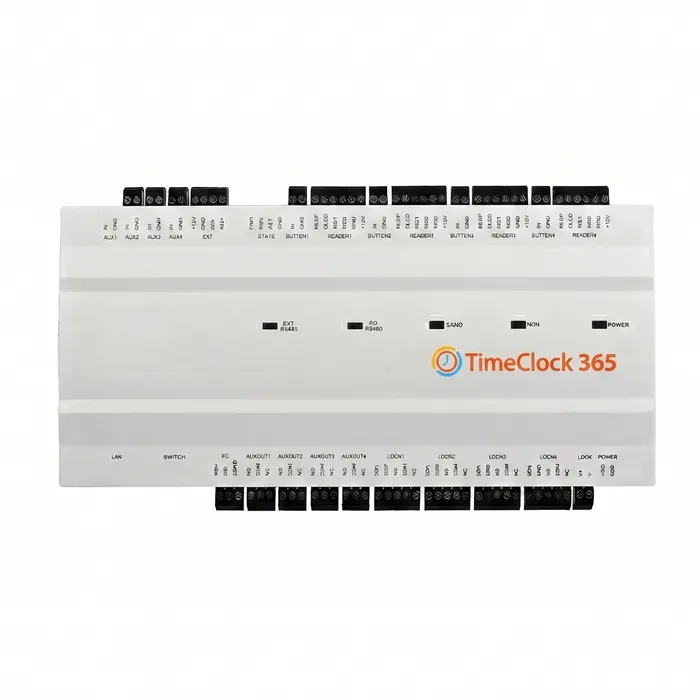
TimeClock 365 readers work with Mifare and DESFire cards and fobs, and HID cards on supported readers. Card readers with a weather-resistant (IP65) housing are available for outdoor gates.
Can employees use their phone instead of a card?
Yes. With mobile wallet keys, the employee's iPhone or Android phone becomes their key in Apple Wallet or Google Wallet, and they open the door by tapping the phone on an NFC wallet reader. Mobile wallet keys are an add-on.
What happens when a card is lost?
Deactivate the card in TimeClock 365 and it stops working on every door immediately. Issue a new card or a mobile wallet key in its place.
What is the difference between NFC and RFID?
NFC is a type of RFID that works at very short range. In access control, people often say RFID for proximity cards and NFC for Mifare and DESFire cards, fobs and phones. TimeClock 365 manages both from the same account.
Can a card tap also clock the employee in?
Yes. Because access control and attendance share one account, the first card tap of the day can start the workday and the last exit can end it.
Do NFC readers work without internet?
Yes. Permissions are stored on the controller, so doors keep opening during an outage and events sync later.
Related
Give your team a faster way in
Book a 30-minute demo and get a quote for your doors.