
RFID and fingerprint readers for doors and time clocks
Card, fob or finger - on the door or on the wall. Every reader is managed from the TimeClock 365 cloud, so one tap can open the door and clock the employee in.
- Mifare, DESFire, HID
- Card or finger
- Works offline
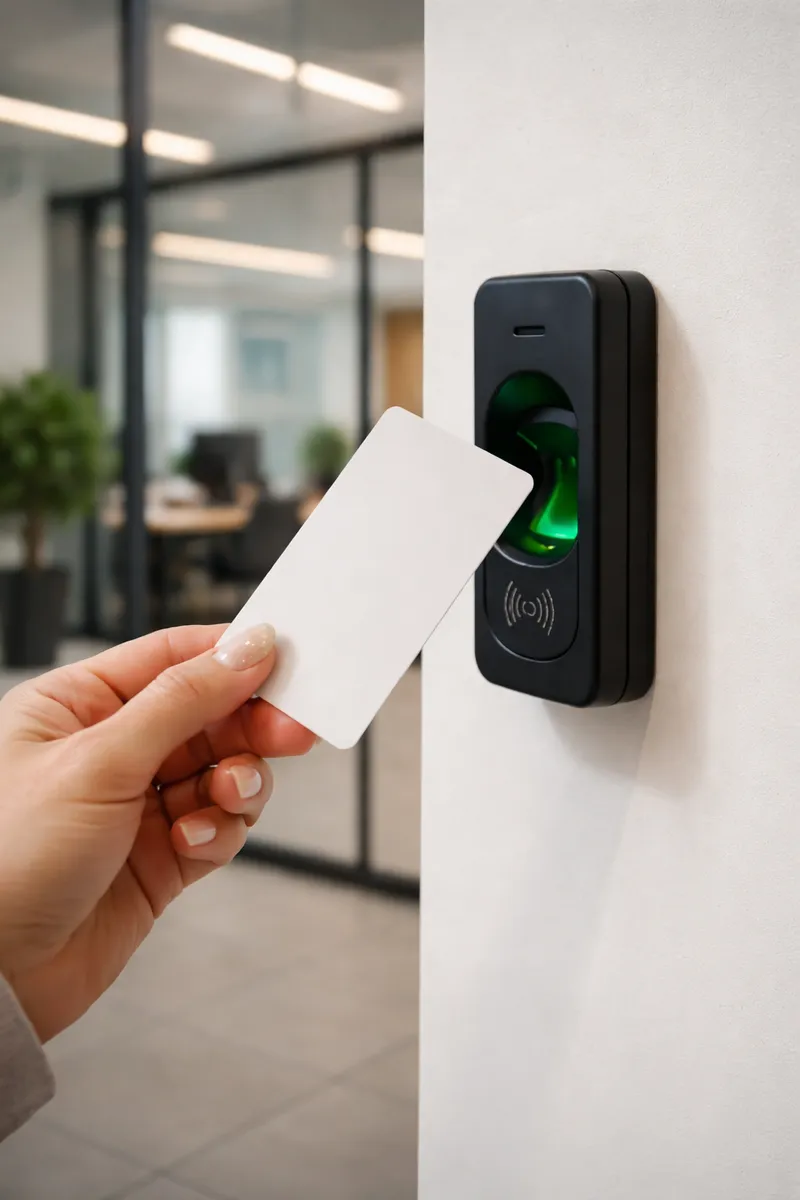
RFID or fingerprint?
RFID cards and fobs are fast, work outdoors and suit visitors and contractors. Fingerprints can't be lent to a colleague, which stops buddy punching. Most sites use both - and TimeClock 365 devices accept both, often on the same unit.
Devices
Readers, clocks and controllers
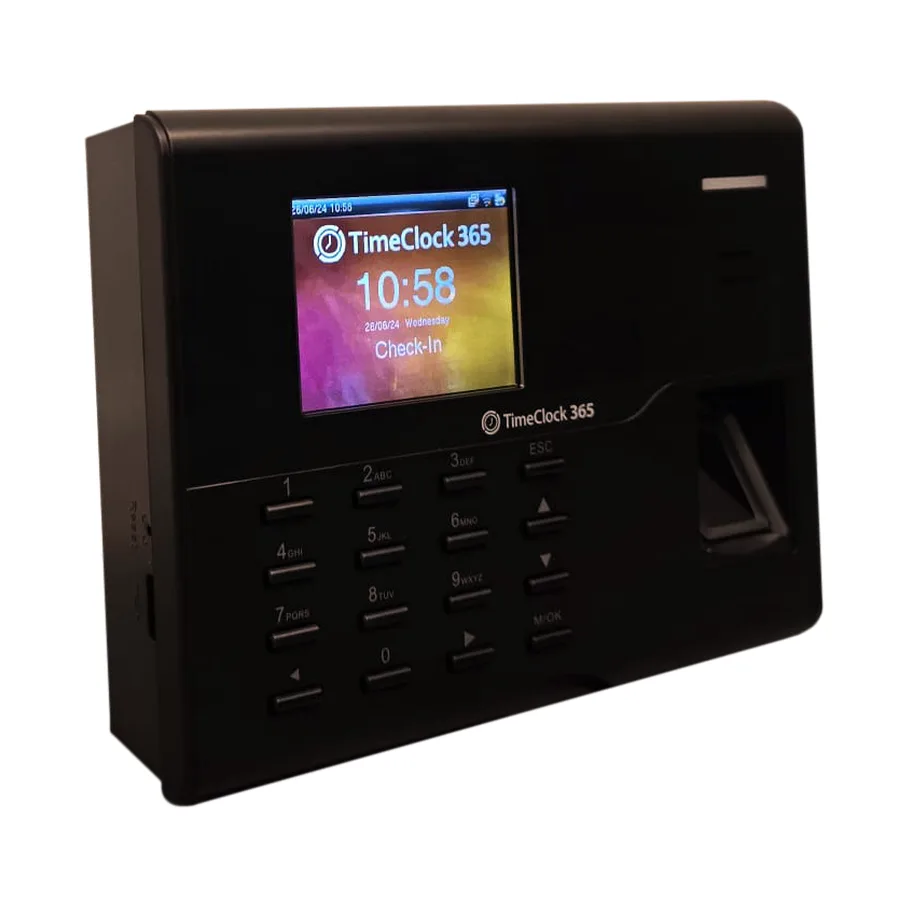
Fingerprint Clock
Fingerprint, RFID card or PIN. Up to 10,000 users by model.
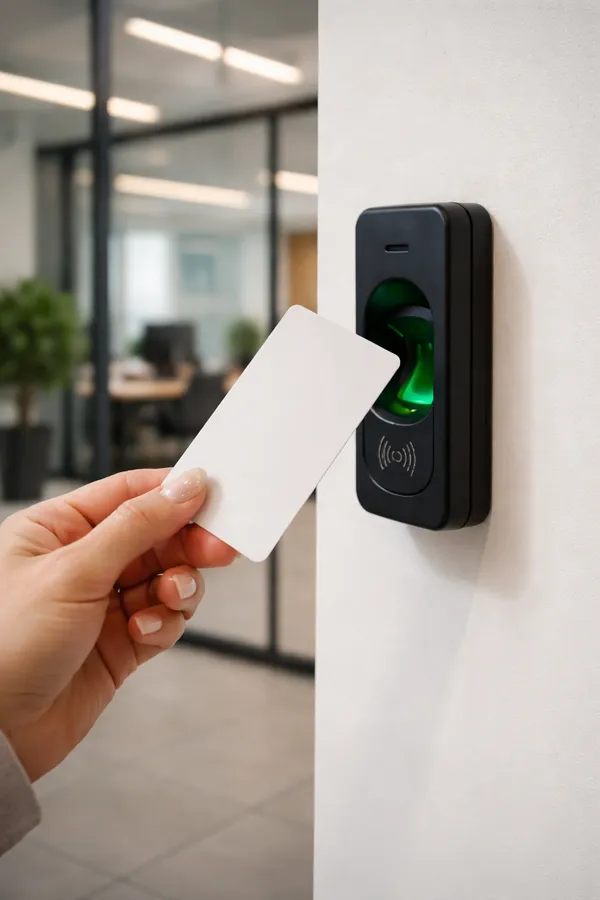
RFID Card Reader
Mifare, DESFire, HID. Weather-resistant (IP65) for outdoor gates.
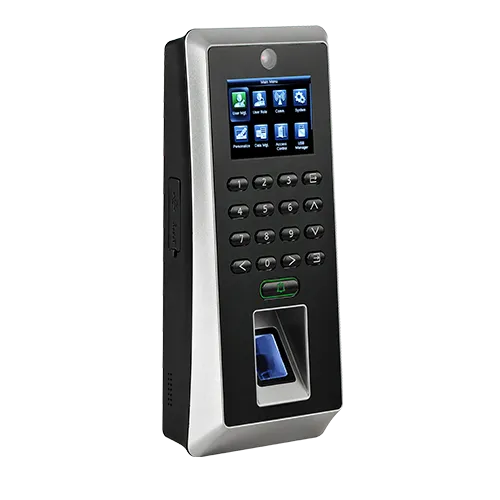
Fast Controller
Fingerprint, card or PIN for 2 doors. The same scan clocks in.
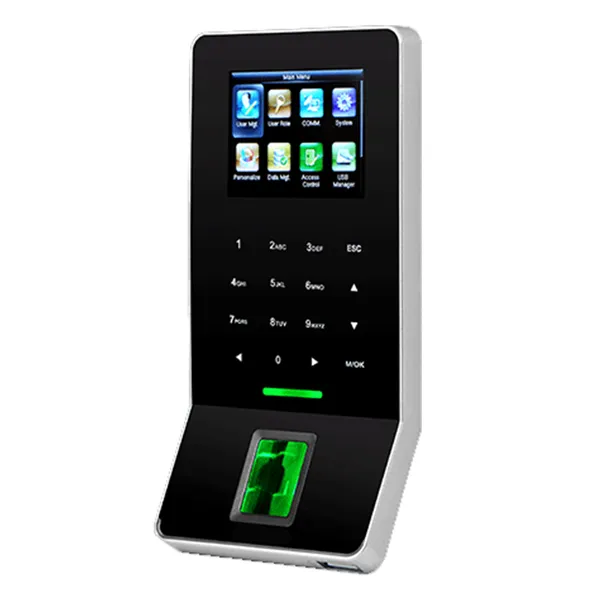
Slim Controller
Compact single-door terminal: fingerprint, card, PIN.
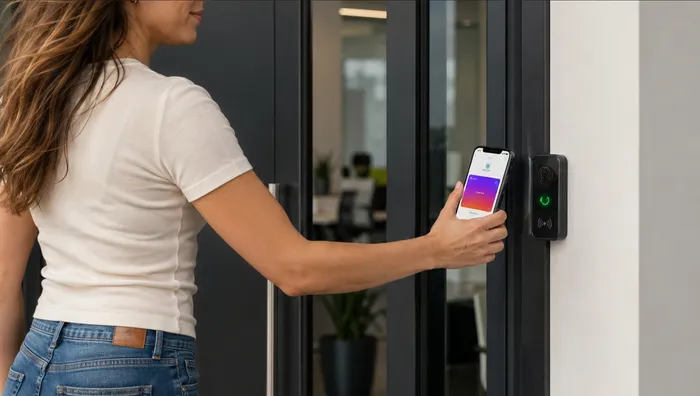
NFC / Wallet Reader
Apple Wallet, Google Wallet and NFC.
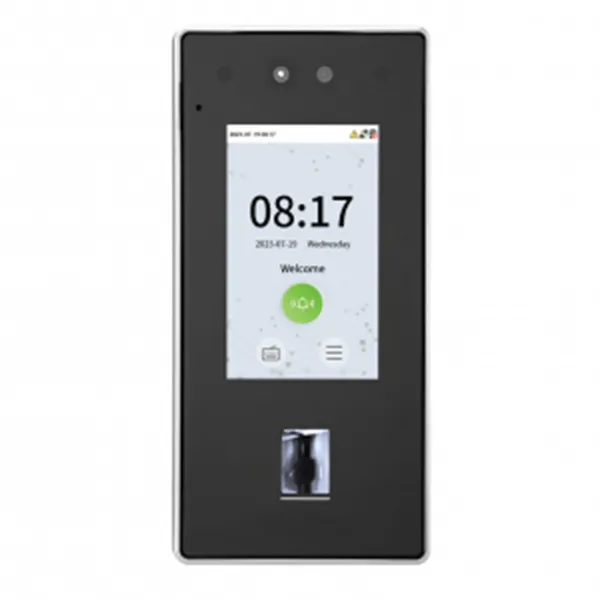
Face Recognition Reader
Face + RFID card, under 1 second.
Which one?
Card vs fingerprint at a glance
| RFID card / fob | Fingerprint | |
|---|---|---|
| Can be lent | Yes | No - stops buddy punching |
| Outdoors | IP65 reader for gates | Indoor entrances |
| Visitors, contractors | Easy to hand out | Needs enrolment |
| Lost credential | Deactivate in the cloud | Nothing to lose |
| Managed in | The same TimeClock 365 account | |
Door access control
One tap: door opened, workday started
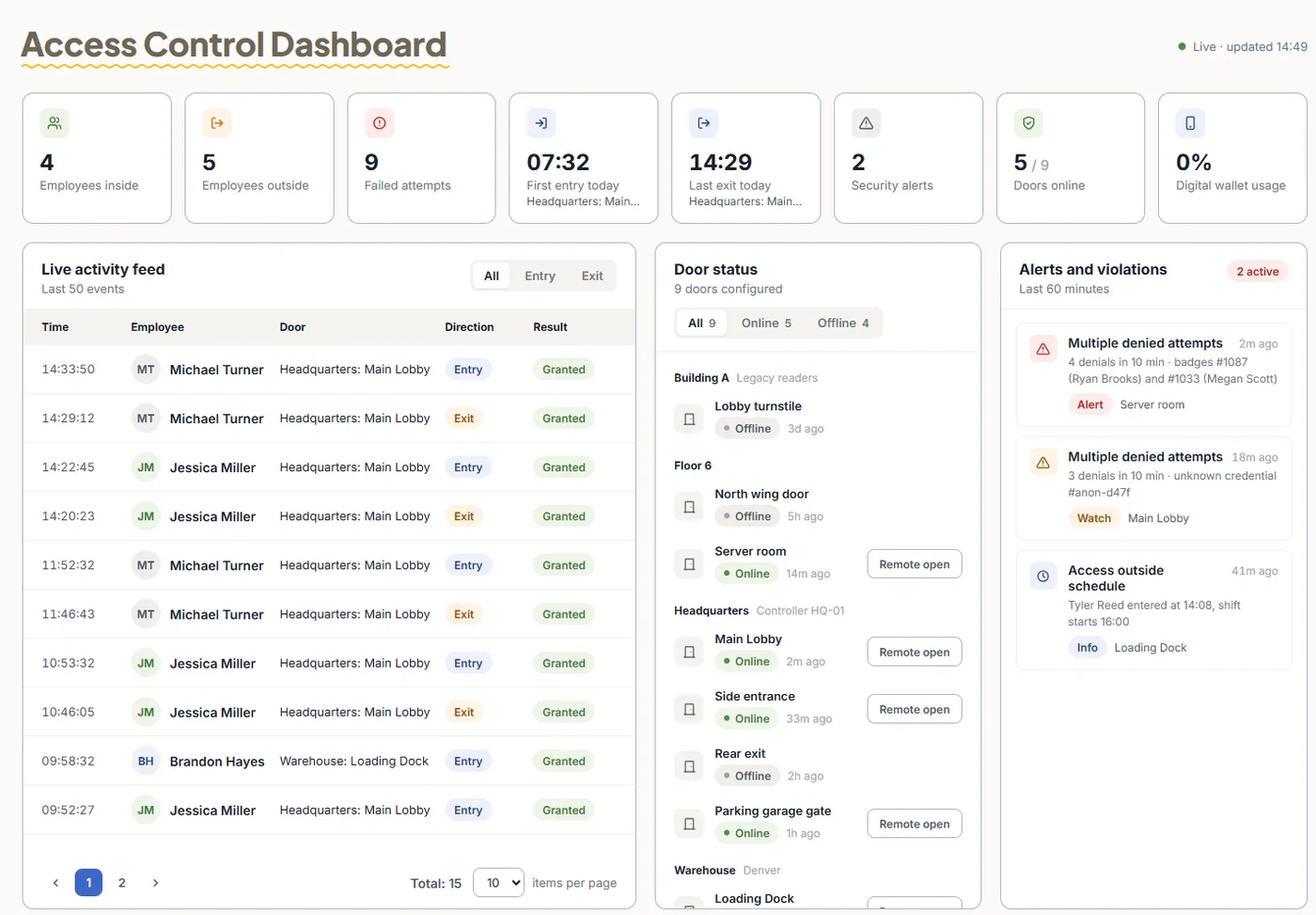
TimeClock 365 is a cloud door access control system. Readers check permissions per door and schedule, and the same entry can become the clock-in in the attendance report.
- Deactivate a lost card on every door at once
- Live access log per door and site
- Doors keep working offline and sync later
Pricing
Door access control from $1.90 per user / month
Attendance + Access Control $4.90 per user / month, billed annually. Mobile wallet keys - pricing on request. Hardware is quoted per site.
Frequently asked questions
What is an RFID time clock?
An RFID time clock records attendance when an employee taps a card or key fob on it. TimeClock 365 fingerprint clocks read RFID cards as well as fingerprints and PINs, and face recognition clocks read RFID cards too. Every punch syncs to the TimeClock 365 cloud attendance report.
Is there a fingerprint device with a card option for staff who cannot scan a finger?
Yes. The TimeClock 365 Fingerprint Clock accepts fingerprint, RFID card or PIN on the same device, and the Slim and Fast door controllers accept fingerprint, card or PIN. Employees whose fingerprints are hard to read can use a card instead.
Which cards do TimeClock 365 readers support?
The RFID Card Reader supports Mifare, DESFire and HID cards and has a weather-resistant (IP65) housing for outdoor and external gates. The NFC / Wallet Reader also opens doors with Apple Wallet or Google Wallet on a phone.
Can one card tap open the door and clock the employee in?
Yes. Because door access control and attendance share one TimeClock 365 account, a door entry can also be the clock-in. The Fast Controller is built for this: the same scan opens the door and clocks in, with no extra hardware.
What happens if the internet goes down?
Devices keep working. Time clocks store punches and controllers keep their access permissions locally, and everything syncs automatically when the connection is back.
Do I need a server to run the readers?
No. Every clock, controller and reader connects to the TimeClock 365 cloud. You add employees once in the web portal and they are uploaded to the devices automatically. TimeClock 365 is ISO 27001 certified.
How much does it cost?
Door access control starts at $1.90 per user per month and Attendance + Access Control is $4.90 per user per month, billed annually. Readers, clocks and controllers are quoted per site. Mobile wallet keys are pricing on request.
Related
Pick the right readers for your doors
Book a 30-minute demo and get a quote for your site.