
When employees work extra hours, you need to compensate for that time. For example, if the standard day is 8.5 hours, employees may sometimes need to work longer to complete the day's work. Set overtime rates in the contract so extra hours are paid correctly.
Set the overtime rate
- Go to Contracts in the main menu.
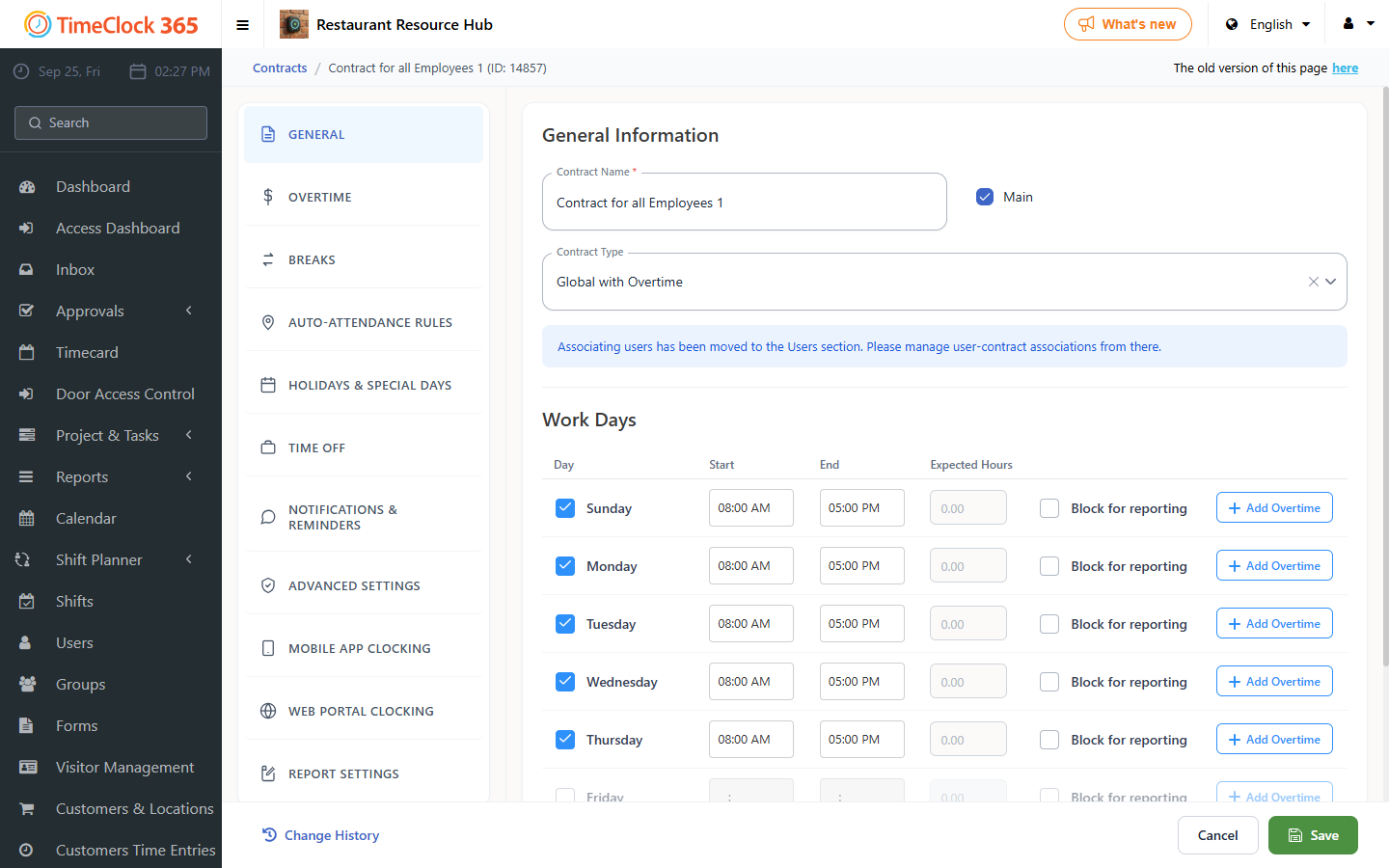
- Open the contract of the employees whose overtime you want to calculate, and enter the standard working hours for each work day.
- Click Add overtime next to the day where you want to define overtime.
- Enter the extra hours and the rate at which they are paid. For example, if the employee works two extra hours, set the rate to 125%. For the next four hours, the rate can be 150%.
- Click Save.
View the overtime
Go to Reports > Detailed Attendance, select the employee's name and click Show.
See also How to configure overtime.