
Apple Wallet and Google Wallet keys for your doors
The key your team never forgets: their phone. Employees tap an iPhone or Android phone on the reader and the door opens - and you revoke access in seconds.
- iPhone & Android
- No cards to print
- ISO 27001 certified
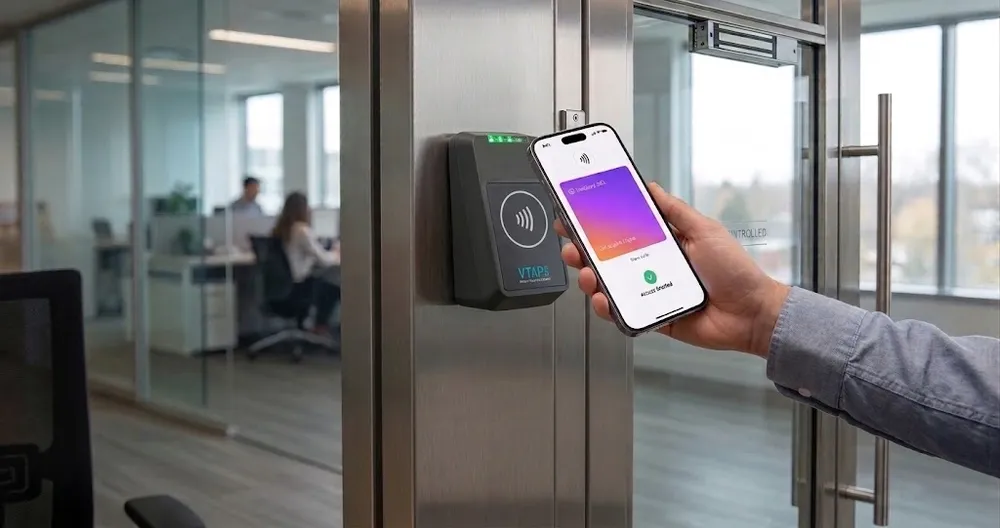
What are mobile wallet keys?
A mobile wallet key is a door credential stored in Apple Wallet or Google Wallet. It replaces the plastic access card: the employee taps their phone on an NFC wallet reader, the reader checks their permissions, and the door opens.
Keys are issued and revoked from the TimeClock 365 cloud - nothing to print, hand out or collect.
How it works
From invite to open door
- 1
Issue the key
Send a wallet key to the employee from TimeClock 365.
- 2
Add to Wallet
Apple Wallet on iPhone or Google Wallet on Android.
- 3
Tap the reader
The NFC wallet reader checks permissions and opens the door.
- 4
Clocked in
The first entry of the day can start the workday.
Cards or phones?
Plastic cards vs mobile wallet keys
| Cards & fobs | Mobile wallet keys | |
|---|---|---|
| Issuing | Print or encode, then hand out | Sent to the employee's phone |
| Lost credential | Deactivate, then issue a new card | Deactivate - phones are rarely forgotten |
| Sharing | Can be lent to a colleague | Tied to the employee's own phone |
| Best for | Outdoor gates, visitors, staff without smartphones | Offices, co-working, hybrid teams |
| Managed in | The same TimeClock 365 account - mix both per door | |
Control
Every key, every door, from the cloud
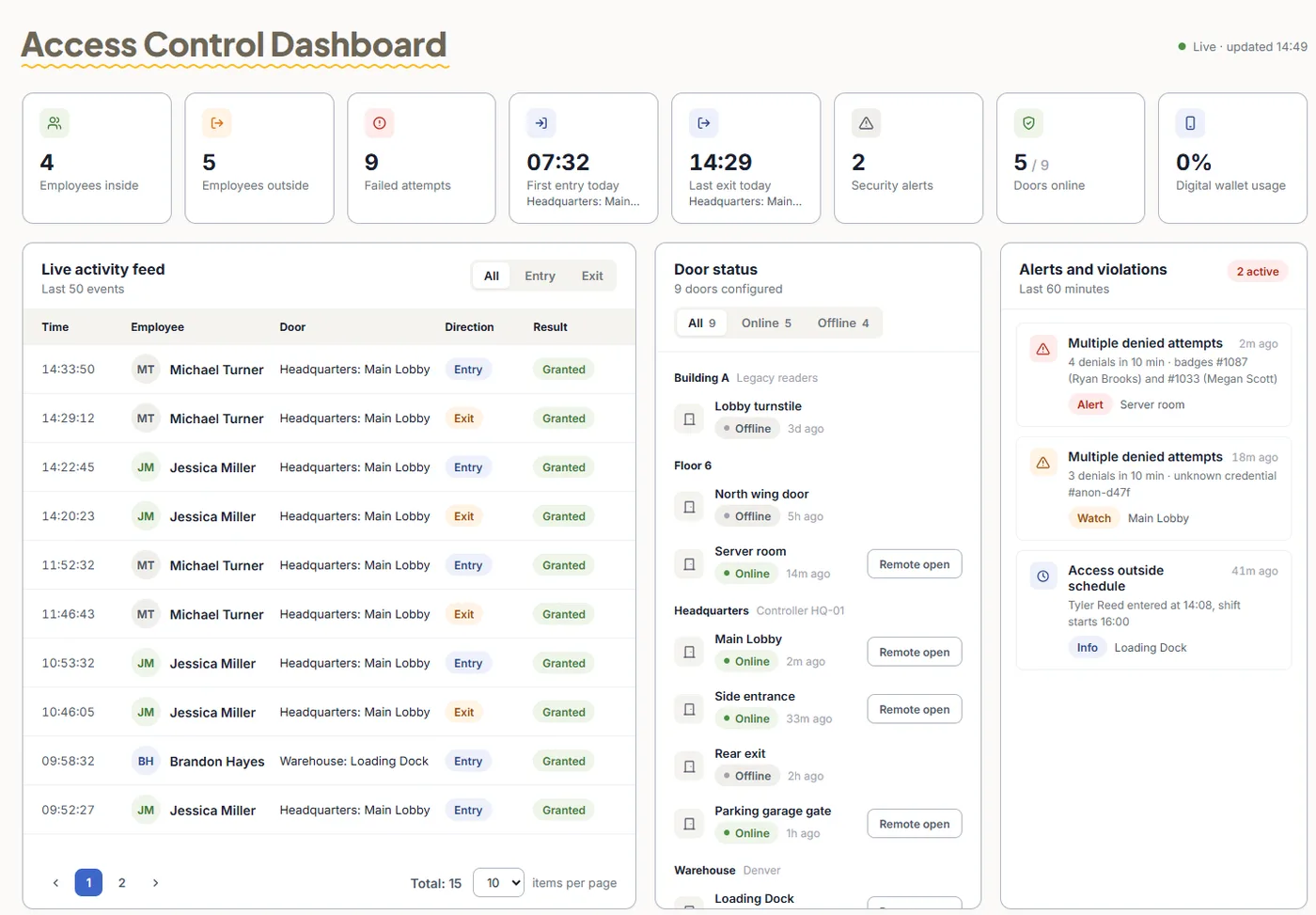
- Permissions per employee or group, per door and time
- Revoke instantly when someone leaves
- Live access log of every entry and denied attempt
- Attendance from door entries in the same account
Pricing
Door access control from $1.90 per user / month
Mobile wallet keys are an add-on - pricing on request. Attendance + Access Control $4.10 per user / month, billed annually. Readers are quoted per building.
Frequently asked questions
How do Apple Wallet and Google Wallet keys work for door access?
TimeClock 365 sends a digital key to the employee's iPhone (Apple Wallet) or Android phone (Google Wallet). The employee taps the phone on an NFC wallet reader at the door, the reader checks their permissions and the door opens. Keys are managed from the TimeClock 365 cloud.
Can a wallet tap also clock the employee in?
Yes. Because access control and attendance share one TimeClock 365 account, the first door entry of the day can start the workday and the last exit can end it. No separate time clock is needed.
What happens if an employee leaves or loses their phone?
Revoke the key in TimeClock 365 and it stops working on every door immediately. Issue a new key to the employee's new phone when needed.
Do I need special readers?
Yes. Wallet keys need an NFC / Wallet Reader at the door. The same reader works with NFC cards, so you can mix phones and cards per door. Readers are quoted per building.
How much do mobile wallet keys cost?
Mobile wallet keys are an add-on - pricing on request. Door access control starts at $1.90 per user per month and Attendance + Access Control is $4.10 per user per month, billed annually.
Can I set which doors each employee can open?
Yes. Permissions are set per employee or group, per door and per time. Every entry and denied attempt appears in the live access log.
Related
Turn phones into door keys
Book a 30-minute demo and get a quote for your doors.