
GreytHR connector for accurate attendance
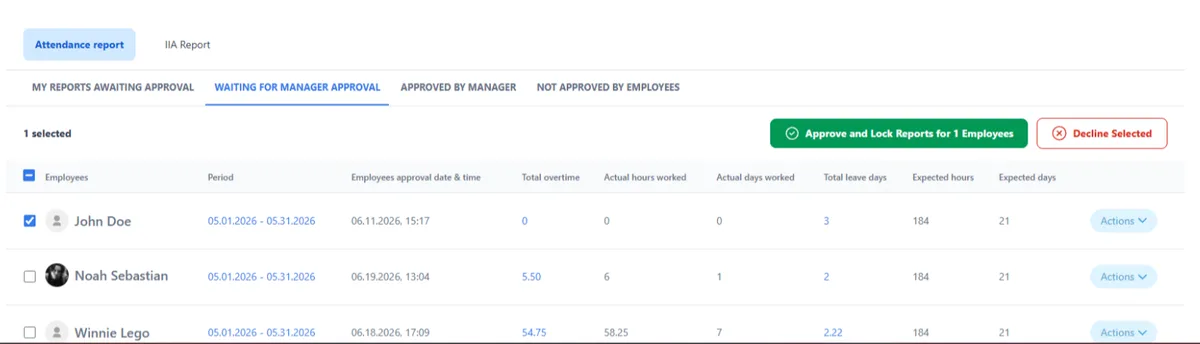
GreytHR runs your payroll. TimeClock 365 makes sure the hours going in are right - recorded at the door or the clock, calculated by contract, approved by managers.
- Overtime calculated
- Manager-approved
- ISO 27001 certified
How it works
From punch to GreytHR
- 1
Clock in
Door, biometric clock, mobile app, Teams or web.
- 2
Rules applied
Overtime, breaks and absences per work agreement.
- 3
Approve & lock
Managers approve; reports lock after payroll.
- 4
To GreytHR
Approved hours go to GreytHR payroll.
Main product
Attendance straight from the door
TimeClock 365 is first a cloud door access control system. Employees open the door with a card, phone or fingerprint, and that entry can start the workday - then the hours go to GreytHR like any other punch.
Explore door access control →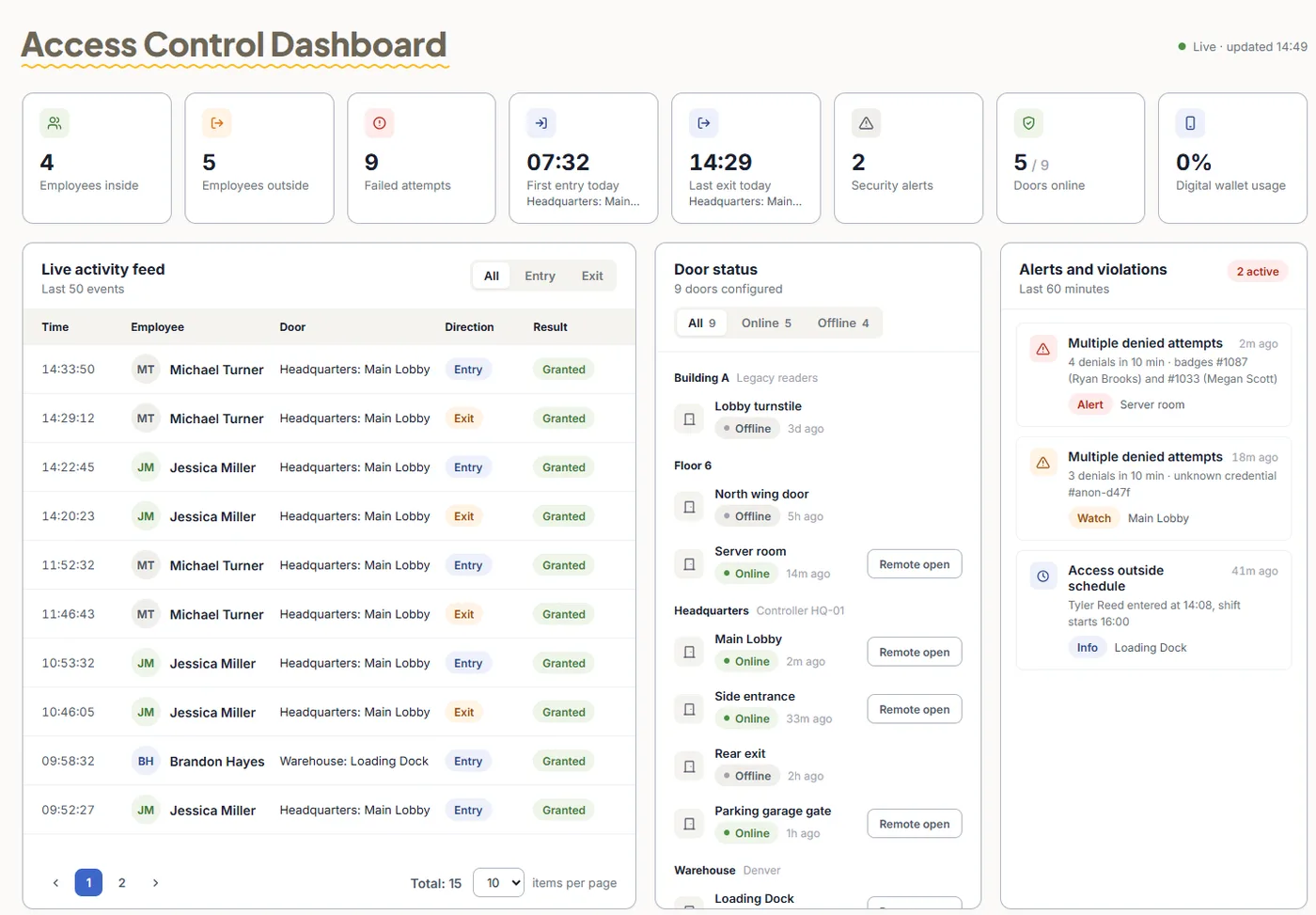
Pricing
Door access control from $1.90 per user / month
Attendance from $3.90, Attendance + Access Control $4.90 per user / month, billed annually.
Frequently asked questions
Does TimeClock 365 have a GreytHR connector?
Yes. GreytHR is one of the payroll and HR systems TimeClock 365 exports attendance to, alongside QuickBooks and HiBob. Approved hours, with overtime, breaks and absences already calculated, go to GreytHR without retyping.
What does TimeClock 365 add to GreytHR?
Accurate attendance at the source. Employees clock in at the door with TimeClock 365 access control, on a biometric time clock, in the mobile app with GPS, or in Microsoft Teams, Slack or the web. Managers approve the hours before they reach GreytHR.
Is overtime calculated before the export?
Yes. Each employee's work agreement defines standard hours, breaks and overtime tiers (daily, weekly or monthly), so the hours exported are already payroll-ready. Payroll codes can be set per rate.
Can reports be locked after payroll?
Yes. Reports can be locked after a set date so nothing changes once payroll has been run.
How do I set up the GreytHR connection?
Book a demo and the TimeClock 365 team will walk through the GreytHR connection for your account, including employee matching and the pay period.
How much does it cost?
Attendance starts at $3.90 per user per month, and Attendance + Access Control is $4.90 per user per month, billed annually.