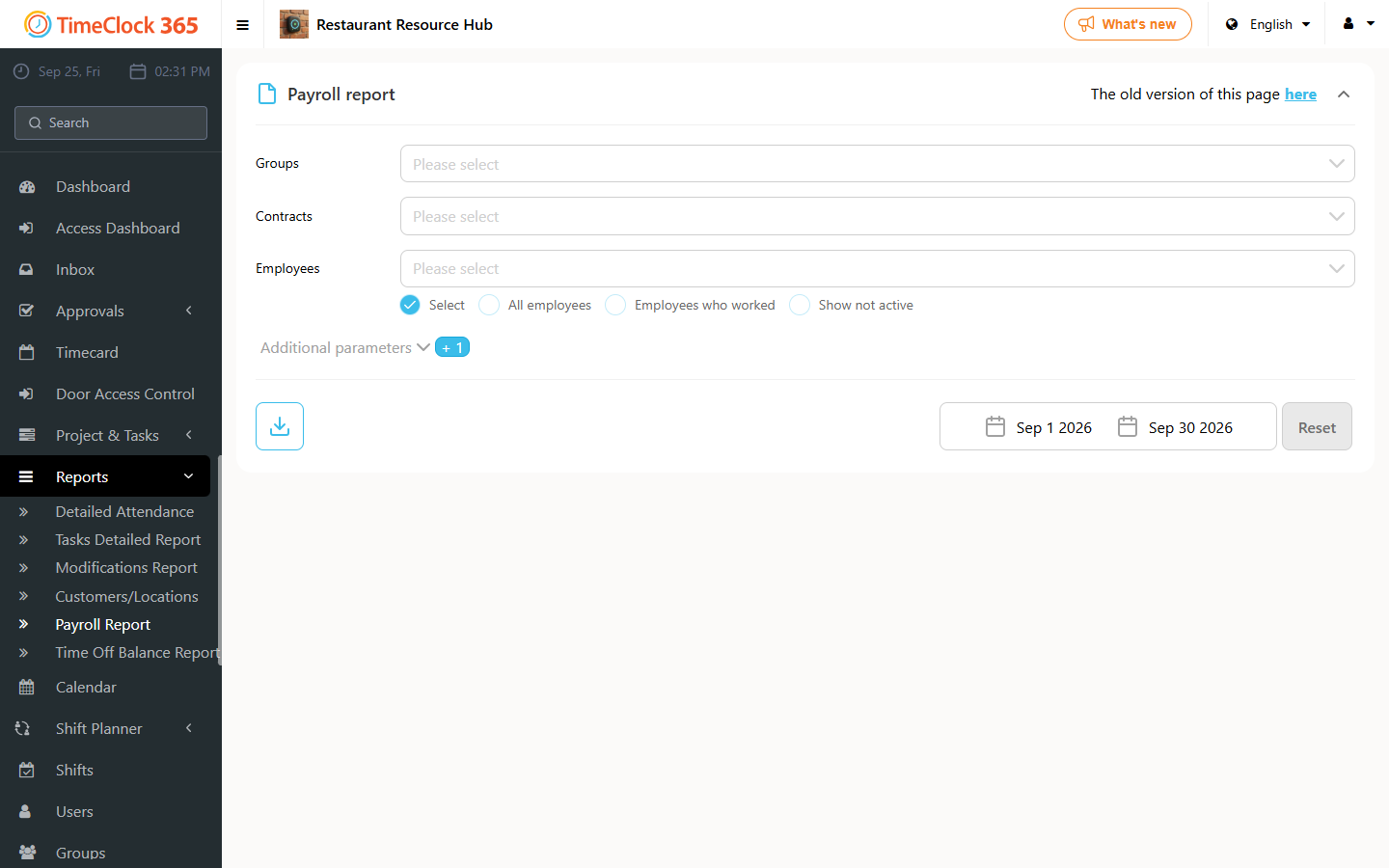
Before pulling attendance reports into Hilan, Michpal, Shikulit, Okets, or other Israeli payroll systems, you need to set up a few things.
- Employee number in the payroll software - go to Users, click the employee, scroll down to the "Payroll Details" tab, type the "Employee number in payroll software", and click Save.
- Company number for the payroll software.
- Absence codes.
- Pay codes.
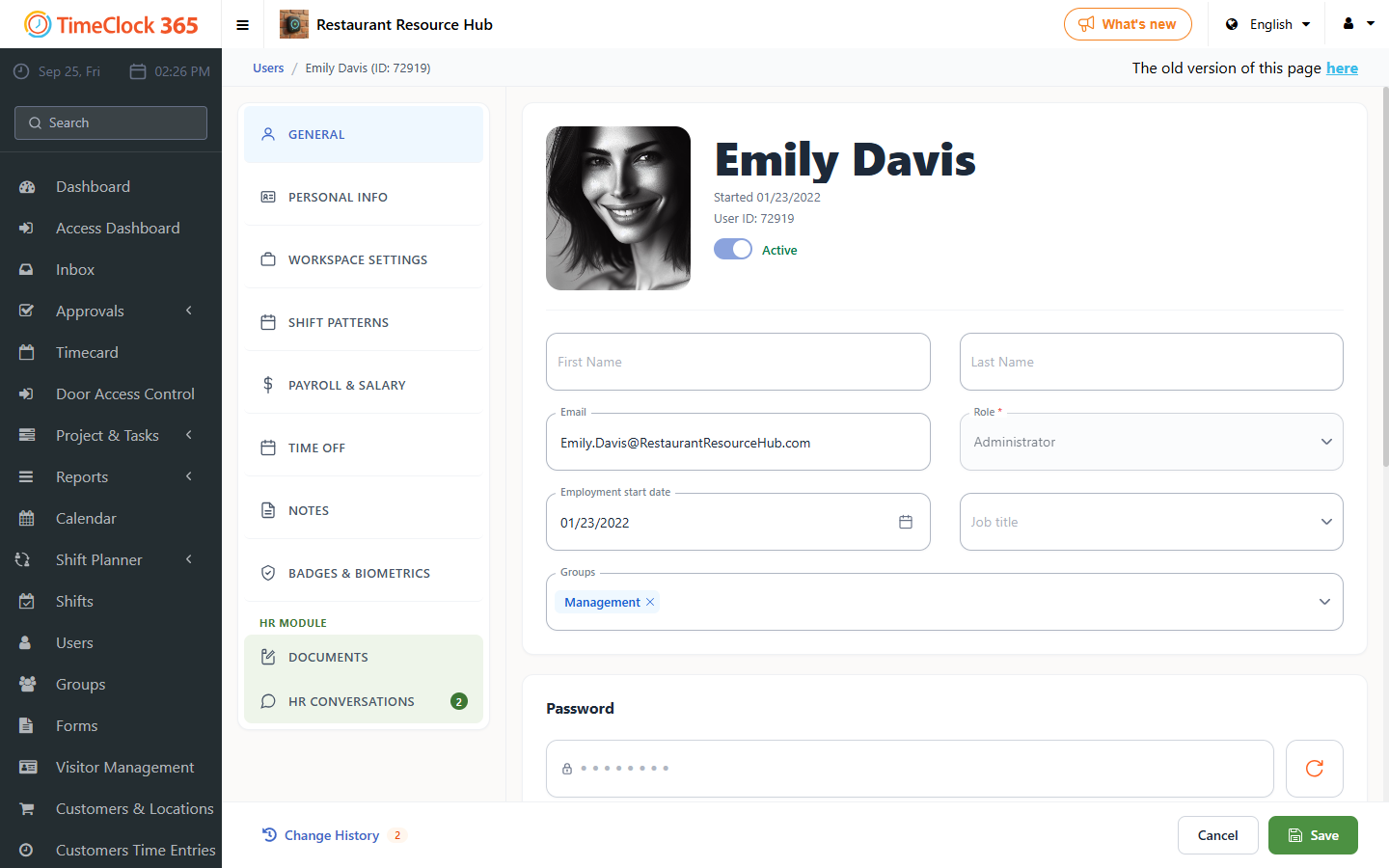
These settings are found under Settings, then Company Profile - "Payroll software codes", "Absence types", and "Company profile".
A separate guide explains how to set up a code for a pay rate.
Once these settings are in place, you can pull the report from the Detailed Attendance report page, then Download, choosing the format for Michpal or Shikulit / Okets, and other systems.