
This guide explains how to send Israeli Tax Form 101 to employees by email, so they can fill it in without needing a paper copy.
Sending the form
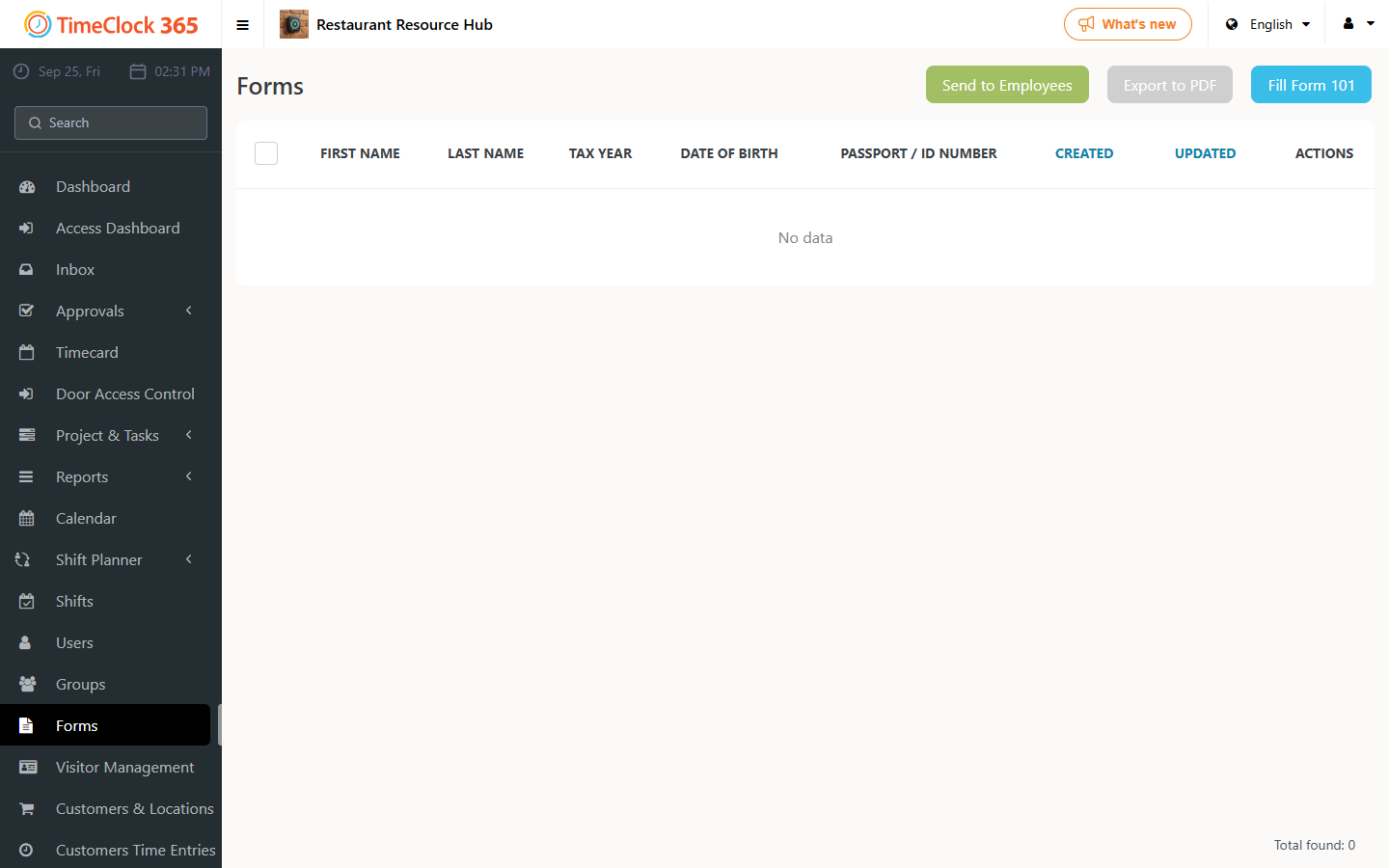
- Go to Forms -> Send Form to Employees.
- Select the form you want to send - Form 101.
- Select the employees, employee group, or specific contract you want to send the form to (you can select several options).
- Click Send.
You will get a confirmation that the form was sent successfully.
For a guide on how to fill in Form 101, see the related support article.