
This guide explains how employers and employees fill out Tax Form 101 in TimeClock 365.
Employer setup (employees can skip to the next section)
- Make sure the company fields are filled in: go to Settings -> Company Profile and fill in the employer name, employer phone number, and deductions file number.
- Click the Settings tab at the top.
- Scroll down and, in the "Send time off attachments to users" field, choose which manager should receive the forms, then click Update.
Employee steps
- Go to Forms.
- Click "Fill out Form 101".
- Select the year you want to fill out the form for.
- Fill in all the relevant fields, sign, and submit.
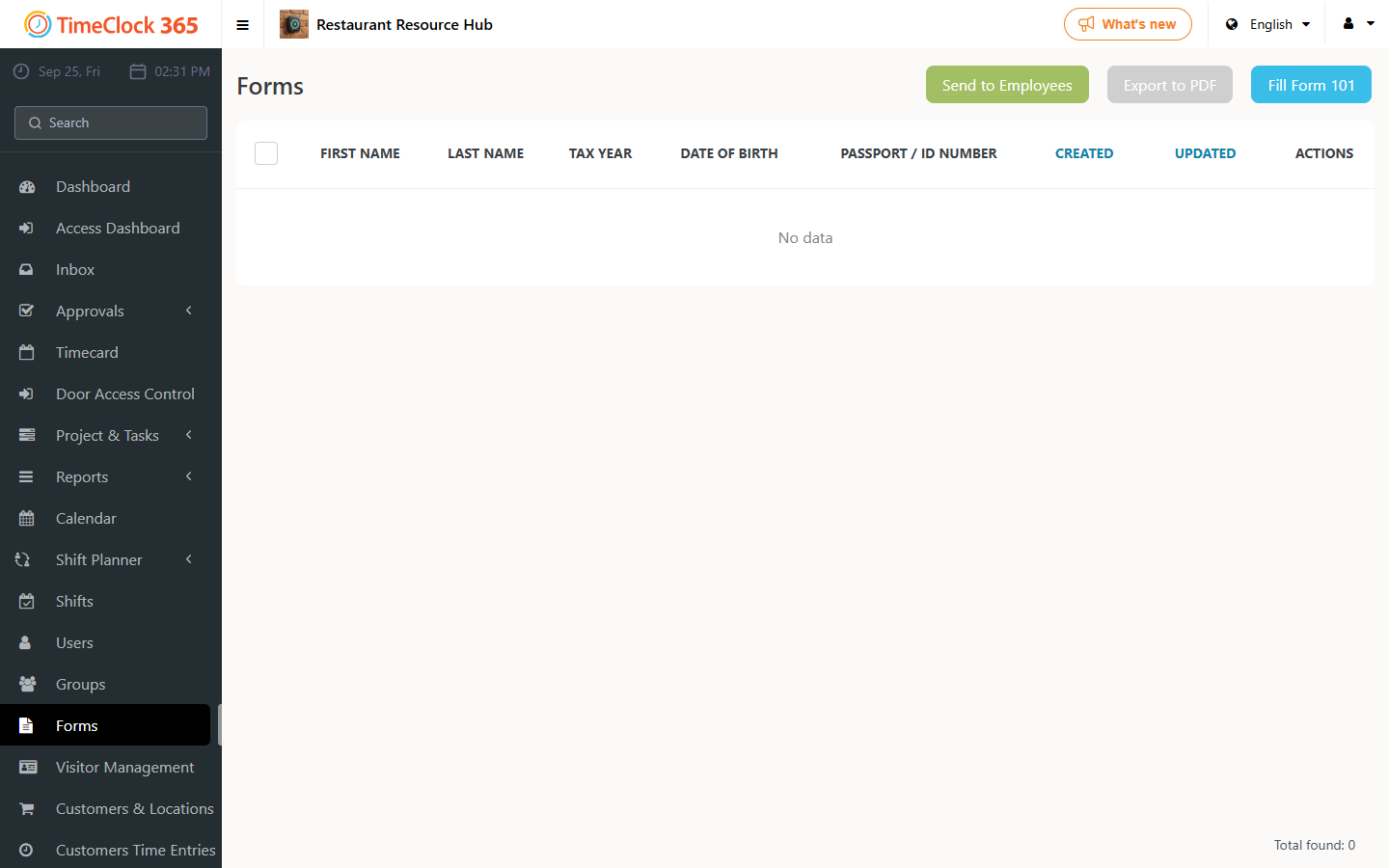
Note: you can save a draft before submitting; your data will be saved as entered. To return to it later, go to Forms, click Actions, and edit.