
The Payroll Report gives you a high-level overview of your employees' attendance data. It exports key totals for a selected period into a single Excel file, with each employee's summary on a separate row. This format is ideal for payroll processing, accounting and management review.
Tip: you can customize which data columns (for example total hours, absences and overtime rates) appear in the exported file. See how to customize the reports.
Step-by-step instructions
- Go to Reports > Payroll Report.
- Select the date range and any other filters you need.
- Click Download and choose Excel (Separated) from the dropdown menu.
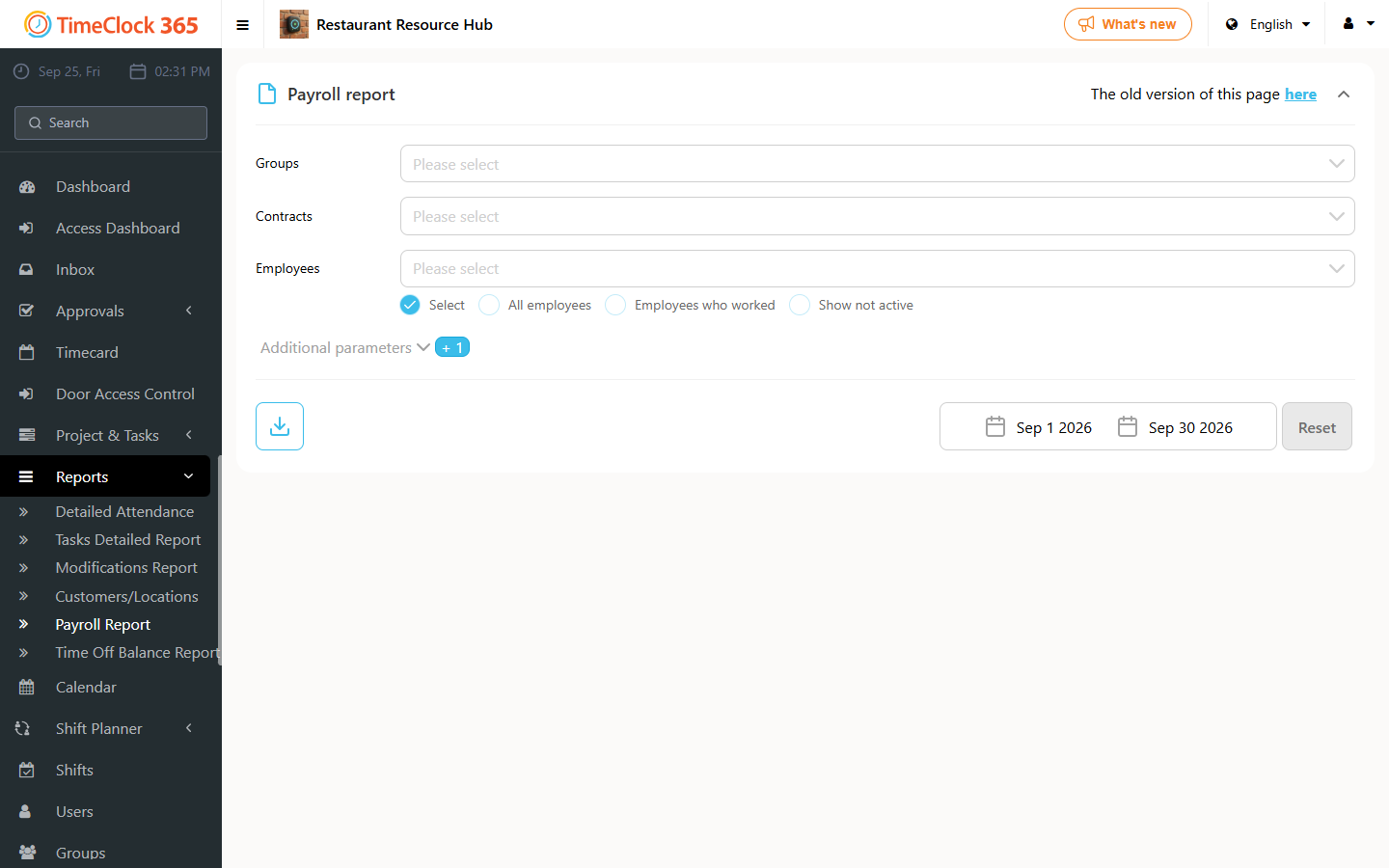
The system generates and downloads an Excel file with the summarized attendance data for all selected employees for the period you chose.