
Set up additional summary alerts so managers automatically receive periodic reports about employee attendance.
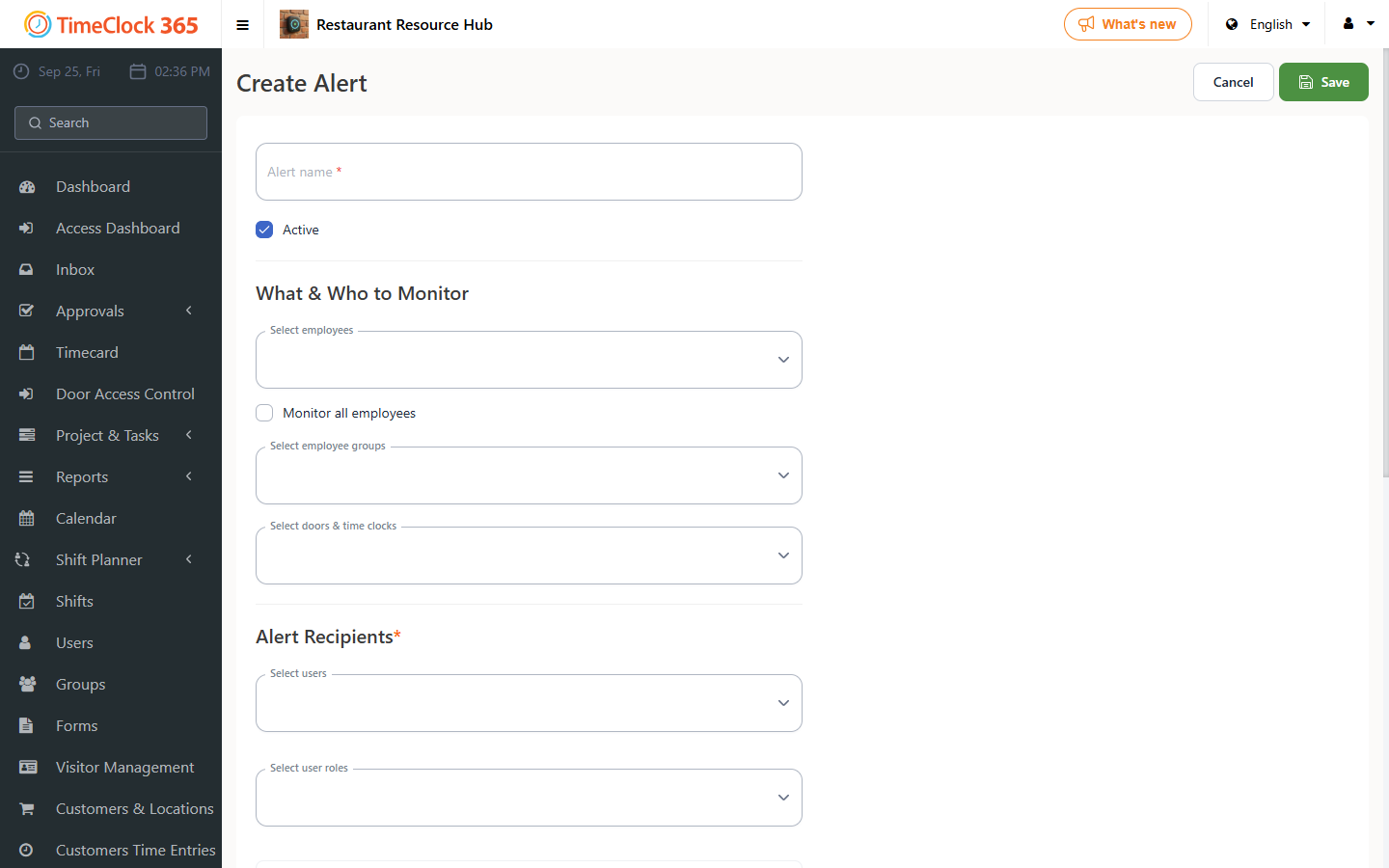
- Go to Alerts, then click Create new alert.
- Type a name for the alert, select the employees the alert should cover (you can check "receive alerts for all users"), and choose the manager who should receive it.
- Scroll down and open the "Additional Summaries" tab.
Two options are available there:
- Send daily and monthly reports - sends a comprehensive summary of daily reports (monthly, per day).
- Send a report of monthly averages - sends average performance reports after the specified number of months.
Check the report type you want and enter the timing for receiving it, then click Save.