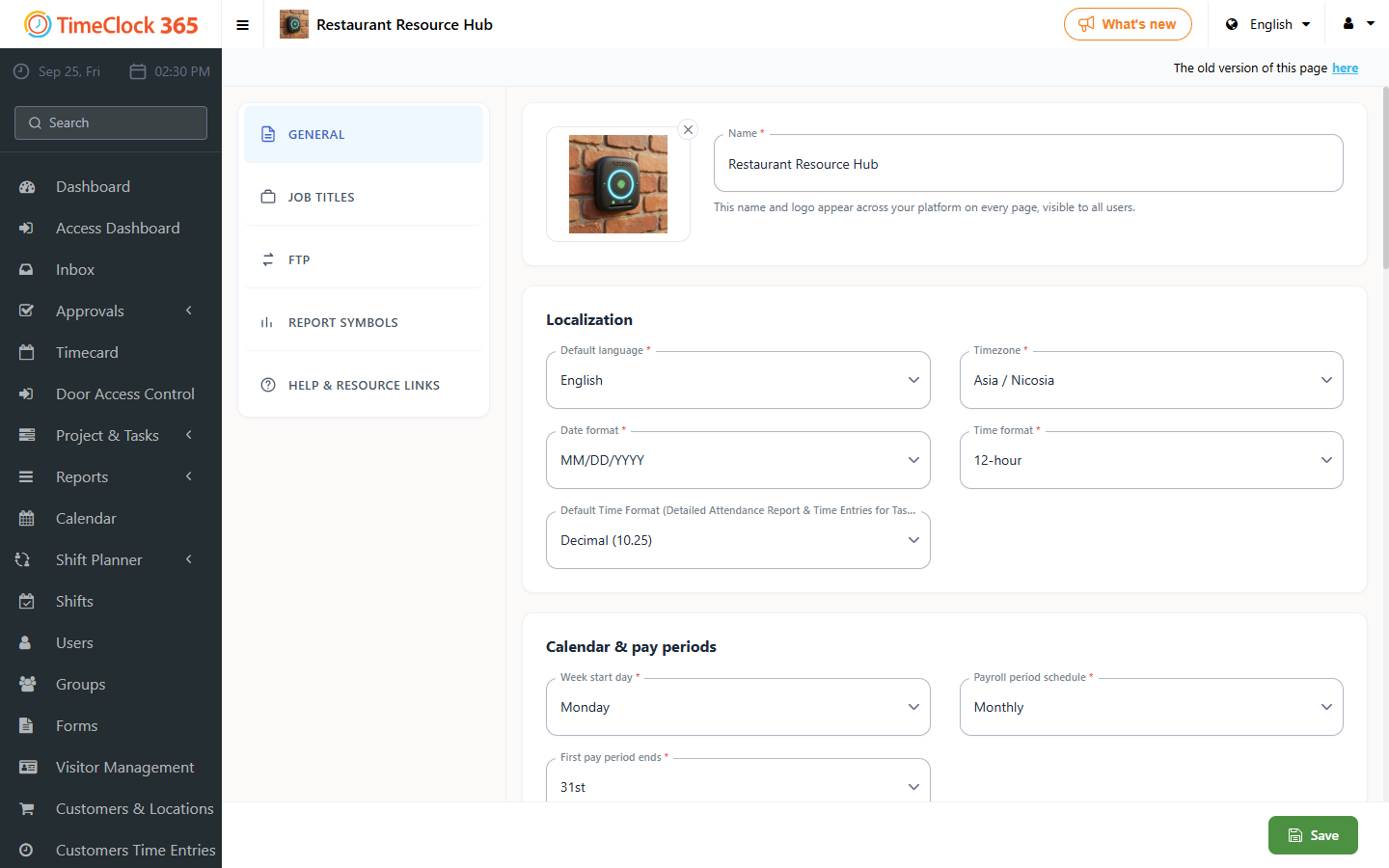
This guide explains how to change how many minutes the system keeps users logged in before automatically logging them out.
How to set it
- Click Settings, then Company Profile, and select the Settings tab at the top.
- Scroll down and update the "connection time" field with the number of minutes you want the system to keep you logged in. The maximum is 60 minutes.
- Click Update.