
This guide explains how to disable the location check the mobile app performs when an employee clocks in.
If you don't want to record the address an employee reports attendance from, you can disable this in the contract settings.
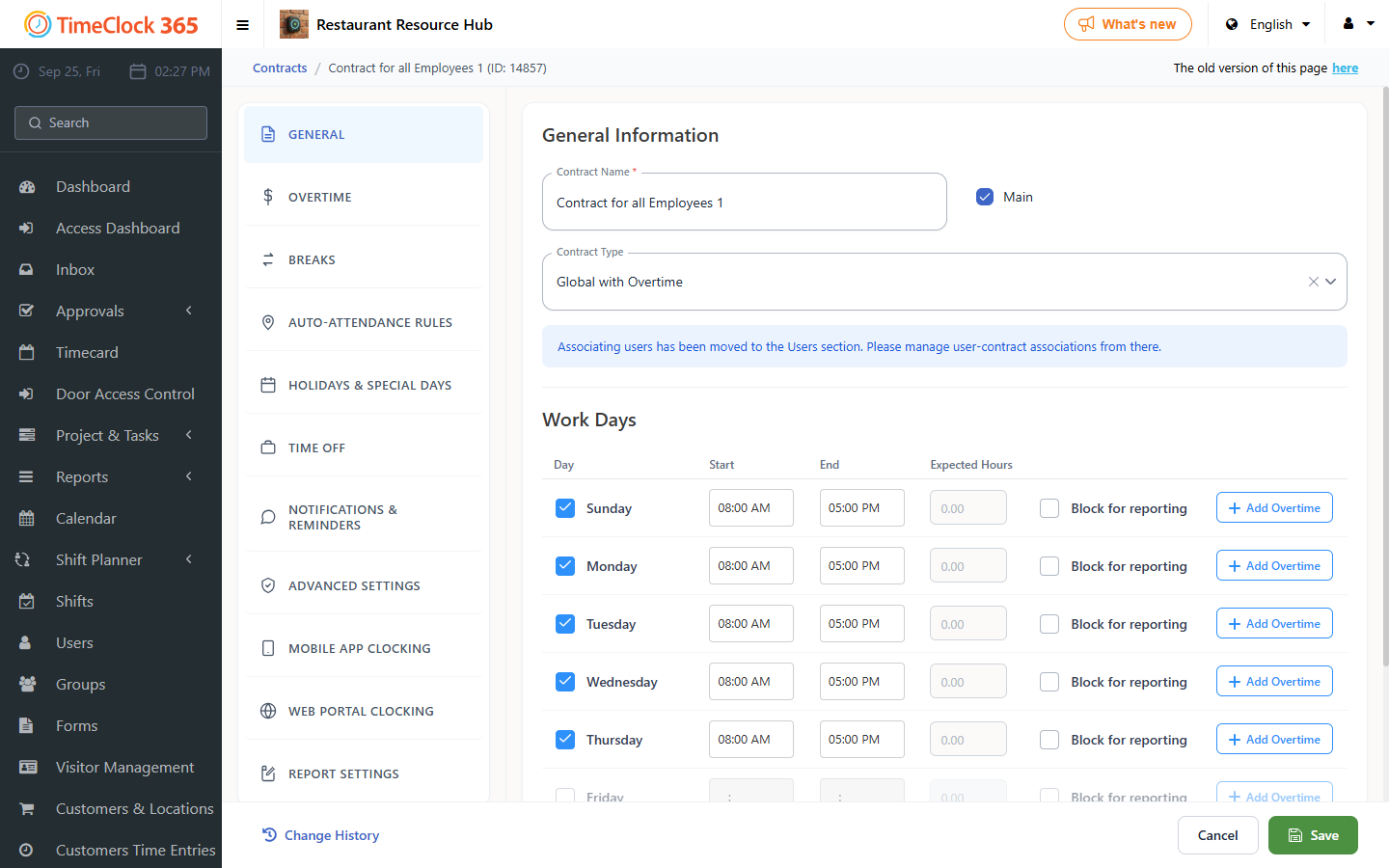
- Go to Settings > Contracts > the employee's contract.
- Click "Smartphone Clock-In Conditions".
- Uncheck the checkbox "Location required for clock-in".
- Click "Save".
Note: for employees reporting to the IIA, location reporting is required for both attendance and tasks.