
This guide explains how to set up the mobile app so it asks the employee to report how many kilometers or meters they traveled.
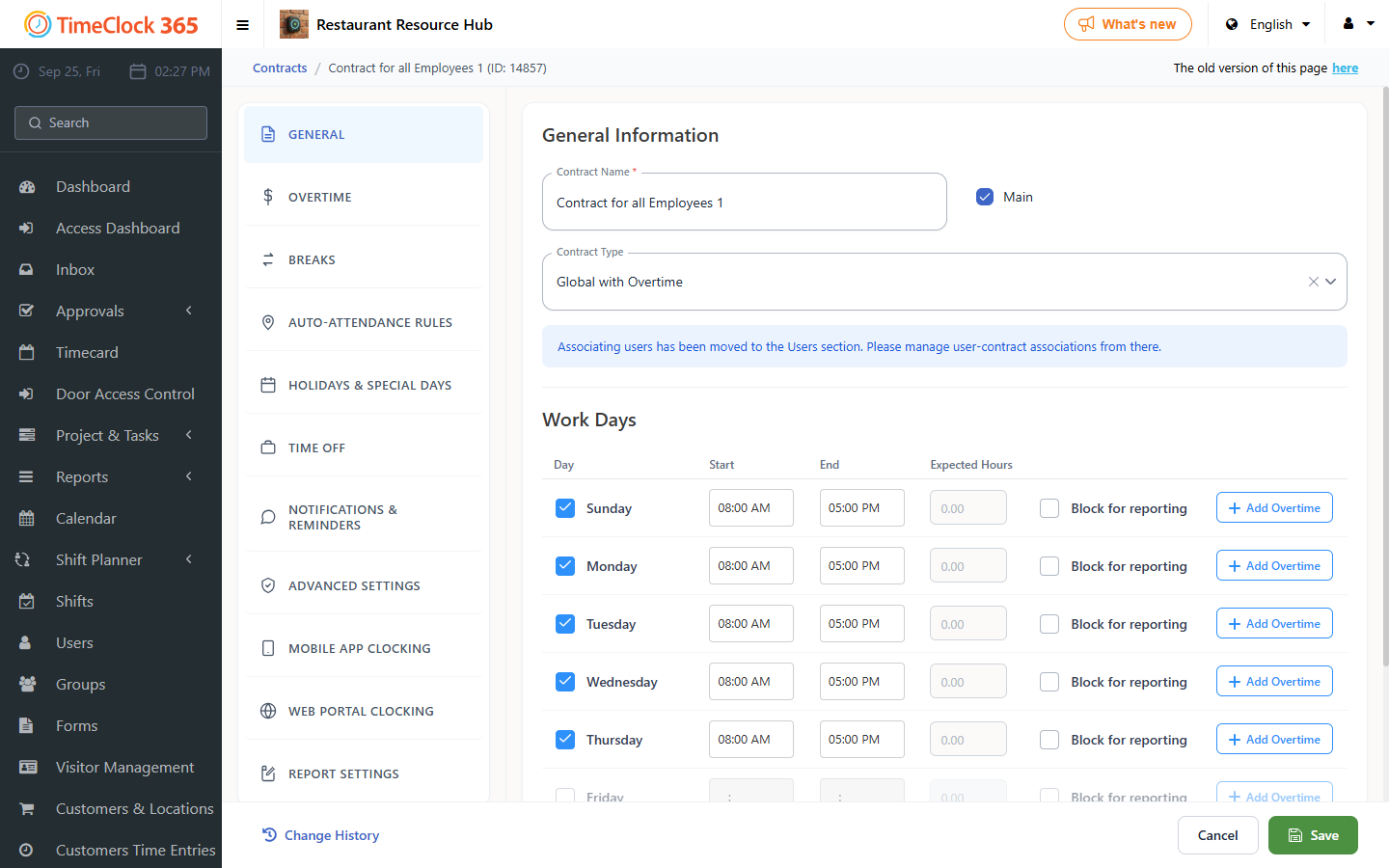
- Go to Settings -> Contracts -> select the relevant contract.
- Scroll down and open the "Smartphone Clock-In Conditions" tab -> check "Show travel distance on clock-out" -> also check "Travel distance on clock-out required" -> click Save.
- To view the data, go to Reports -> Detailed Attendance -> check "Show travel duration and distance" -> click Show.
In the Detailed Attendance report summary (at the bottom of the report) you will see a total of the kilometers traveled.