This guide explains a common reason an employee cannot report on an IIA (Israel Innovation Authority) task, and how to fix it.
One common cause is that the employee clicked the "Finish task" button. Once clicked, the task disappears from the list of tasks available for reporting and becomes a "completed task".
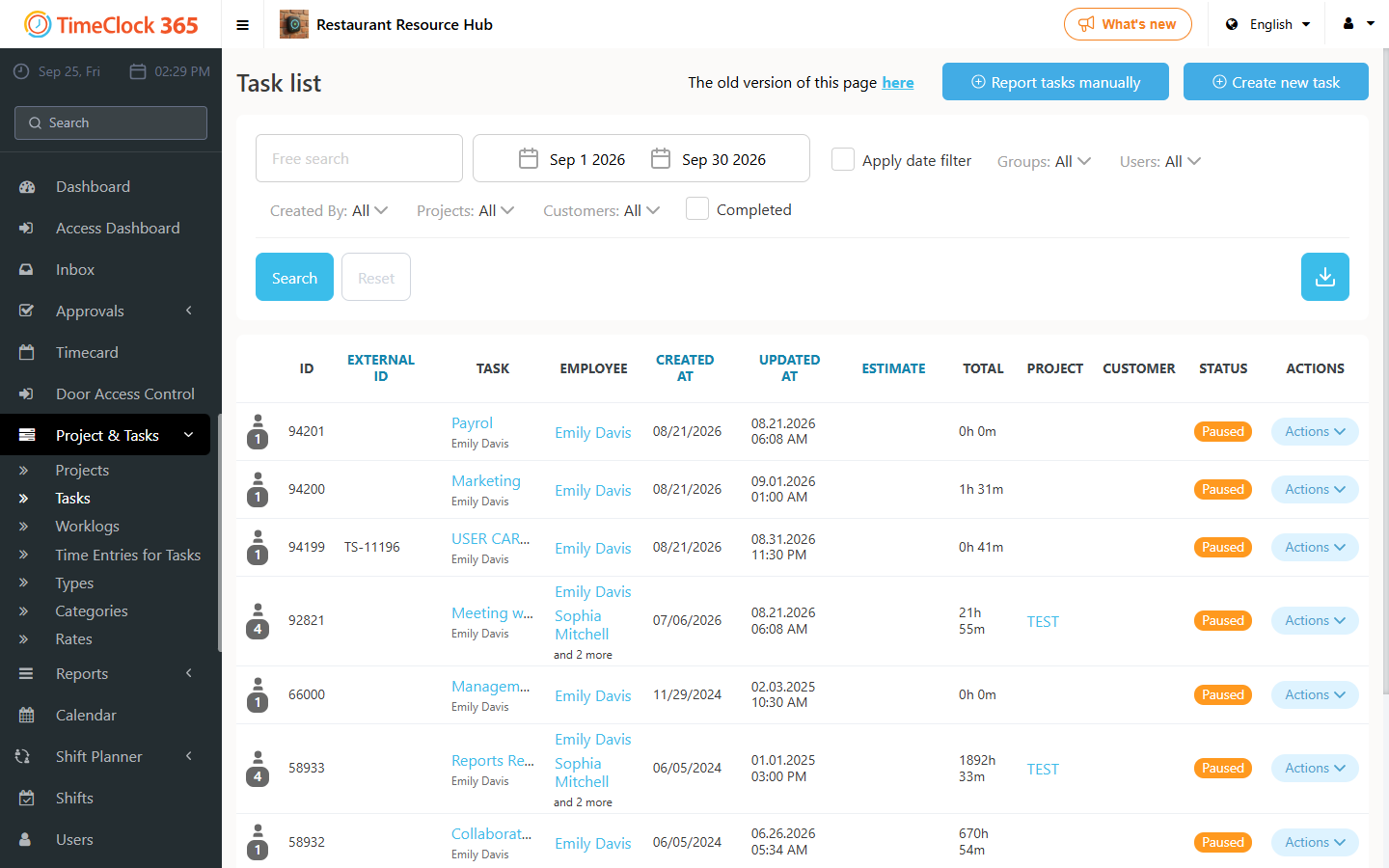
To reopen it, either a manager can do this for the employee (see the related guide), or the employee can do it themselves: go to the TimeClock 365 web portal, click "Project & Tasks" -> "Tasks" in the menu, select "The old version of this page is here" at the top, then filter by completed tasks or search for the task name, and click to reopen it.