
This guide introduces a simple 3-step wizard for approving the monthly IIA (Israel Innovation Authority) report.
A button appears on the Dashboard on the first day of every month, both on the web portal and in the mobile app.
Clicking this button takes you through three screens:
- Filling in attendance.
- Filling in missing tasks.
- Approving the report.
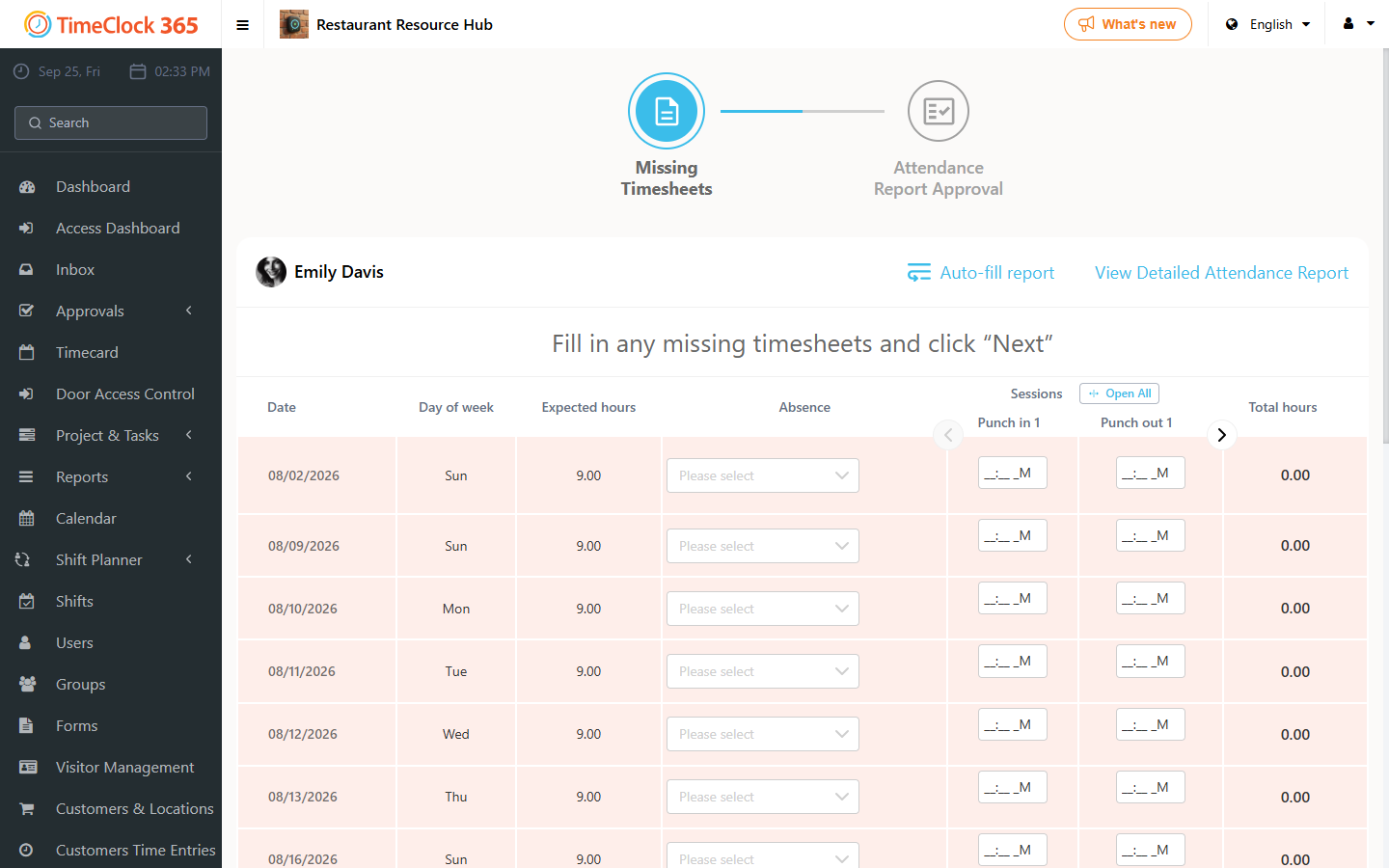
Step 1: Fill in missing timesheets
The screen shows days from the previous month with missing punch-in or punch-out times. Fill them in manually, or click "Auto-fill report" to populate the hours according to your contract. You cannot continue until all work hours are accounted for. Click Next.
Step 2: Allocate hours to tasks
The screen shows a table of your workdays. Distribute your "Total hours" across the task columns, either by typing hours directly into the cells or by clicking "Auto-fill tasks". Continue until no hours remain unassigned. Note: automatic completion of a task over 24 hours is considered a retro report. Click Next.
Step 3: Final report approval
Review the report summary to make sure everything is correct, then click Approve to complete the month.