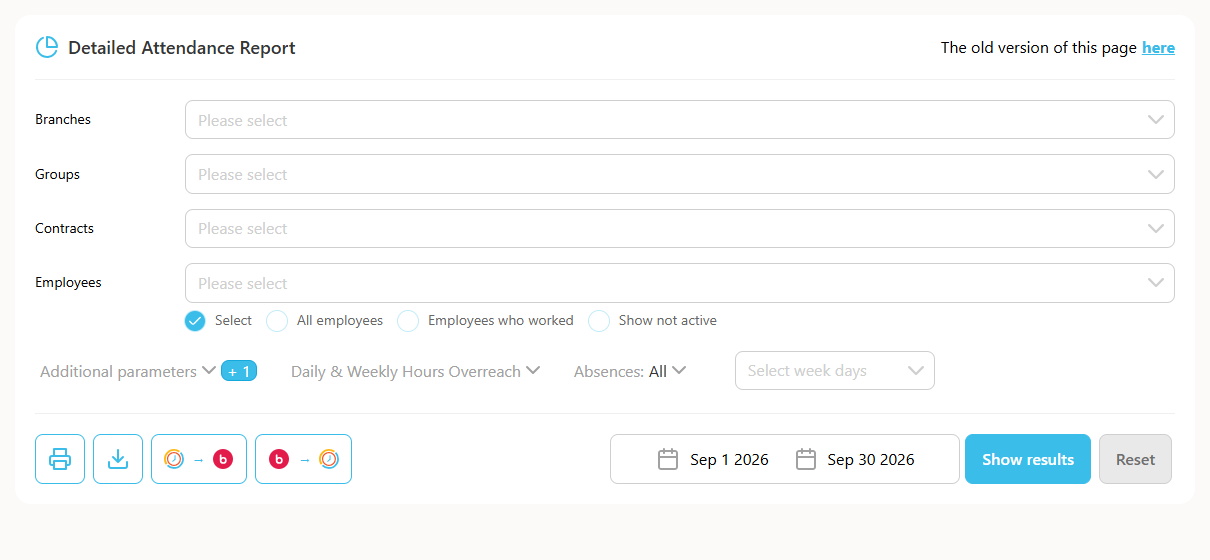
This guide explains how to automatically fill missing hours in the Detailed Attendance report according to the required standard set in the employee's contract, from the first selected day up to and including that day.
Note: this option is only available to users with edit permissions. Once performed, the action cannot be undone to restore the previous state.
How to do it
- Click "Reports" -> click "Detailed Attendance" -> select the desired employee -> click "Show" -> click "Auto-Fill Report" at the top edge of the report.