
If you don't want employees to select the attendance type every time they punch in, set a default attendance type. You can also remove an existing default.
Set a default attendance type
- Log in to your Timeclock 365 account.
- Open Company Profile from the menu.
- Click the Settings tab.
- Find the Default attendance type field.
- Select the relevant option from the dropdown.
- Click Update to save.
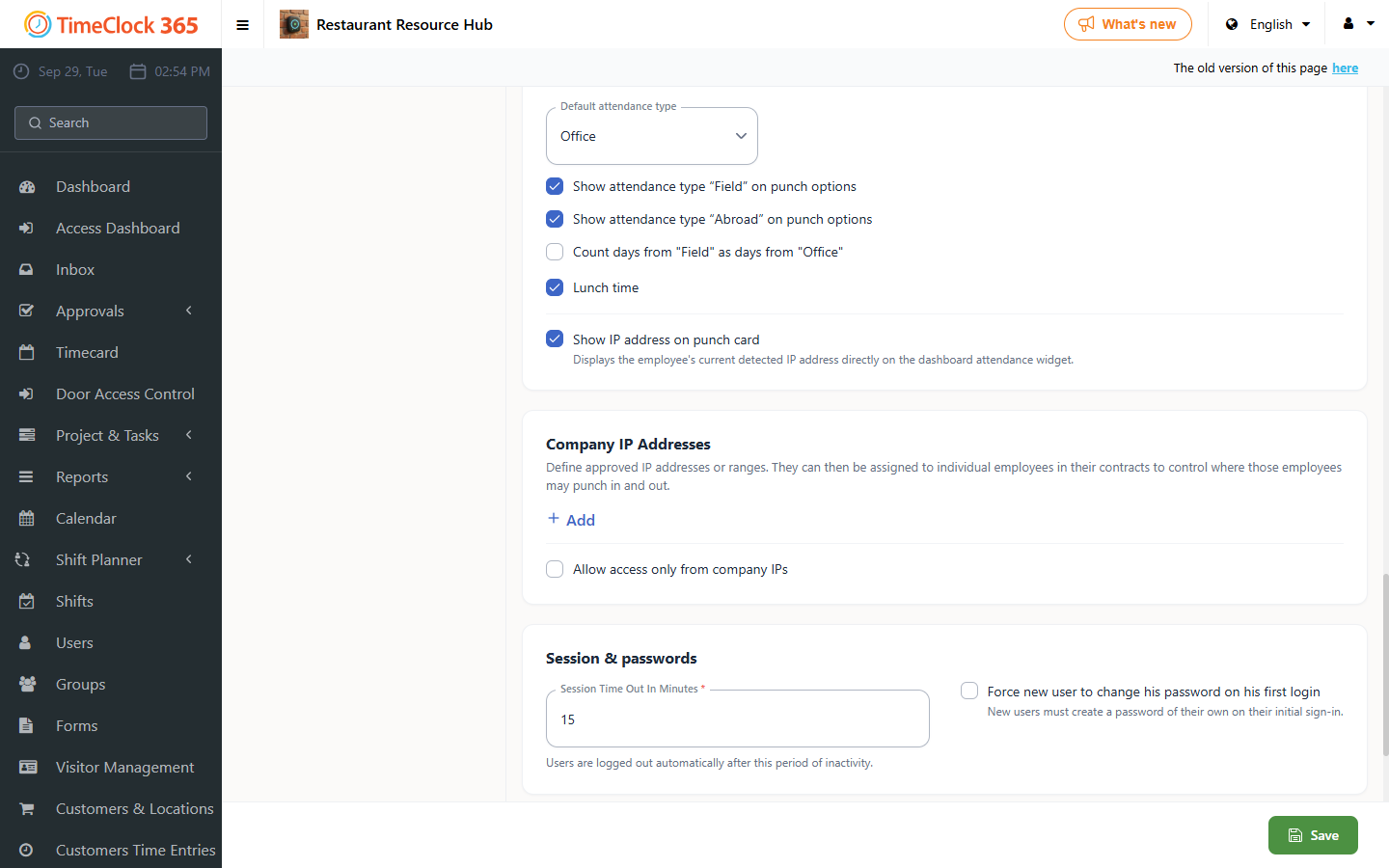
Remove the default attendance type
- In the same field, click the X button next to the current value to remove it.
- Don't forget to save your changes.