
This guide explains how to require employees to select a task when they clock in, both on the smartphone app and on the web portal.
Go to Settings, then Project & Tasks work agreements, and select the work agreement assigned to the employees you want to configure. Scroll down and open the relevant tab.
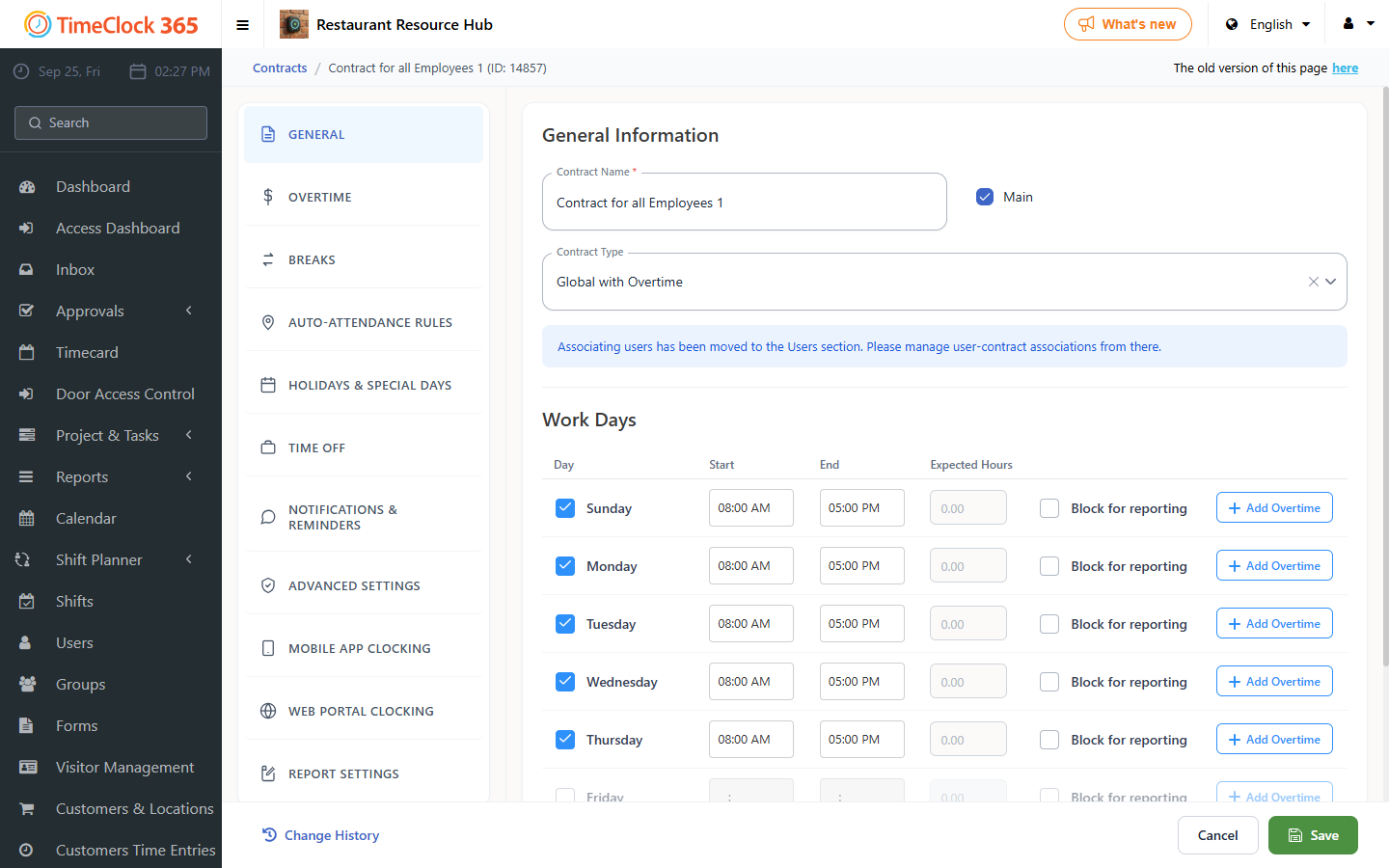
Smartphone app setting
Selecting a task becomes mandatory, and the clock only starts running once a task is selected.
- Open the "Conditions for clocking in on smartphone" tab.
- Check "It is mandatory to start a task immediately after punch in".
- Click Save.
You can also set a default task to appear on the app's main screen; see the related guide for that.
Web portal setting
Selecting a task becomes mandatory here too, and the clock only starts running once a task is selected.
- Open the "Conditions for clocking in on the web" tab.
- Check "Mandatory to report task start immediately after clock in".
- Click Save.
Note: this option is relevant only for Professional and Premium plans.