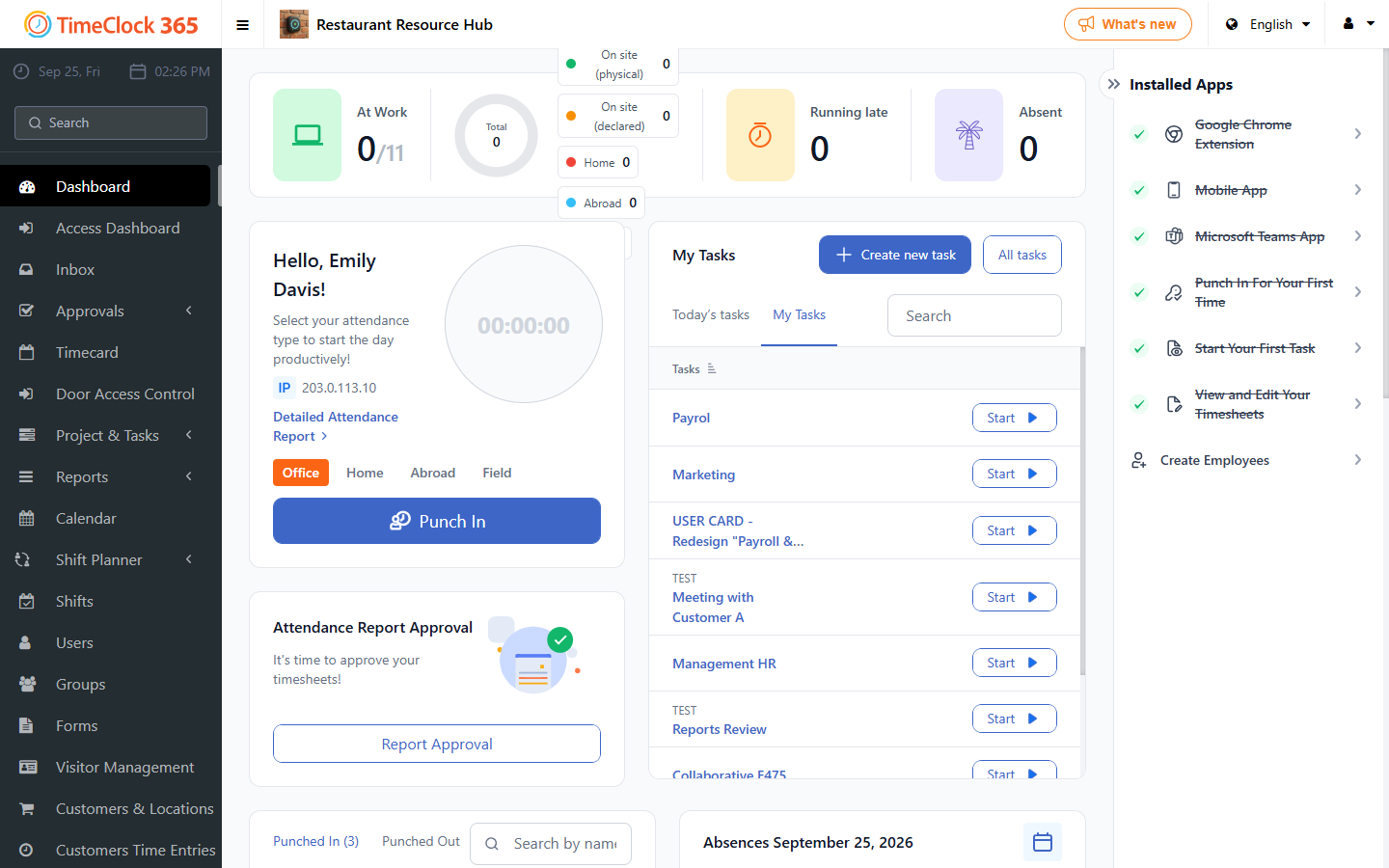
Follow these steps to view and approve everything waiting for your action.
- Log in to your Timeclock 365 account on the web. You land on your Dashboard.
- Locate the Waiting for Your Actions block. It shows all requests pending your approval.
- Review and take action:
- Time off requests: approve or decline directly from the list.
- Report approvals: open the report, review the details, then approve or decline.