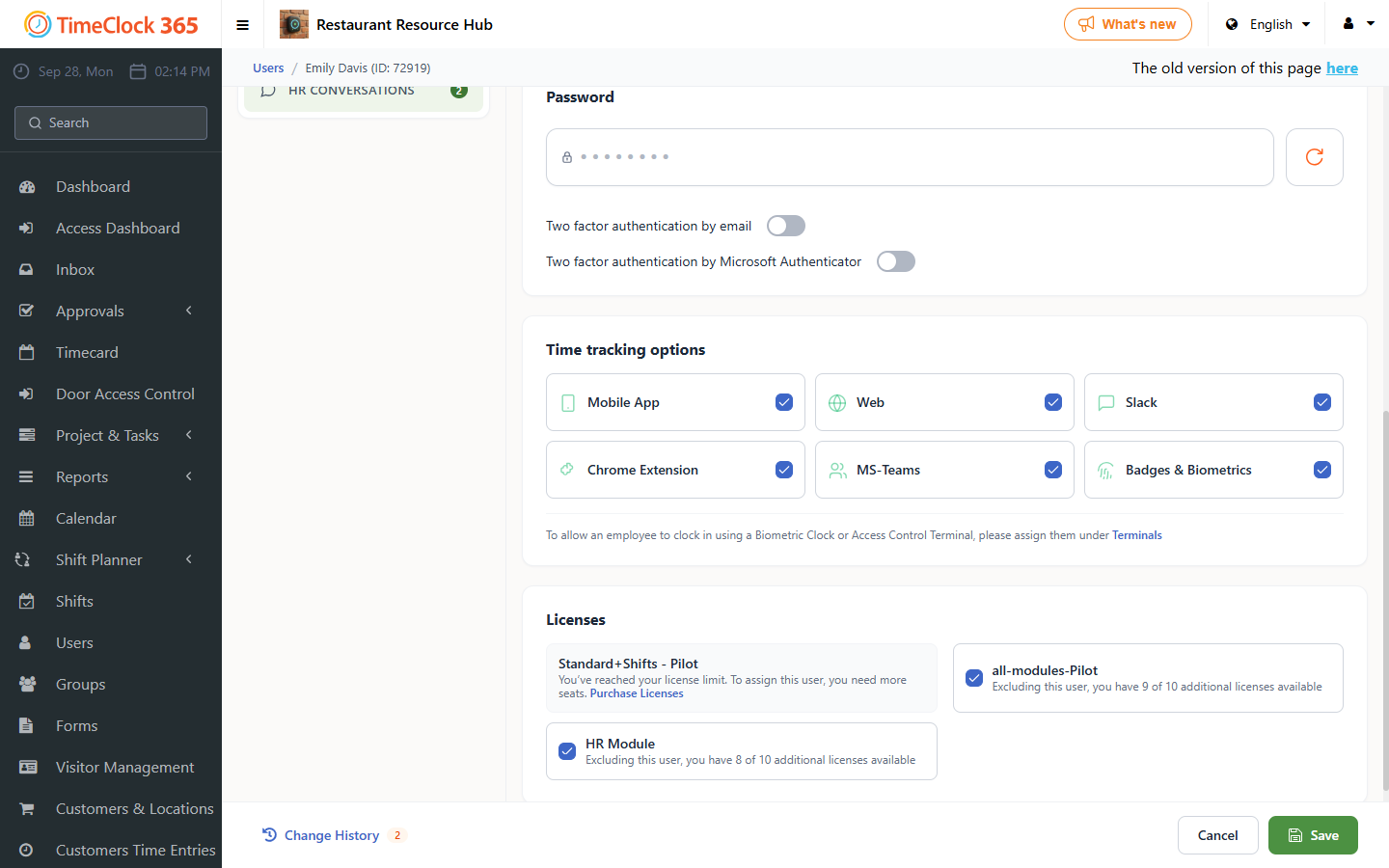
This guide explains how to set up two-factor authentication (2FA) for a user's login, so that after entering the password the system sends an additional verification code.
Note: you can set up two-factor authentication using email or the Microsoft Authenticator app.
How to set it up
- Click Users.
- Click the user you want to set up two-factor authentication for.
- Open the "Two-Factor Authentication" tab.
- Select the method you want: "Enable Email Two-Factor Authentication" sends an email with a code, and "Microsoft Authenticator Two-Factor Authentication" sends a code to the Microsoft Authenticator app.
- Click Save.
The email code is sent to the email address listed in the user profile during login. With the authenticator app, the user generates the code in the app during login.