
This guide explains how a manager approves time off requests submitted by their employees.
Steps
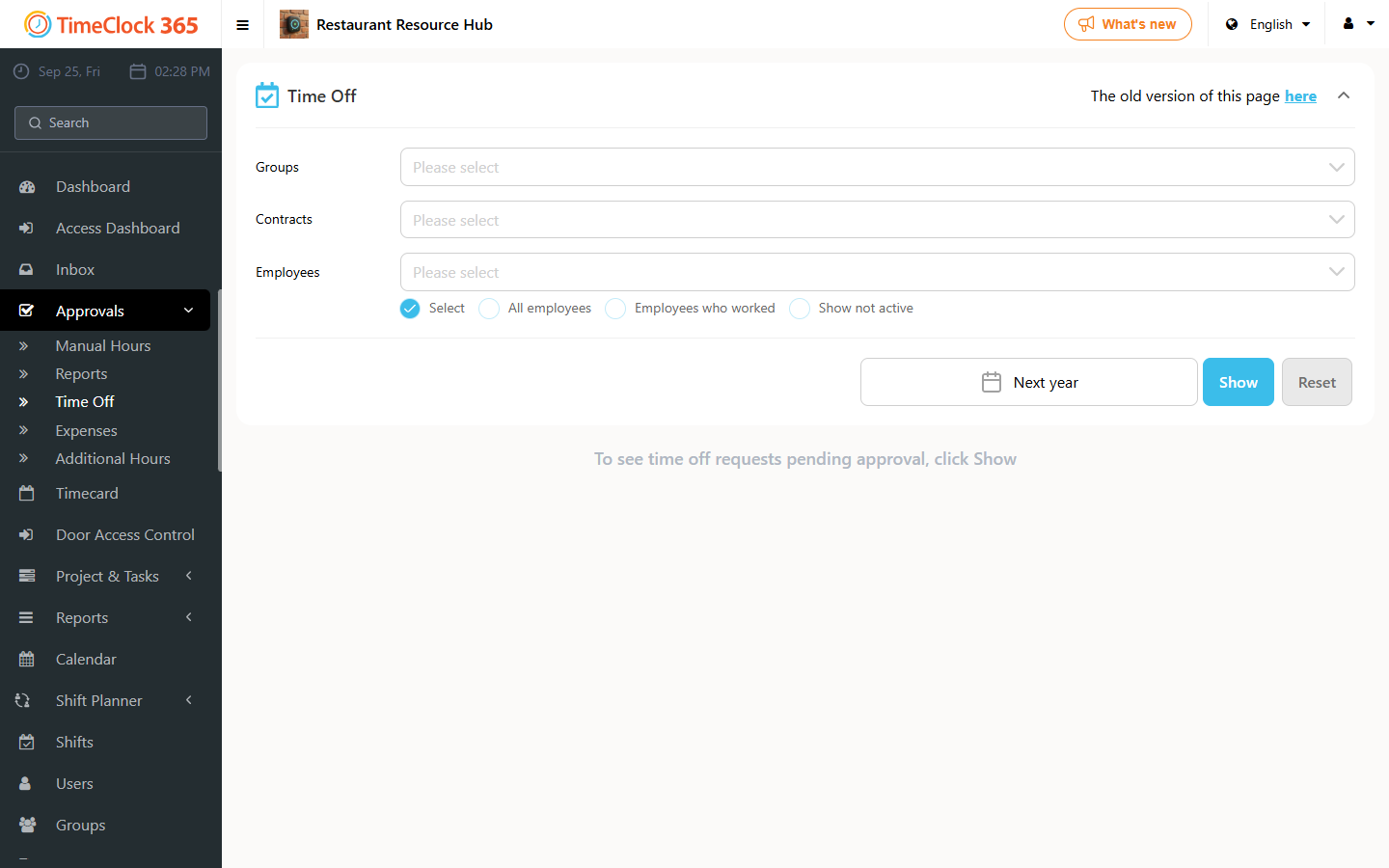
- Go to Approvals, then click Time Off.
- Select the relevant period and click Show.
- Click "Pending manager approval".
- Scroll to the relevant time off request, click Actions, and choose whether to approve or reject the request. The request status is updated and the employee is notified.
This is available to users set up as a Group Manager or Administrator. To assign the role, go to Users, open the relevant user and select it in the Security section.
For instructions on setting up a group manager, see the group manager setup guide.