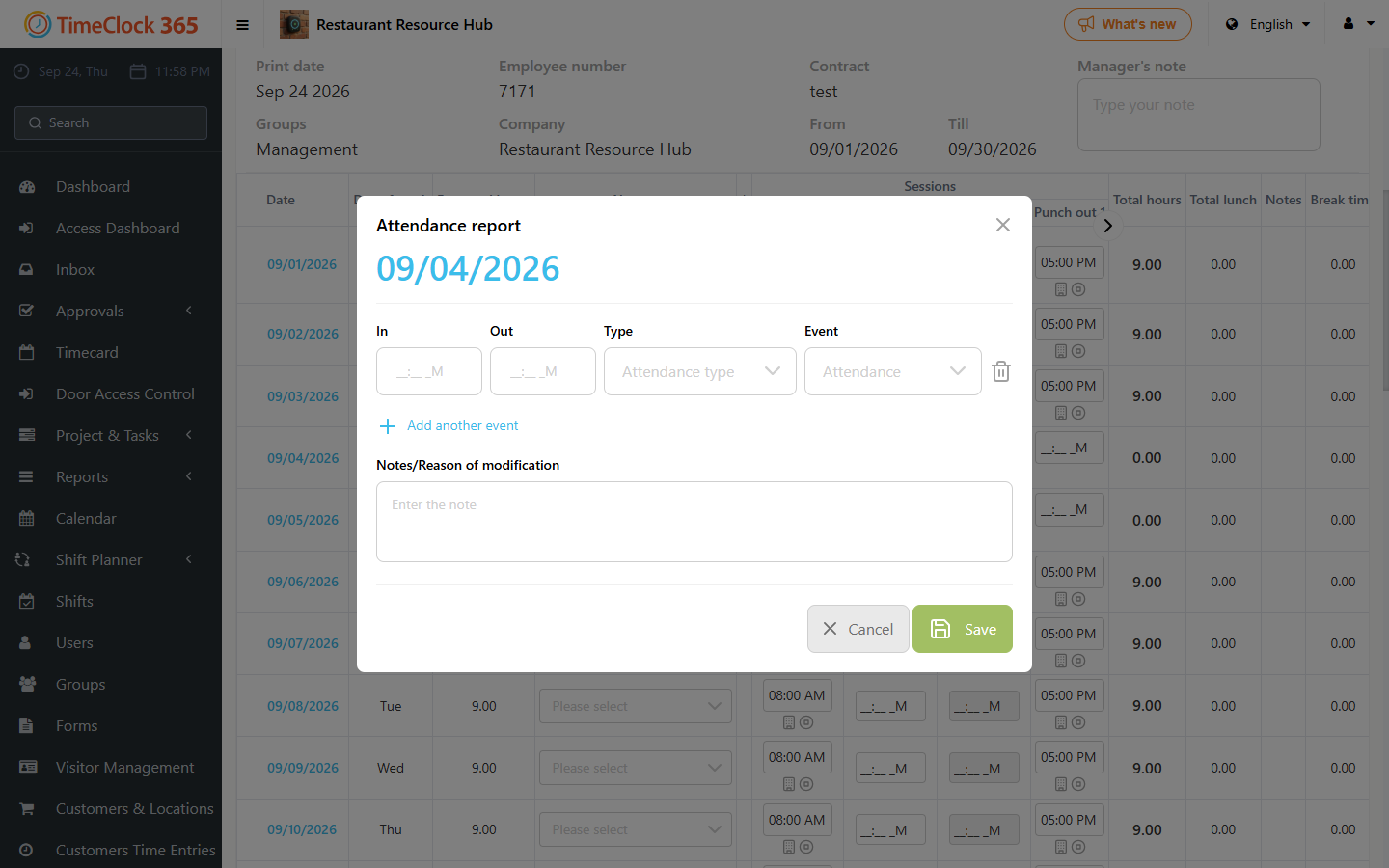
This guide explains how to add an additional clock-in and clock-out entry for the same day.
Go to Reports -> Detailed Attendance, show the report, and click the desired date. A popup will appear with the attendance and time off entries for that day. Click "Add Additional Entry" and fill it in as needed. There is no limit to the number of entries you can add for the same day.