Add a lunch break button so employees can report leaving for a break after they clock in.
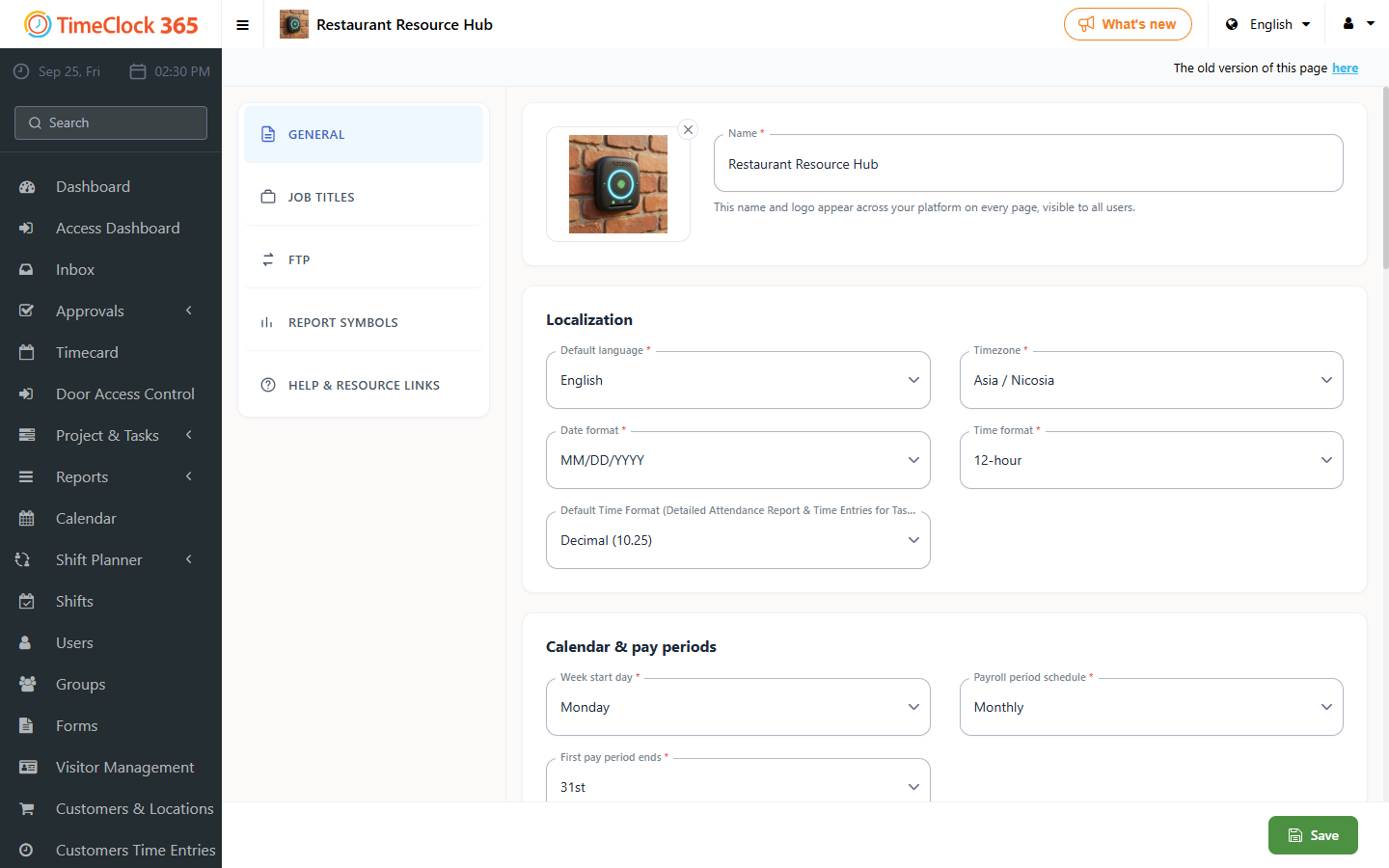
- Click Settings, then Company Profile, click "Settings" at the top, check "Report lunch break", then click Update.
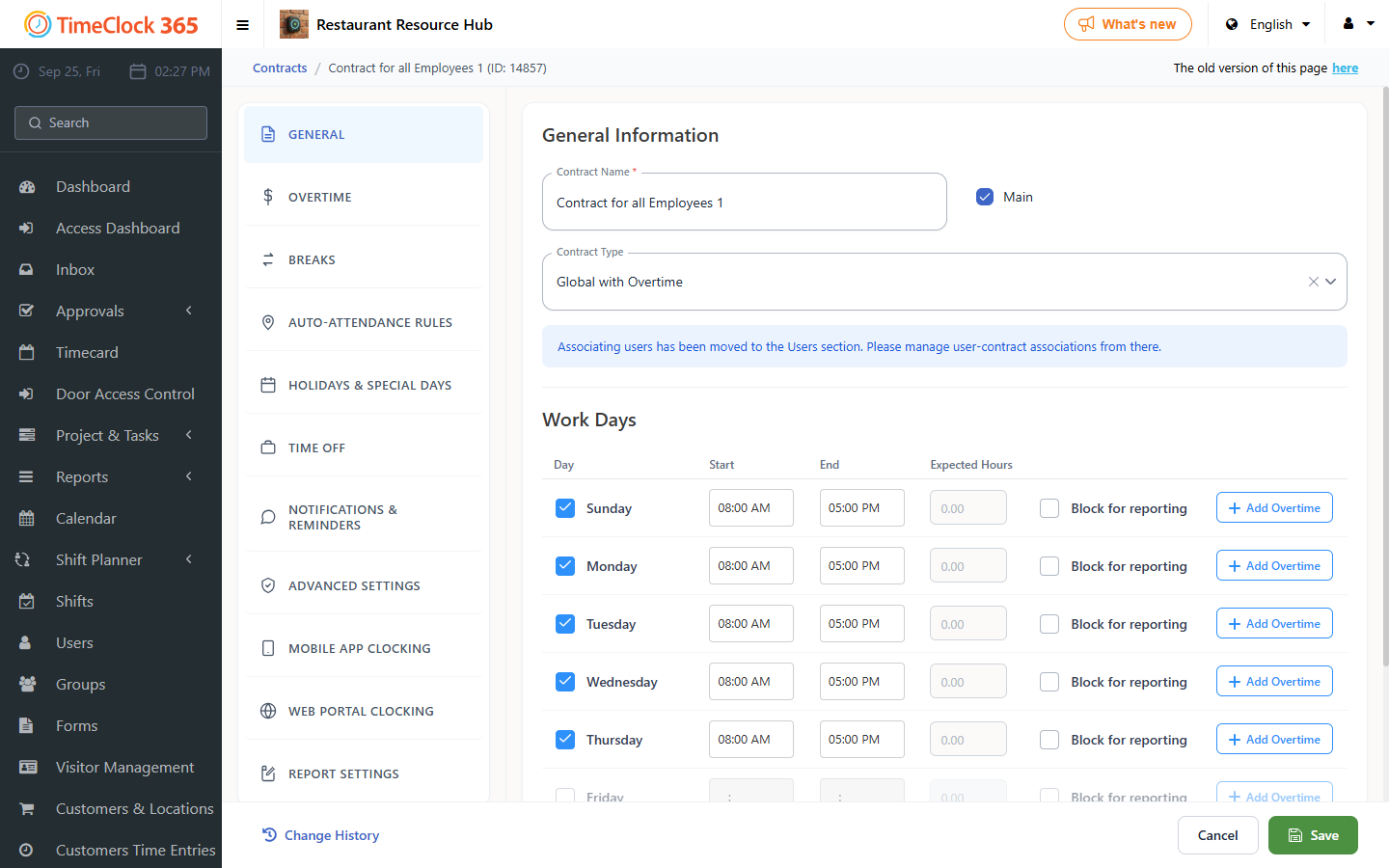
If you want the break time not to be deducted from the employee's hours, set this in the work agreement (contract):
- Click Settings, then Work Agreements, then click the work agreement you want to set this for.
- Scroll down to the "Break" tab, check the box and enter the number of minutes that should not be deducted from employees, then click Save.