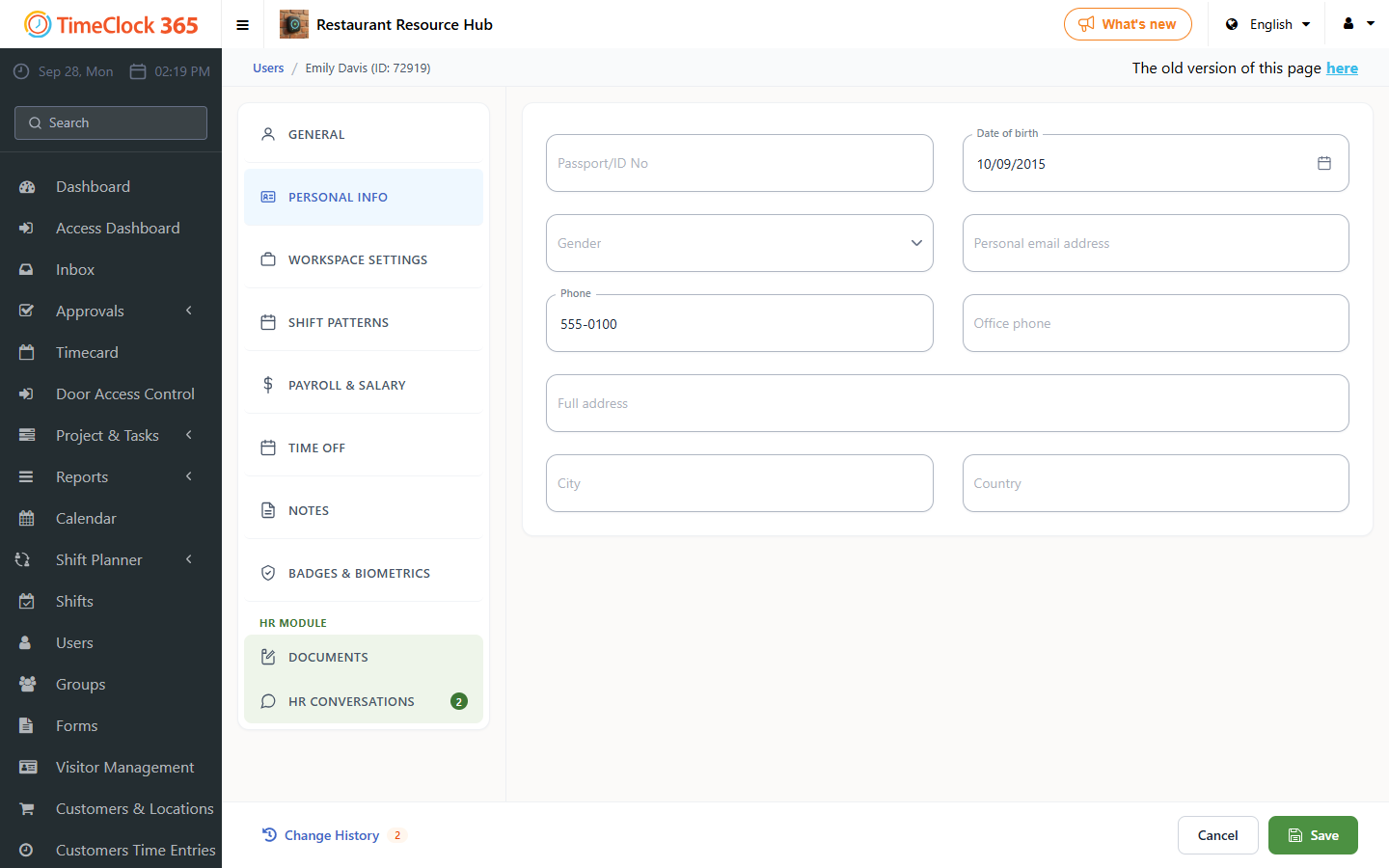
This guide explains how to add an employee's national ID number to their user profile.
Steps
- Go to Users and click the employee you want to add the national ID number for.
- Scroll down and open the "Payroll details" tab.
- Type in the employee's national ID number.
- Scroll to the bottom of the page and click Save.