If a user's account is locked, you can unlock it yourself or have an administrator do it. This guide explains both ways.
Option 1: The user resets their own password
The user clicks "Reset password". Once the password reset process completes, the lock on the account is removed automatically.
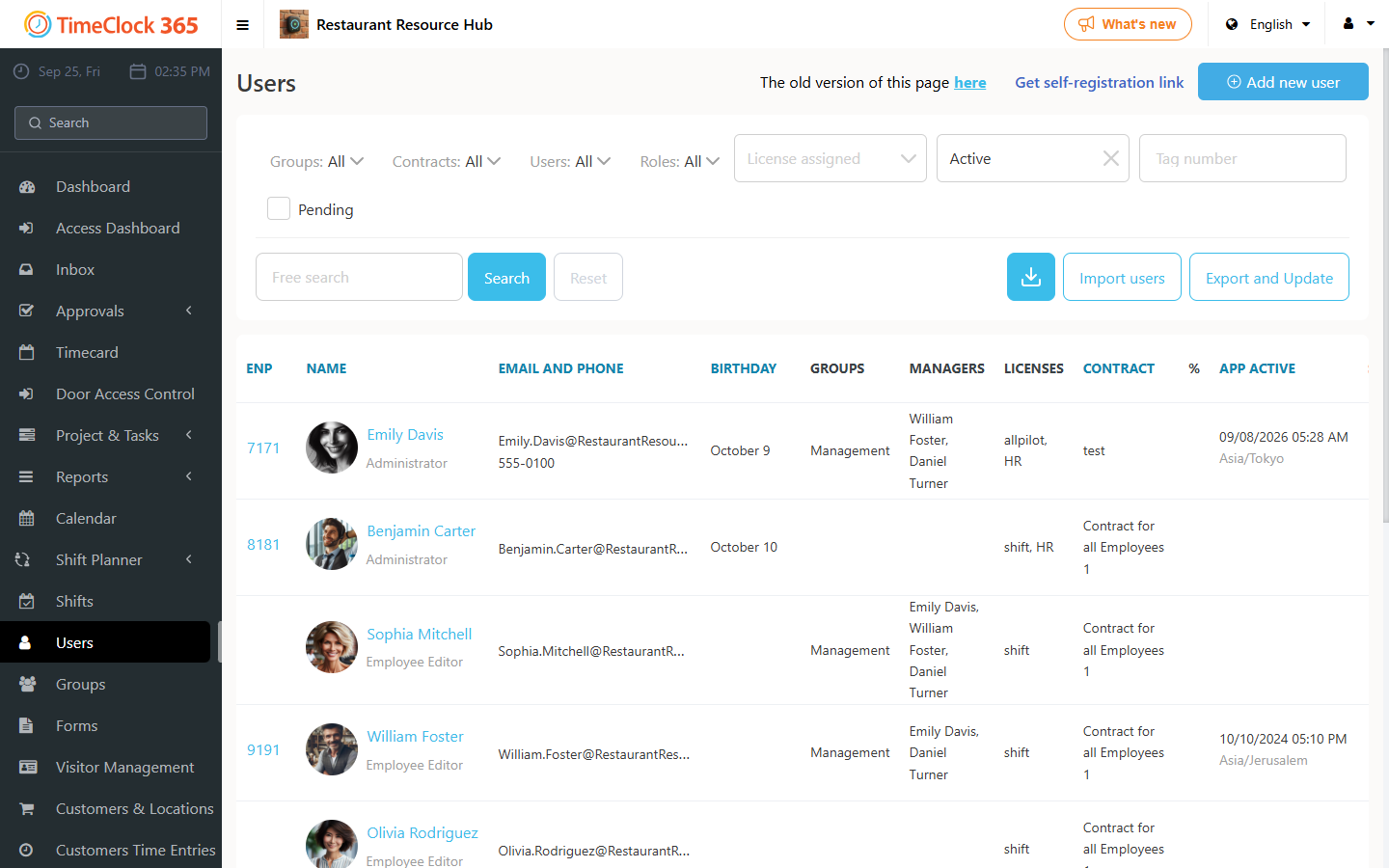
Option 2: An administrator unlocks the user
An administrator goes to Users, finds the locked user, and clicks the Unlock button next to that user's name.