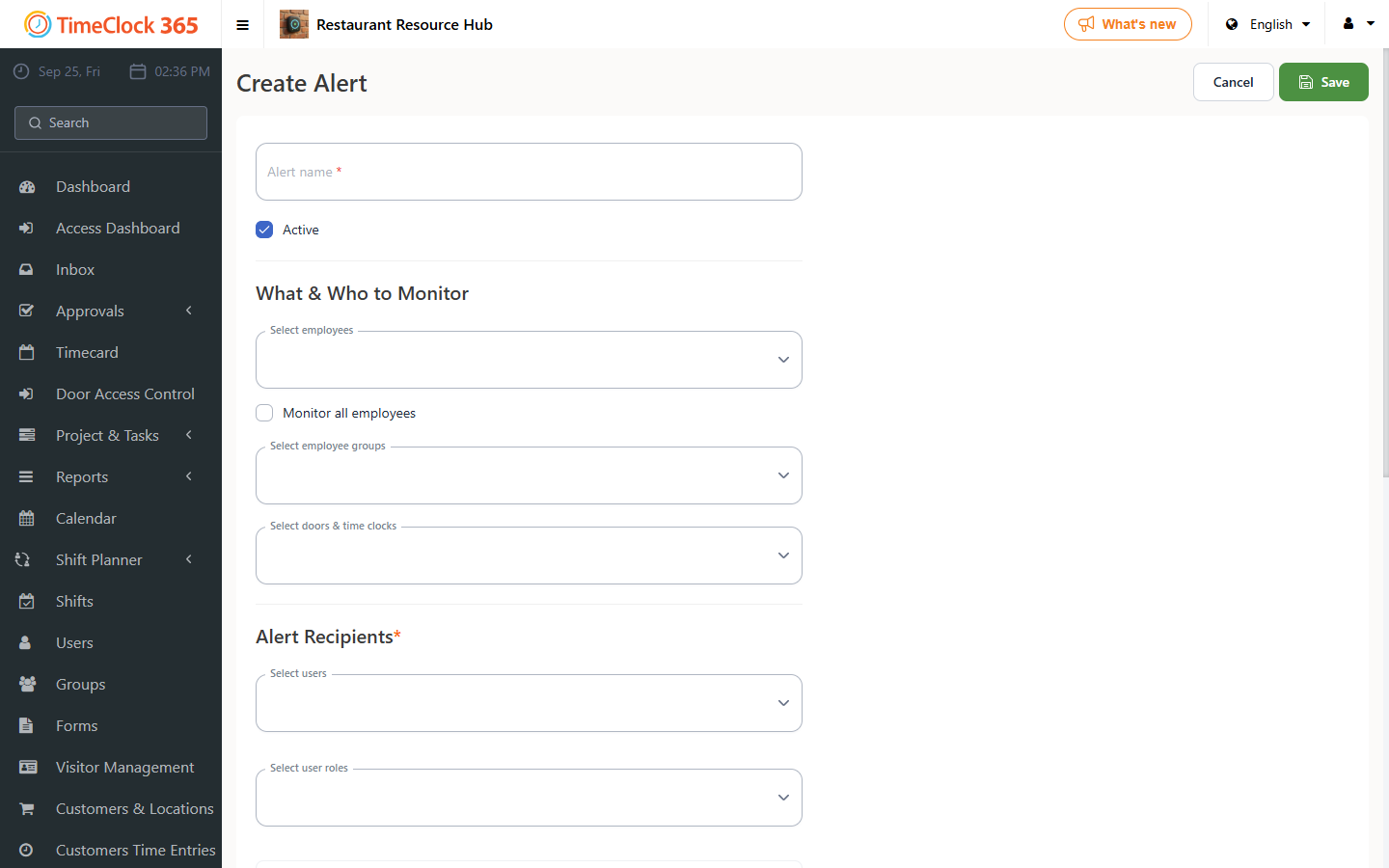
This guide explains how to set up an alert for when a user does not clock out at the end of the day.
- Click "Alerts" -> "Create new alert".
- Type a name for the alert -> select the employees you want the alert to cover (you can check "Get alerts for all users") -> select the manager who should receive the alert.
- Open the "Attendance alerts" tab -> check "Did not clock out" -> enter after how many minutes past the employee's standard time the system should alert that the user still has not clocked out -> click Save at the bottom of the screen.