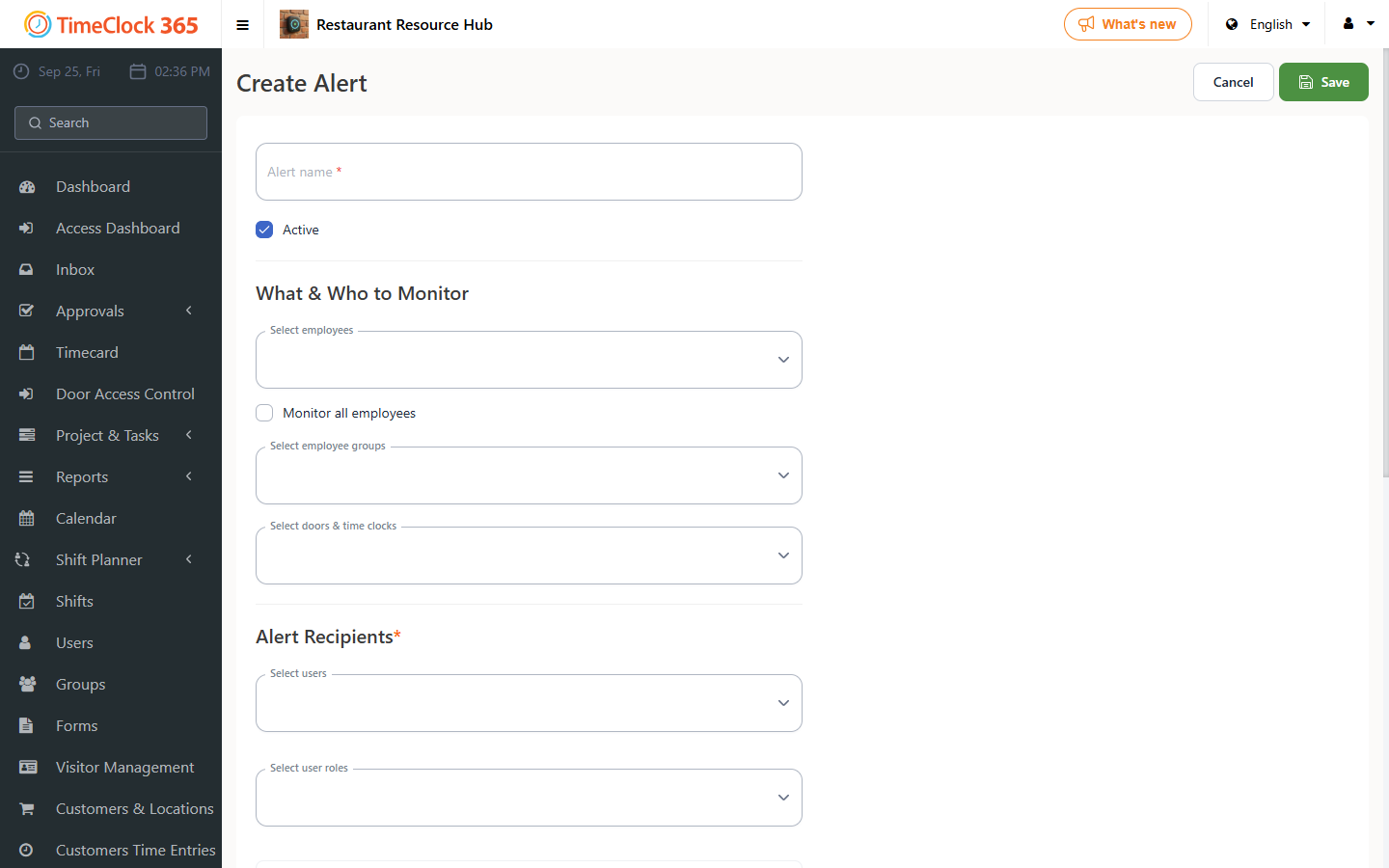
This guide explains how to create an alert that notifies a manager whenever a user edits their own attendance report.
- Click Alerts, then click "Create New Alert".
- Type a name for the alert, choose the employees it should cover (or check "Receive alerts for all users"), and select the manager who should receive it.
- Scroll down and open the "Alerts for Hour Corrections and Updates" tab, check "Employee updates hours manually", then click Save at the bottom of the screen.