
This guide explains how to set up an alert about employee locations and customers.
Setting up the alert
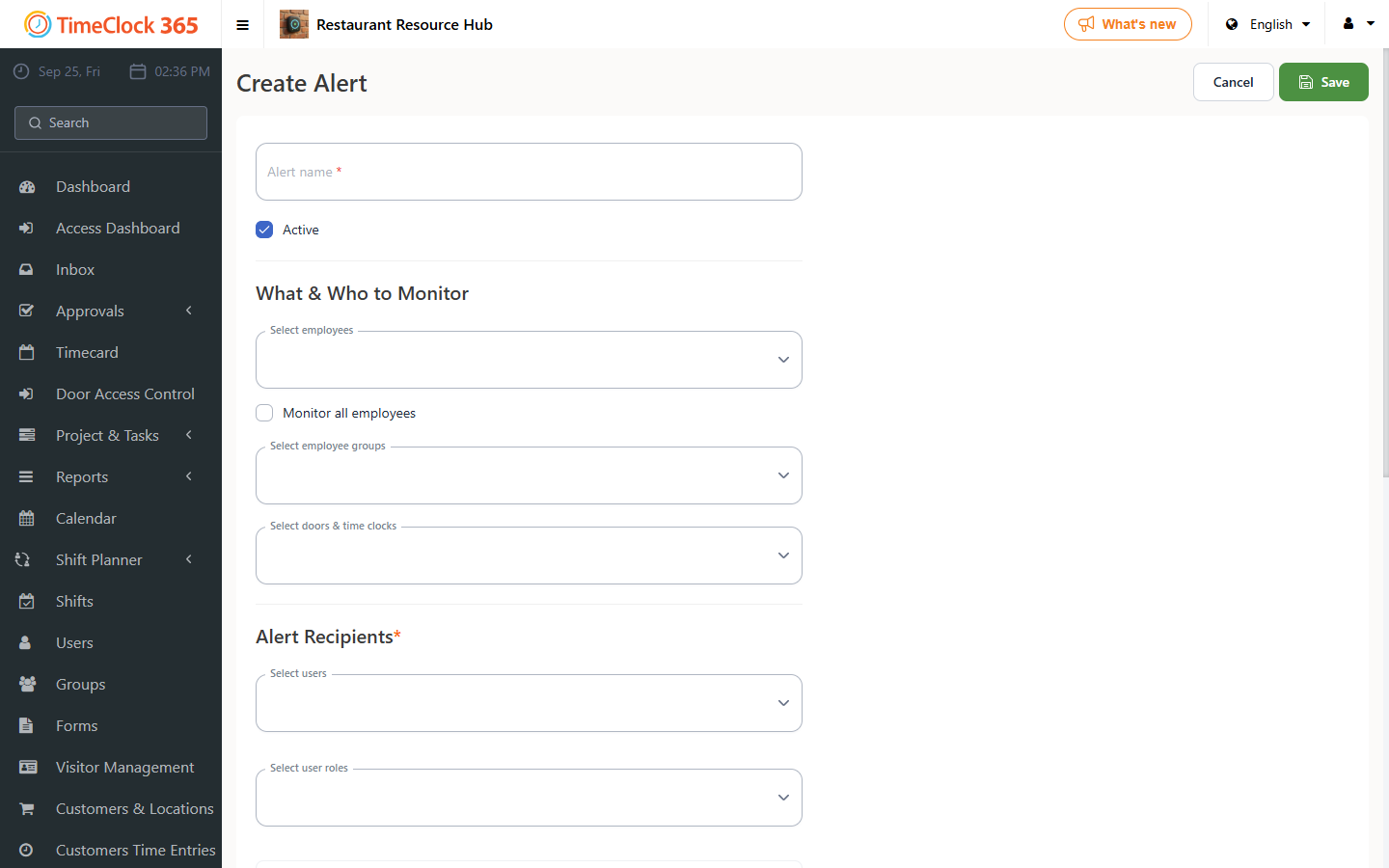
- Go to Alerts, then click "Create new alert".
- Type a name for the alert, select the employees you want the alert to apply to (or check "Receive alerts for all users"), and select the manager who should receive the alert.
- Scroll down and open the "Location and customer alerts" tab.
In this tab you can choose to:
- Receive an alert when the selected employees arrive at a customer's area - check this option and click the plus button to select the relevant customer.
- Receive an alert when the selected employees leave a customer's area - check this option and select the relevant customer.
- Receive an alert when the selected employees turn their device's GPS on or off.