
This guide explains how to set up an alert that is emailed to a manager whenever an employee's day is closed automatically by the system.
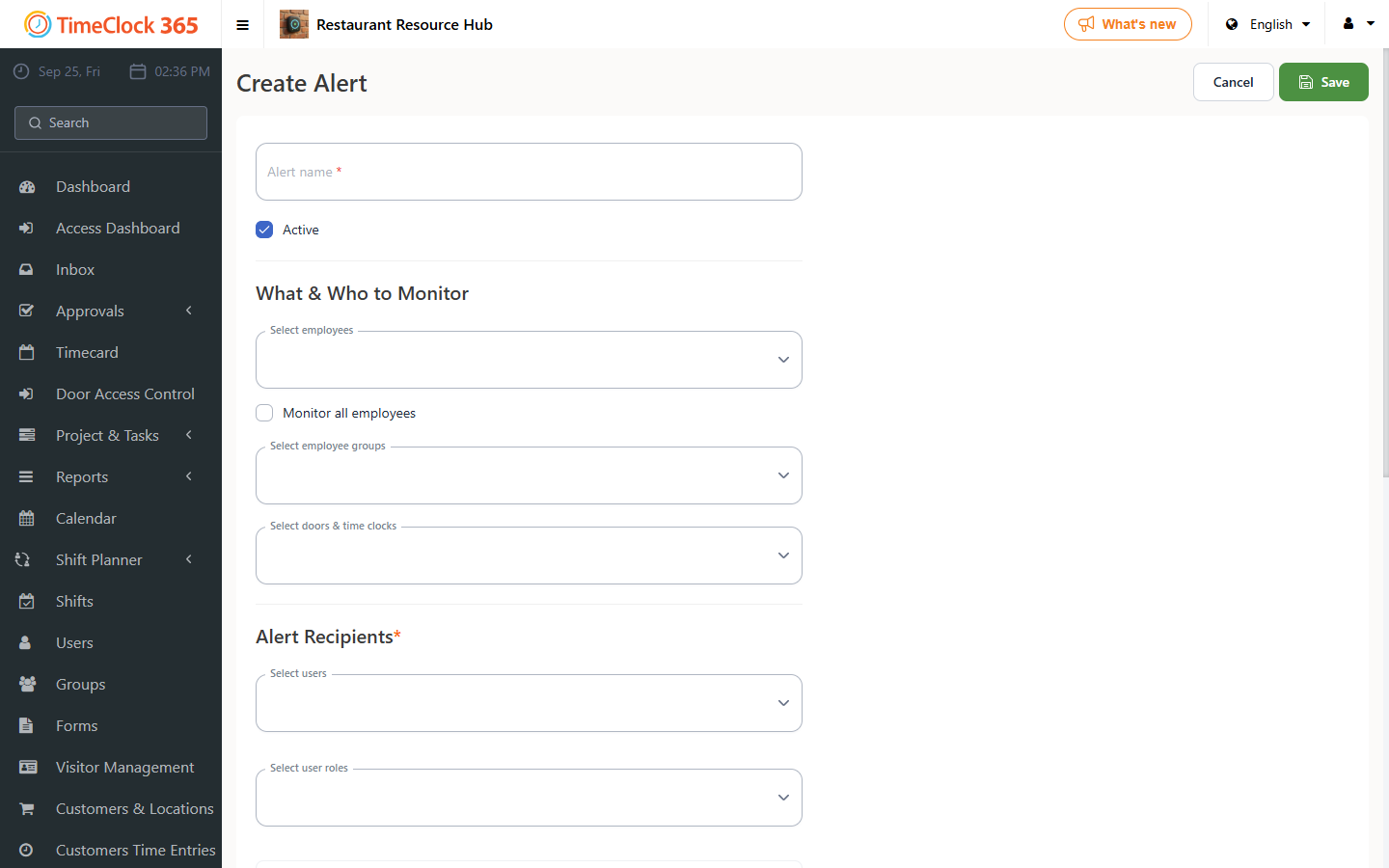
- Click Alerts, then click "Create New Alert".
- Set a name for the alert, choose the employees it should cover (or check "Receive alerts for all users"), and choose the manager who should receive it. Make sure the alert is set to Active.
- Open the "Attendance Alerts" tab, check "Auto End-of-Day", then click Save at the bottom of the page.
For instructions on configuring automatic end-of-day itself, see the related support article on that topic.