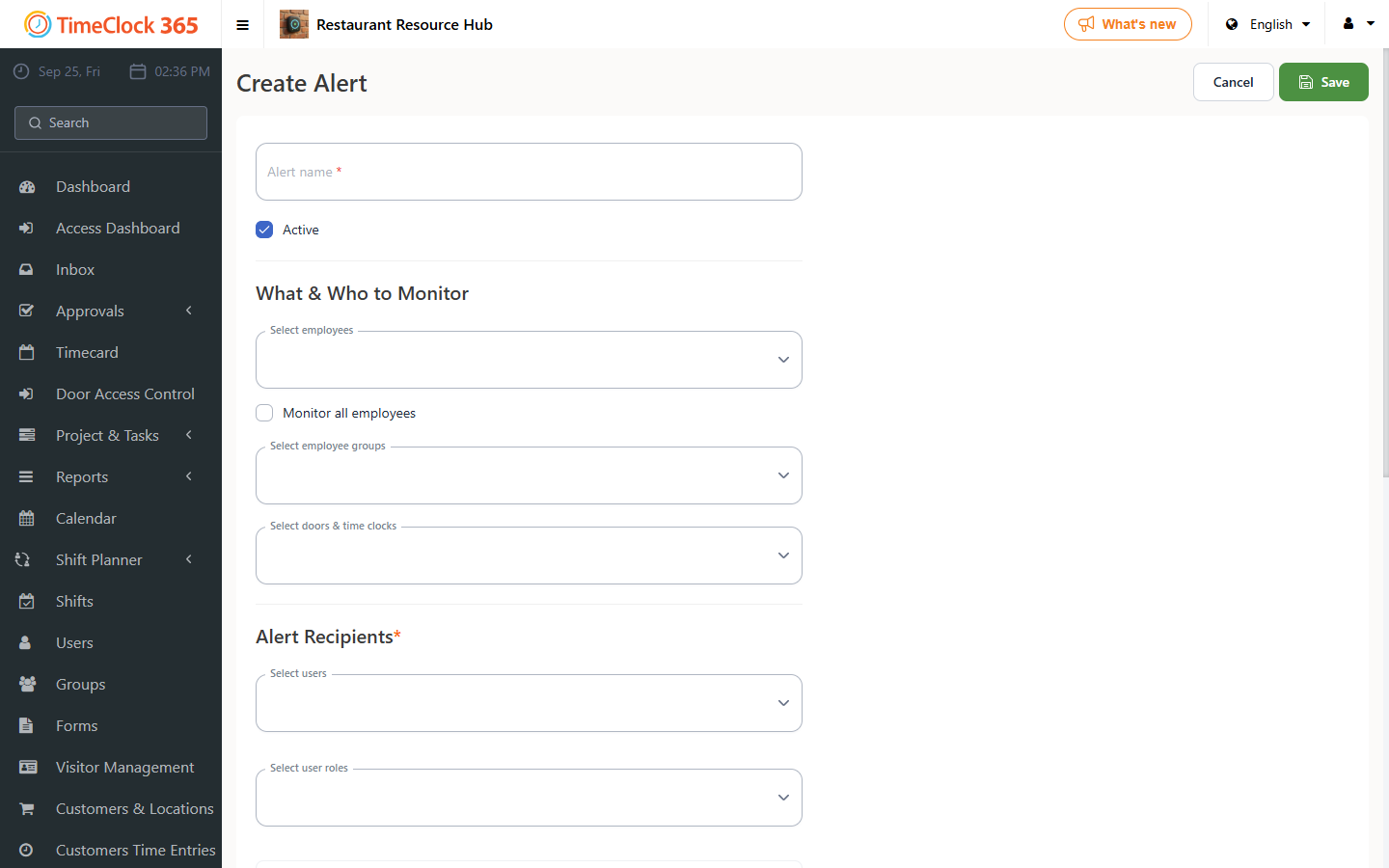
This guide explains how to set up an alert for an employee's work anniversary.
1. Confirm the employee's start date
Go to Users, select the employee you want to get the alert for, and check that their start date is correct. If not, update it and click Save.
2. Set up the alert
- Go to Alerts and click "Create new alert".
- Enter a name for the alert. Enter the employees you want the alert for, or check "Receive alerts for all users", then enter the manager who should receive the alert.
- Scroll down and open the "Anniversary alerts" tab. Check "Send anniversary alert", enter the time you want the alert sent, and click Save.