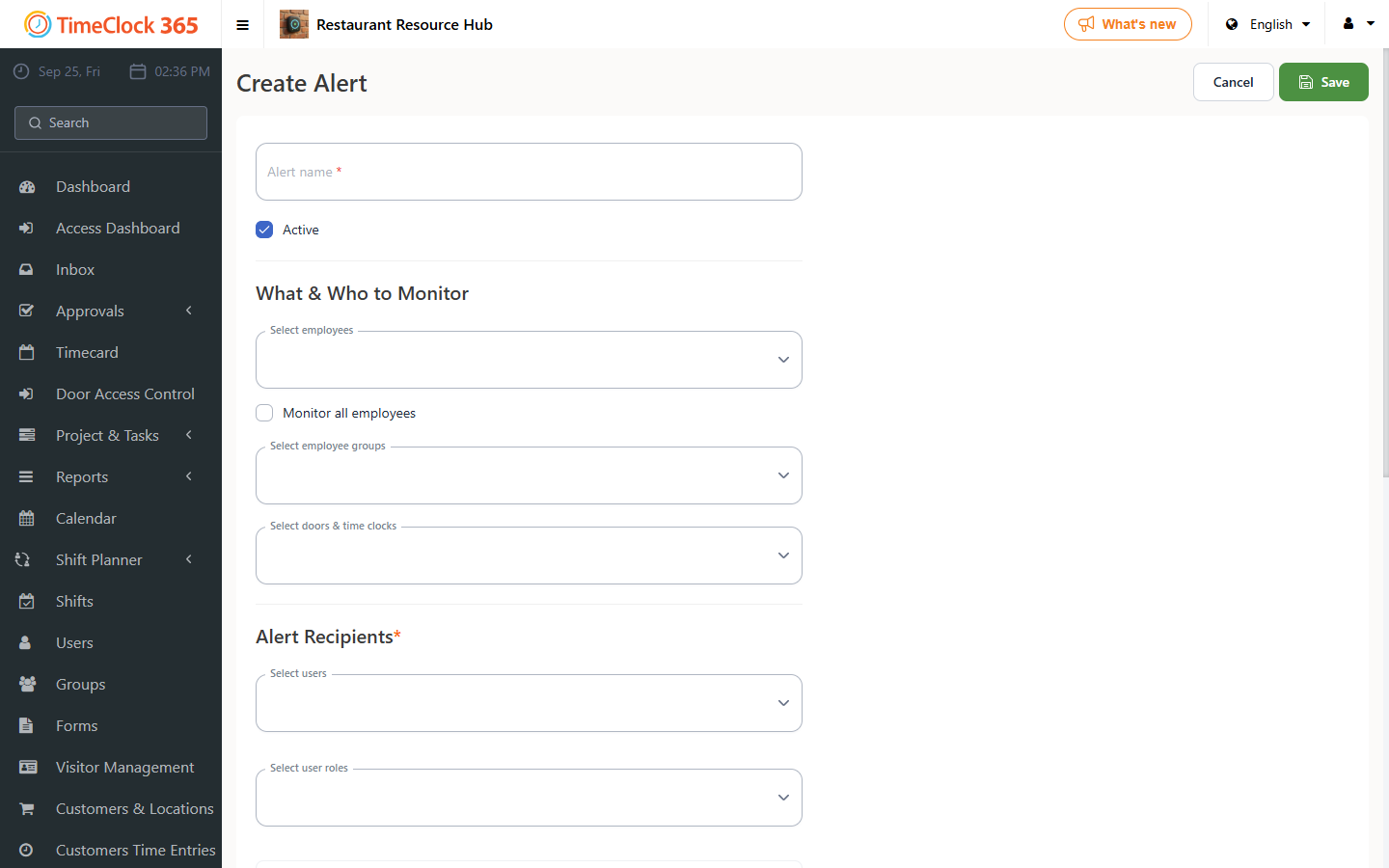
This guide explains how to create an email alert about employees who have not approved their attendance report.
Steps
- Go to Alerts, then click "Create new alert".
- Enter a name for the alert for internal reference, for example "Employees who have not approved their report".
- Select the employees you want the alert to apply to (or check "Receive alerts for all users"), and select the manager who should receive the alert.
- Scroll down to the "Employee report approvals" tab.
- Check "Send alert if employees have not approved their reports".
- Choose after how many days into the period the alert should be sent.
- Choose which report the alert applies to - attendance reports or the IIA report.
- Scroll to the bottom of the screen and click Save.