
This guide explains how to block employees from approving their reports before the report period has ended. For example, if the report period ends on the 31st of the month, employees will only be able to approve their reports starting the 1st of the following month.
- Go to Settings -> Contracts -> select the relevant contract.
- Scroll down and open the "Report Settings" tab -> check "Do not allow report approval before the end of the period" -> click Save.
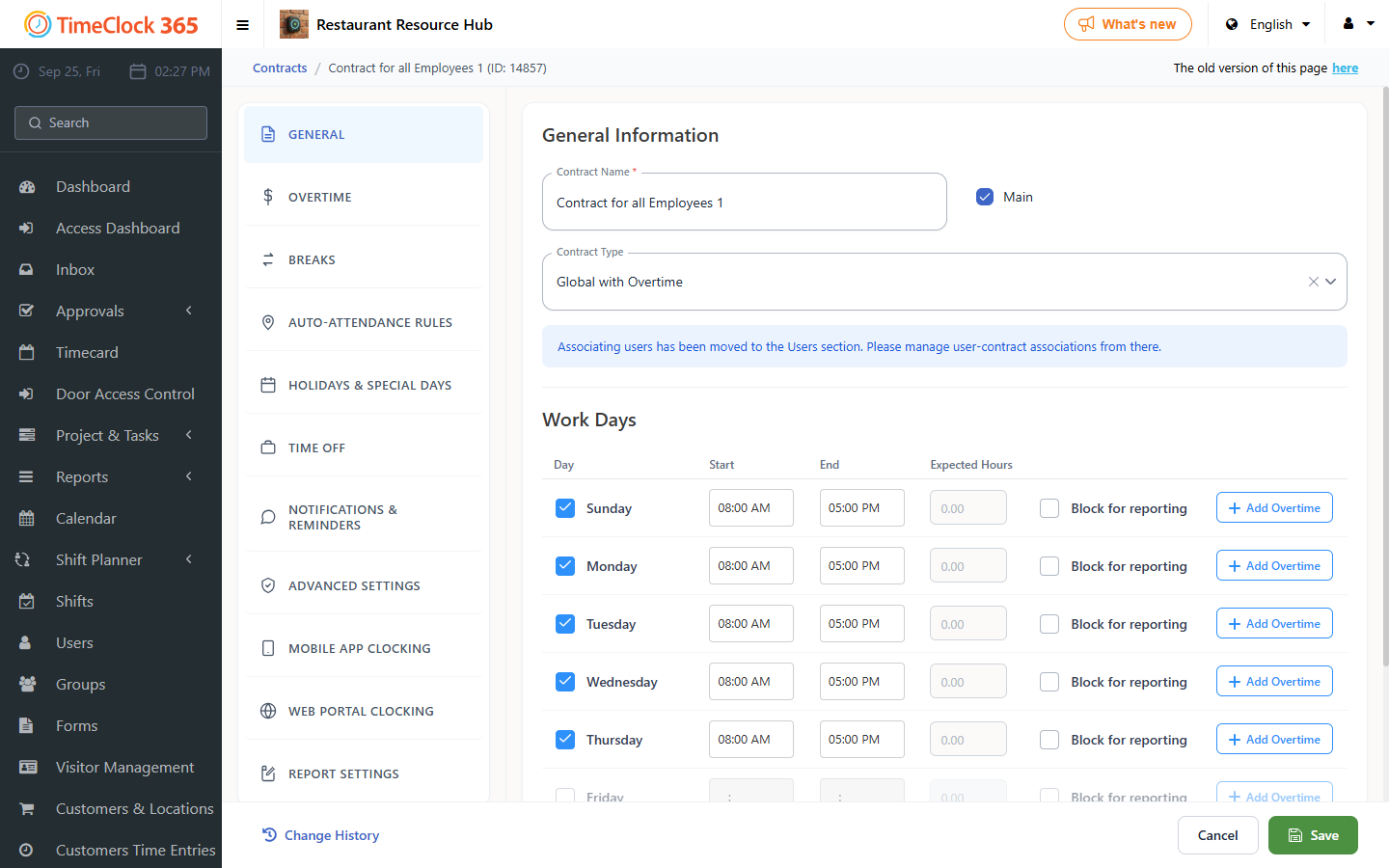
Note: this is a contract-specific setting. Enable it in each contract where you want the restriction to apply.