
This guide explains how to prevent employees from approving their monthly report if it is missing a specific clock-in or clock-out entry.
Note: if you want to block approval for a fully missing day instead, see the related guide on that setting.
- Go to Settings, then Project & Tasks work agreements, and select the relevant work agreement.
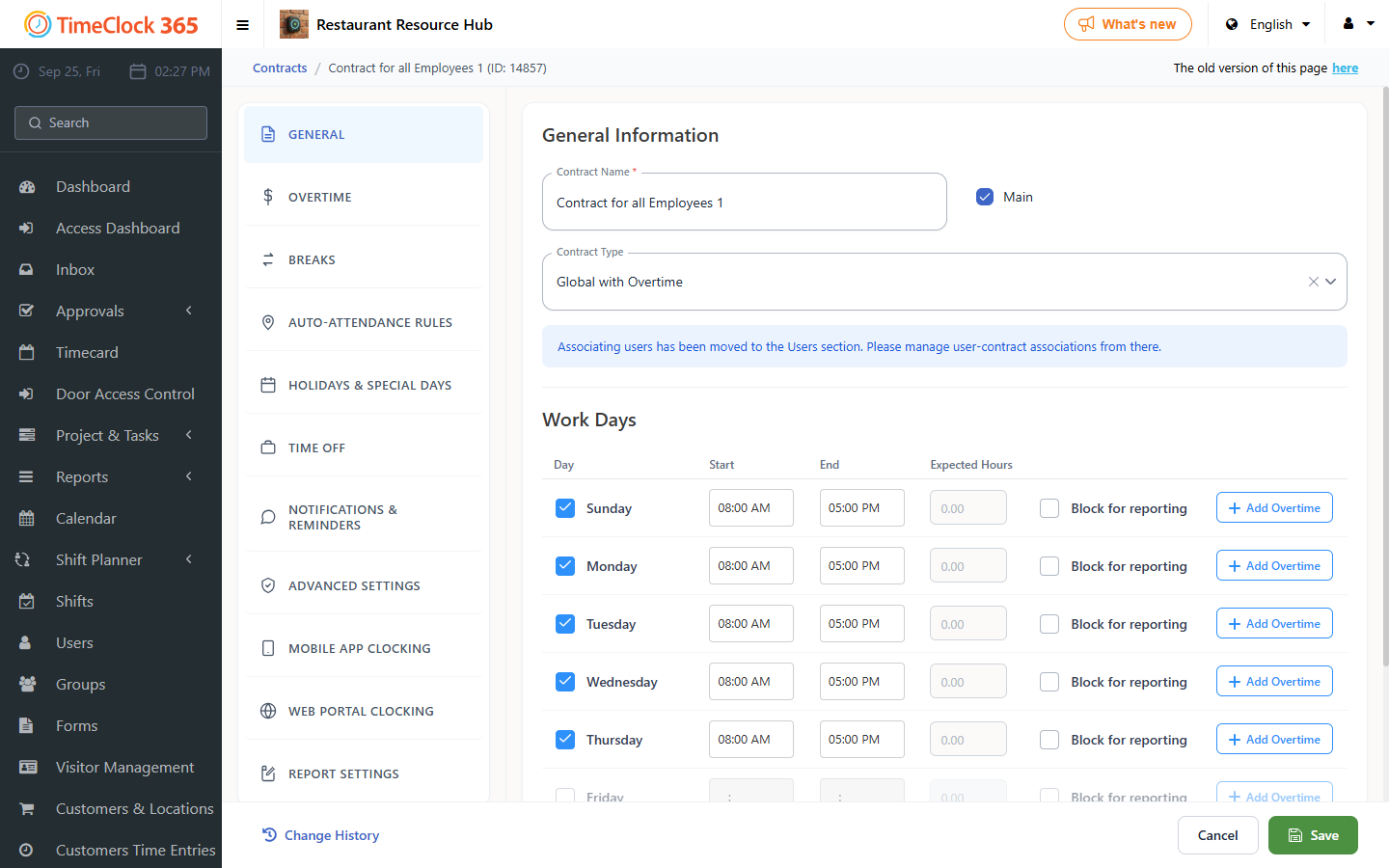
- Scroll down and open the "Report Settings" tab.
- Check "Do not allow approving a monthly report if entries are missing".
- Click Save.
With this setting on, an employee who clocked in but did not clock out, or who forgot to clock in on a workday, cannot approve their report until it is fixed.