
This guide explains how to set up an alert that is sent to group managers as soon as an employee assigned to them submits an absence request.
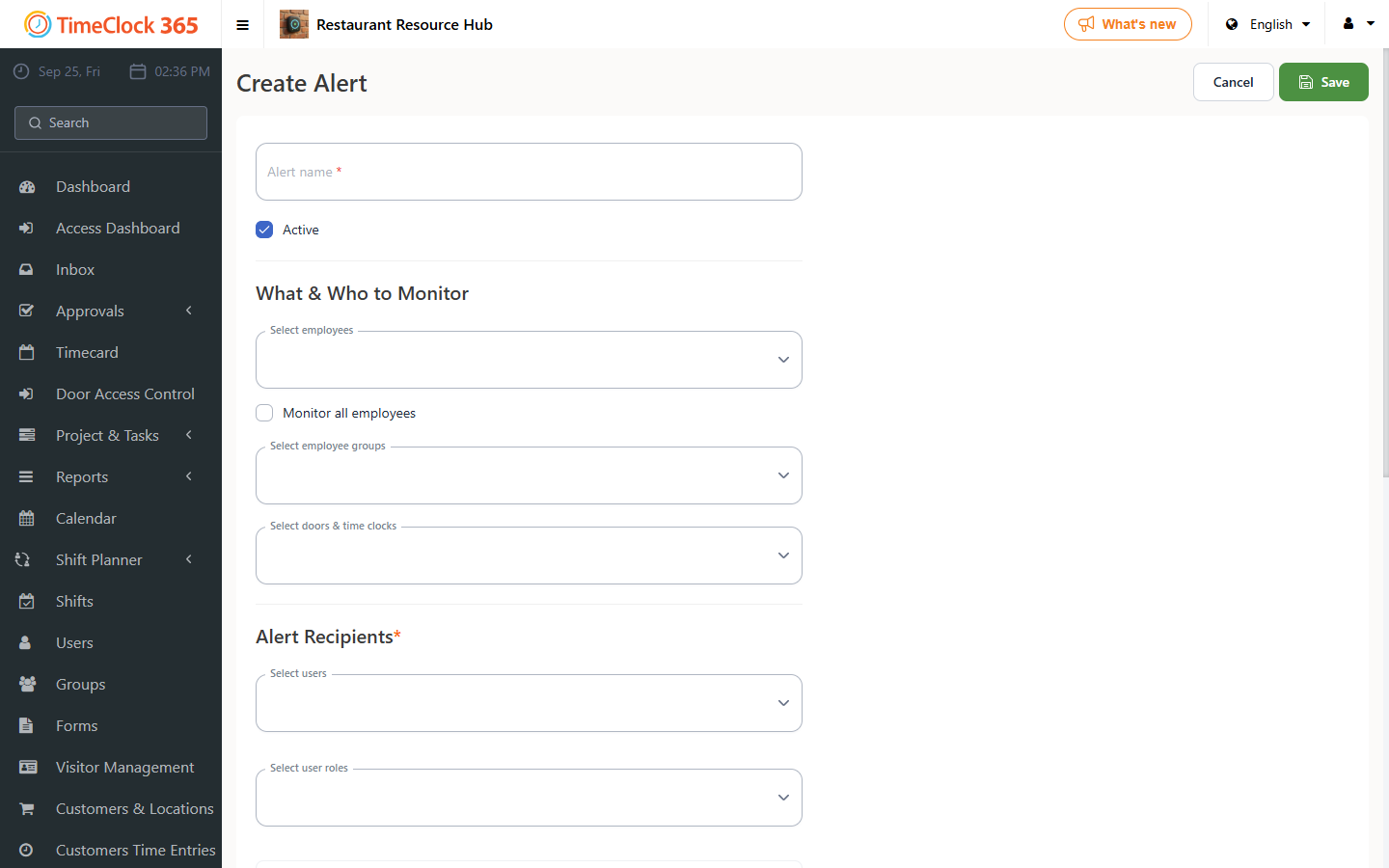
- Click Alerts -> Create new alert.
- Enter a name for the alert, for example "Absence requests for group managers".
- Check "Get alerts for all users" if you want it to cover all employees, or select only specific employees if you want it limited to them.
- Under recipients, select the managers (or a Role, which covers all users assigned to it) you want to receive the alerts. A group manager will only receive alerts for employees assigned to them - even if "Get alerts for all users" is checked - while a system administrator receives alerts for everyone.
- Open the "Attendance alerts" tab and check "Absence request".
- Click Save at the bottom.
In this kind of setup, the system sends alerts to each group manager only about the employees assigned to them.