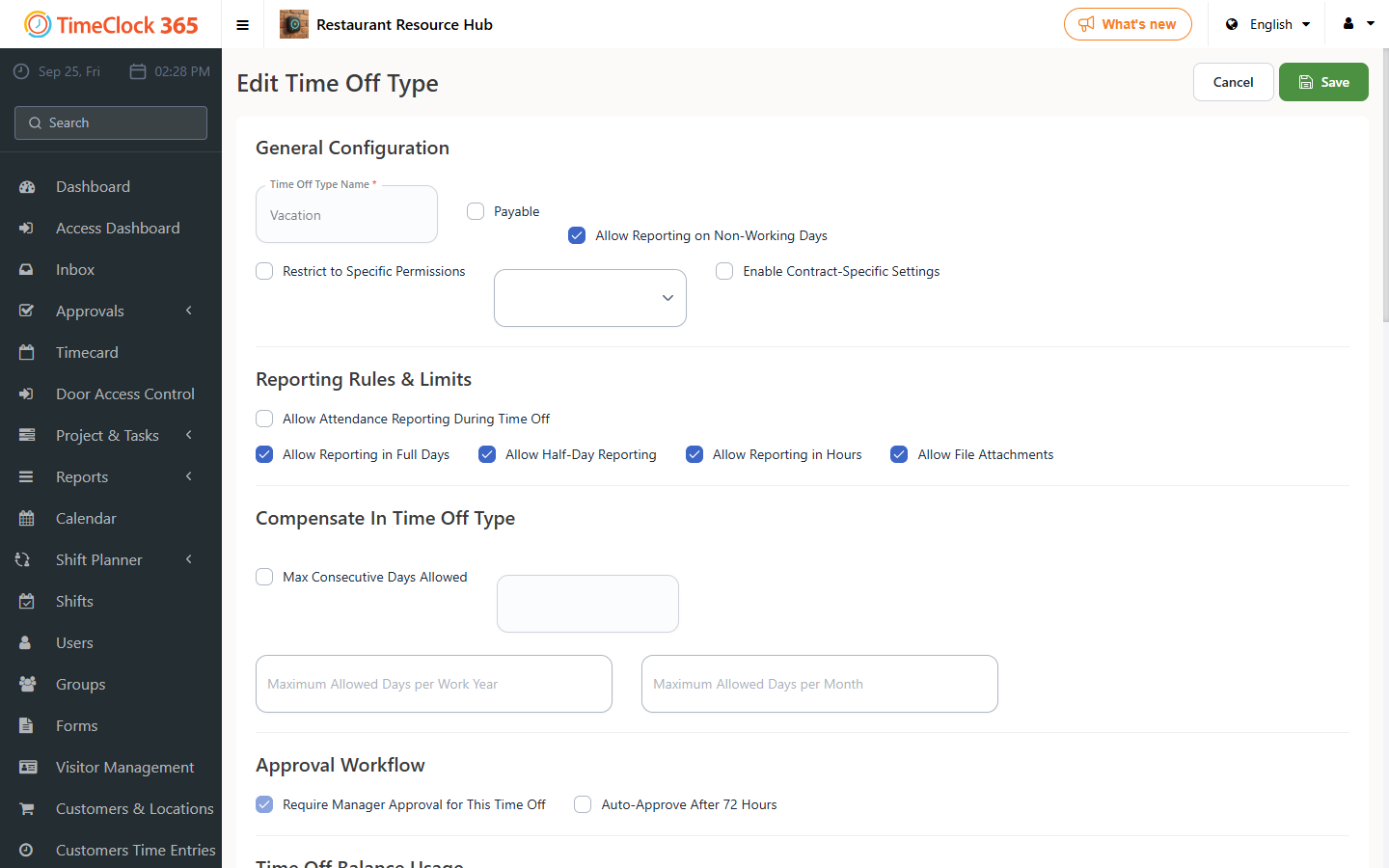
This guide explains how to show a time off type in the IIA summary report even if there is no data for the selected period.
- Go to Settings, then "Time Off Types".
- Click Actions next to the time off type you want to configure, then click Edit.
- Scroll down and check "Include in IIA summary report even if not reported".
- Click Save.