
Report a half-day absence for an employee directly from the dashboard.
If you cannot report a half-day absence, check the settings of that absence type and adjust them if needed.
Reporting from the dashboard
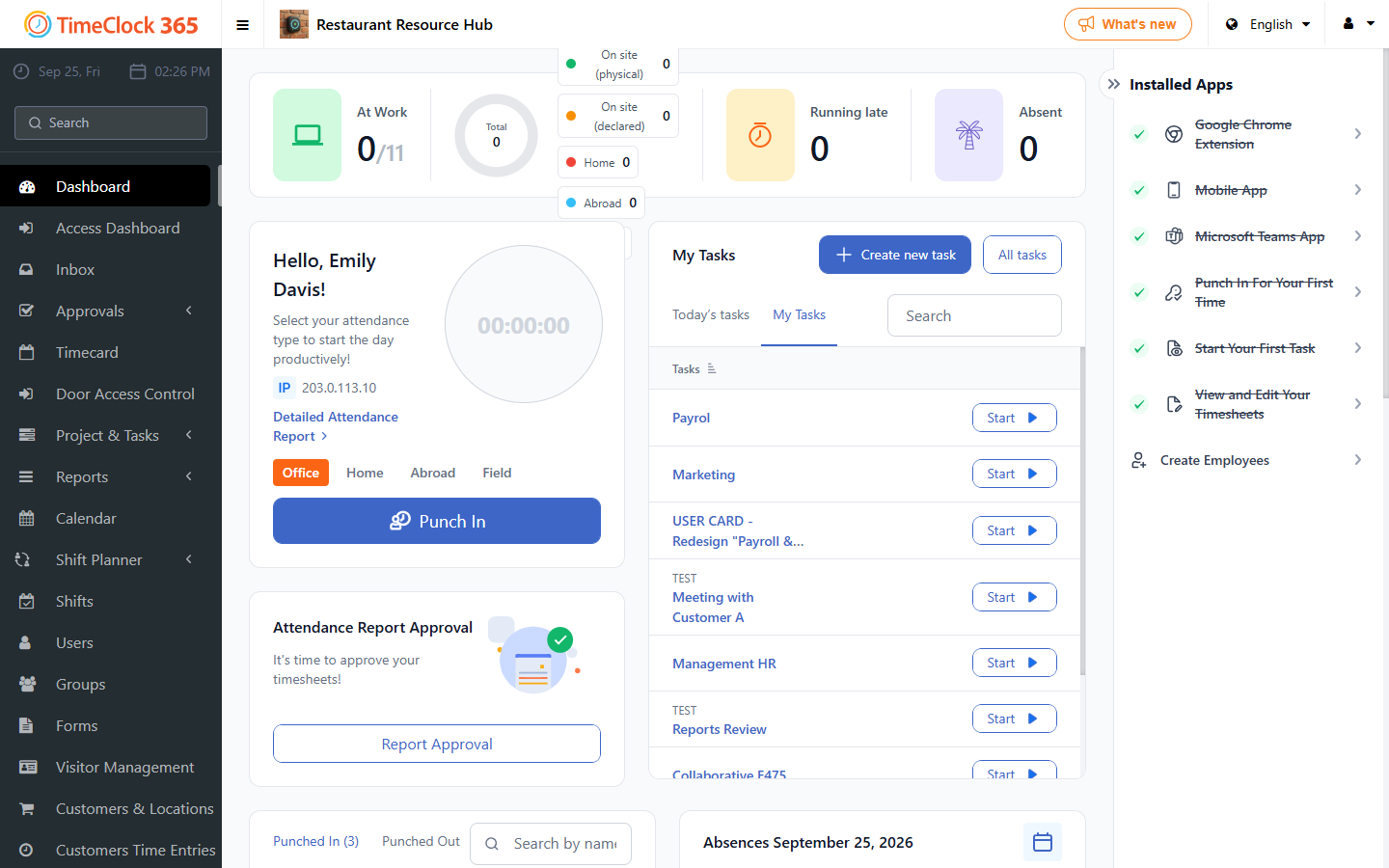
- Click Dashboard, then click Absence request.
- Select the employee group or the specific employees, choose the absence type, select "Half day", choose the date, choose the first or second half of the day, then click Save.
A half-day absence can also be reported through the detailed attendance report.