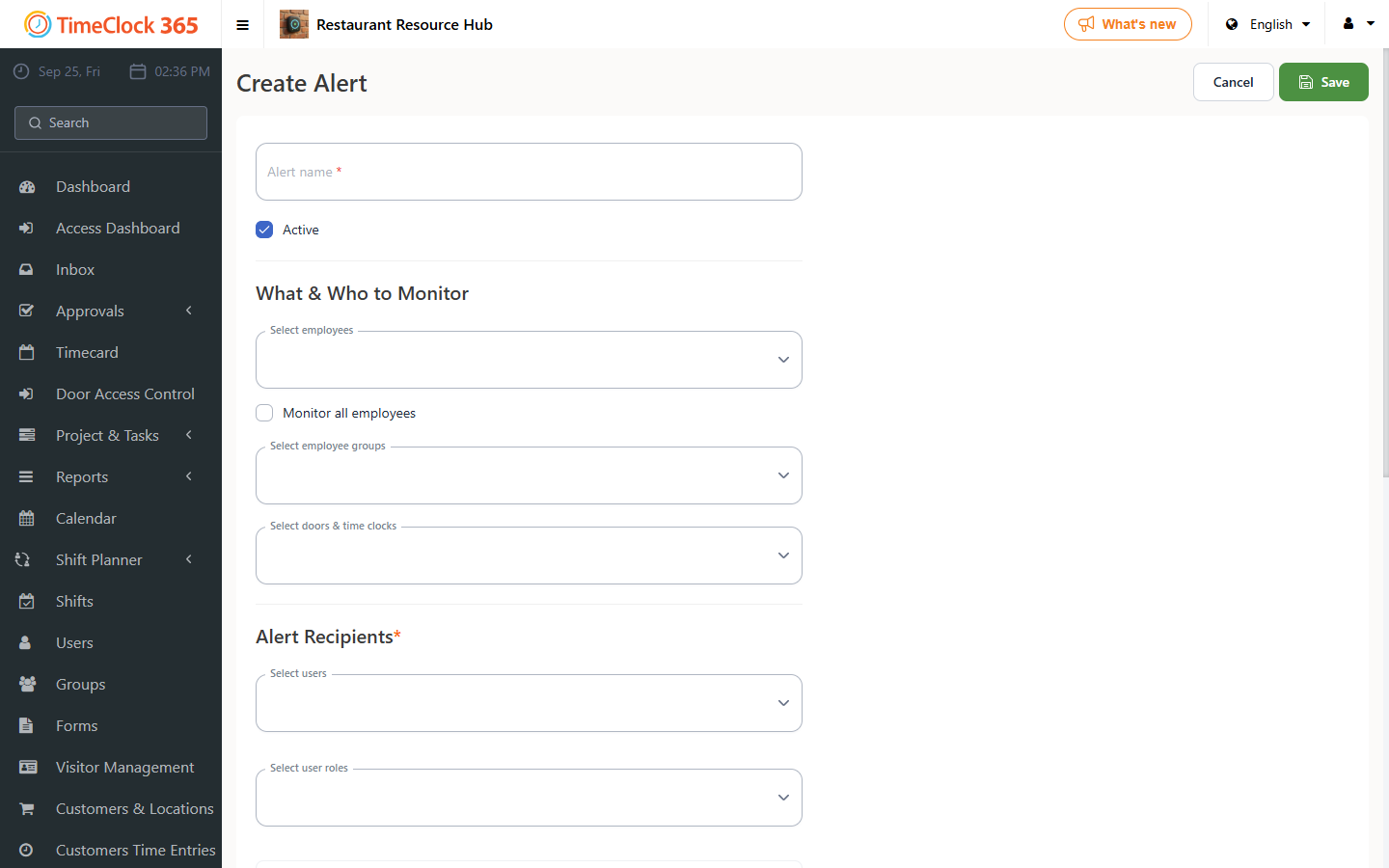
This guide explains how to create an alert that emails you whenever an employee changes a task's status, such as starting, pausing, or completing it.
- Go to Alerts, then click "Create new alert".
- Give the alert a name, for example "Task status change". Choose which employees it applies to - you can check "Receive alerts for all users" - then select the manager who should receive the alert. Make sure the alert is set to Active.
- Open the "Task and project alerts" tab and check the status updates you want to receive (you can select several):
- Employee starts a task - when an employee begins working on the task.
- Employee pauses a task - when an employee pauses their work on the task.
- Employee completes a task - when an employee finishes and closes the task.
- Click Save at the bottom of the screen.