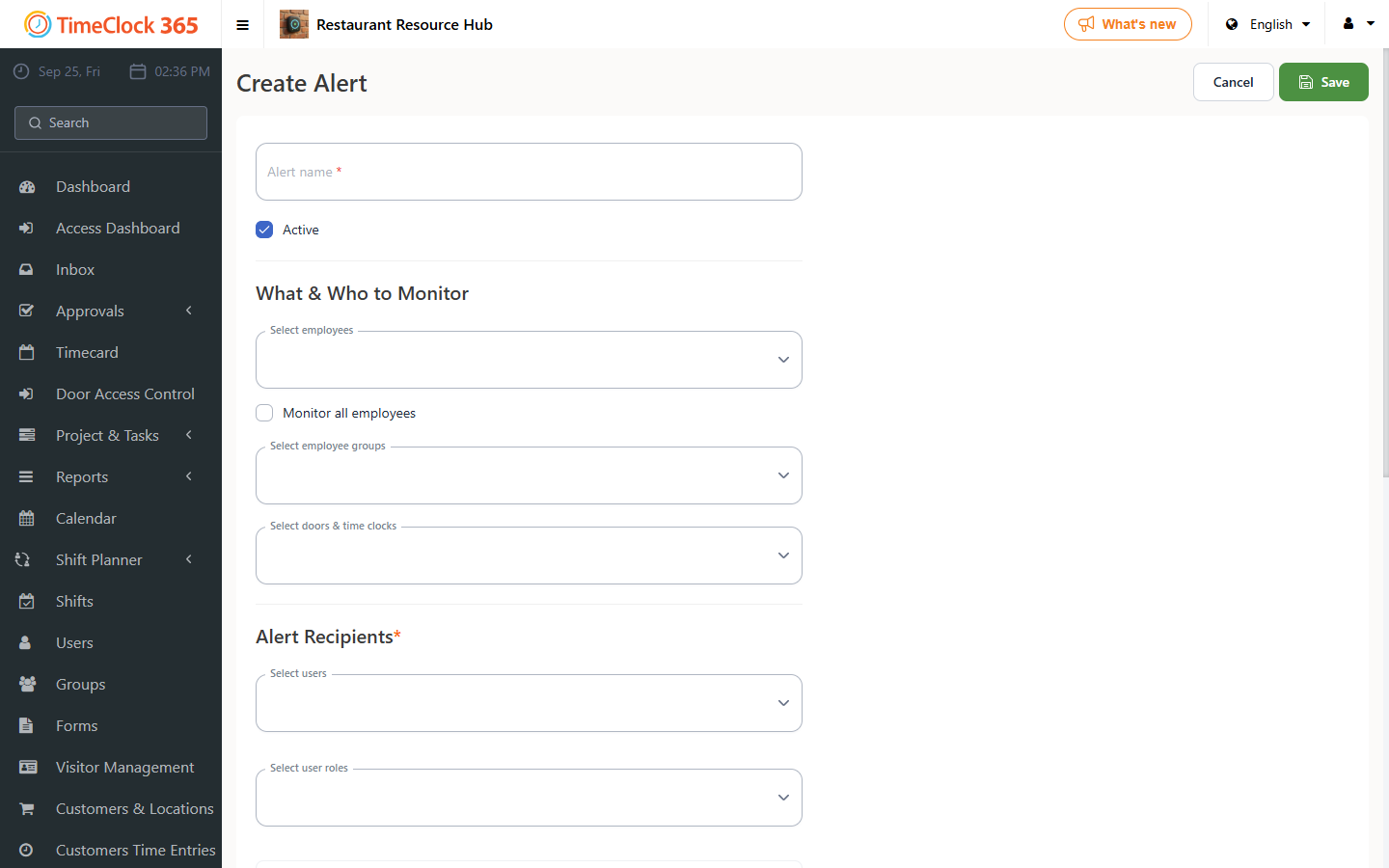
Create an alert that notifies a manager whenever employees pass through specific access controllers.
- Go to Alerts, then click Create new alert.
- Type a name for the alert, choose which employees it applies to (you can select "receive alerts for all users"), and choose the manager who should receive the alert.
- Scroll down and open the "Door Access Control" tab, check "Alert about access to selected doors", select the controllers you want the alert to cover, then scroll to the bottom of the page and click Save.