
This guide explains how to approve a monthly attendance report for hourly or part-time employees who don't work fixed days.
A contract defines the work days and hours that make up the required standard. For hourly or part-time employees who don't come in on fixed days, you should set up a separate contract for them so they can close their monthly report without issues.
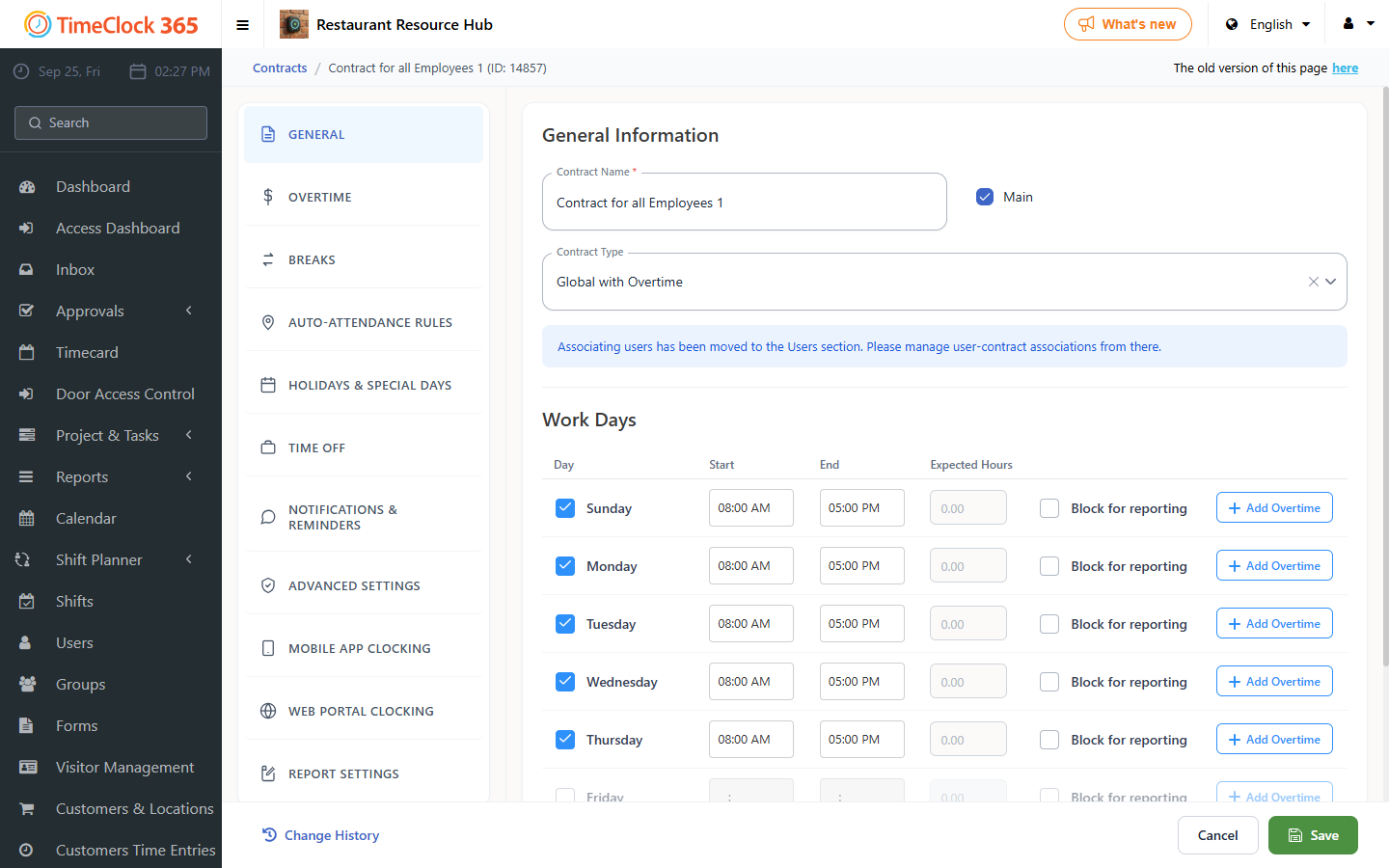
- Open a contract (or duplicate an existing one): go to "Settings" -> "Contracts" -> "Create Contract" (or click the duplicate button).
- Enter a name for the contract and select a contract type.
- Scroll down to "Report Settings" and uncheck the last box, "Do not allow approving a report with missing days" -> "Save".
Note: when reviewing the report, pay close attention to the attendance and time off days, since the system will now allow the report to be approved even when there are missing required days (shown as red rows).
To assign an employee to a contract, see the related guide on assigning contracts.