
This guide explains how to set the last date of your company's attendance report period.
Note: this is a system-wide setting that applies to all users.
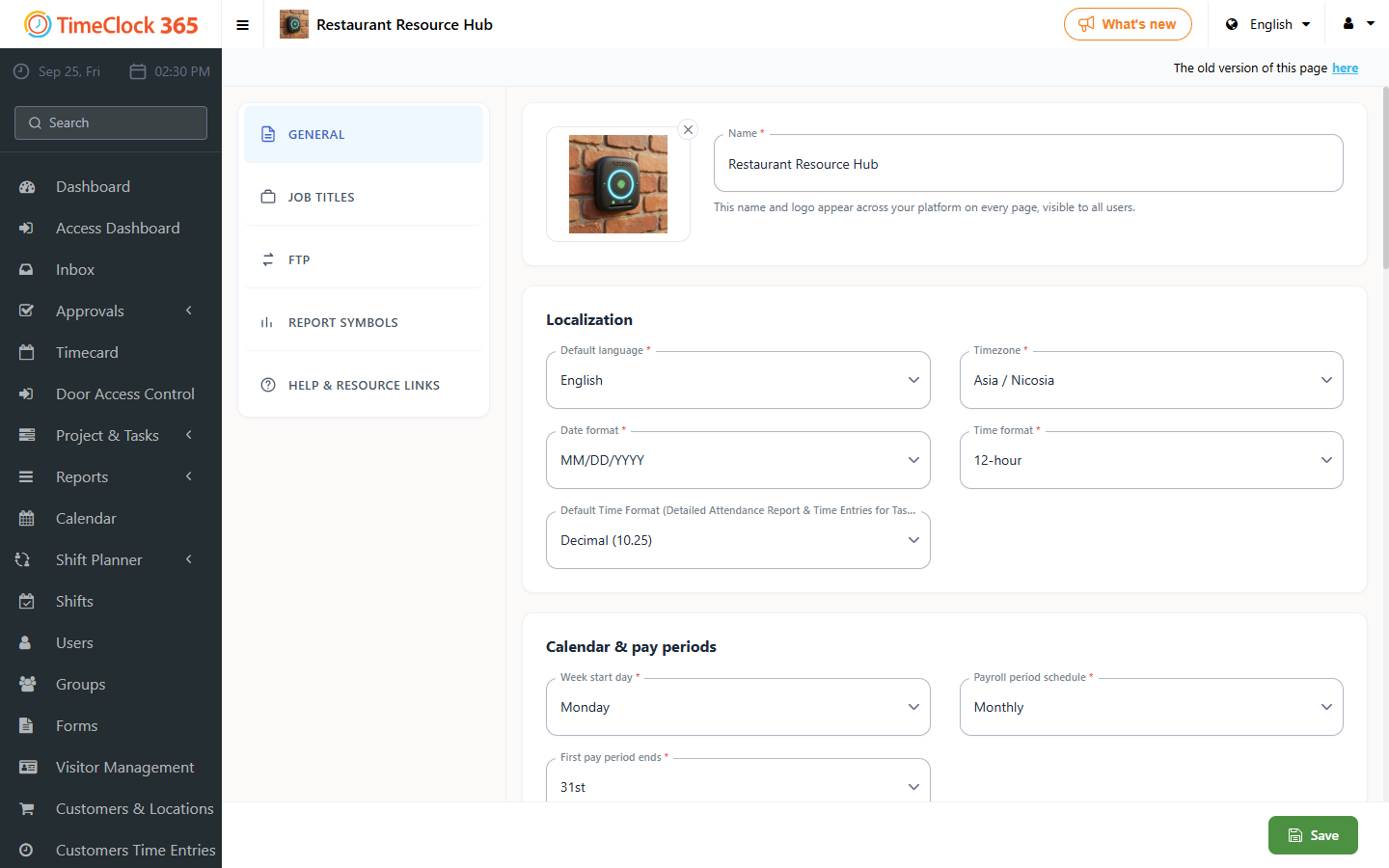
- Go to Settings -> Company Profile -> select "Settings" in the top bar.
- Find "End date of the first period" and set the day you want to be the last day of the attendance report each month.
- Click Update.
For example: if you set the 26th, your attendance report will start on the 27th and end on the 26th of the following month.