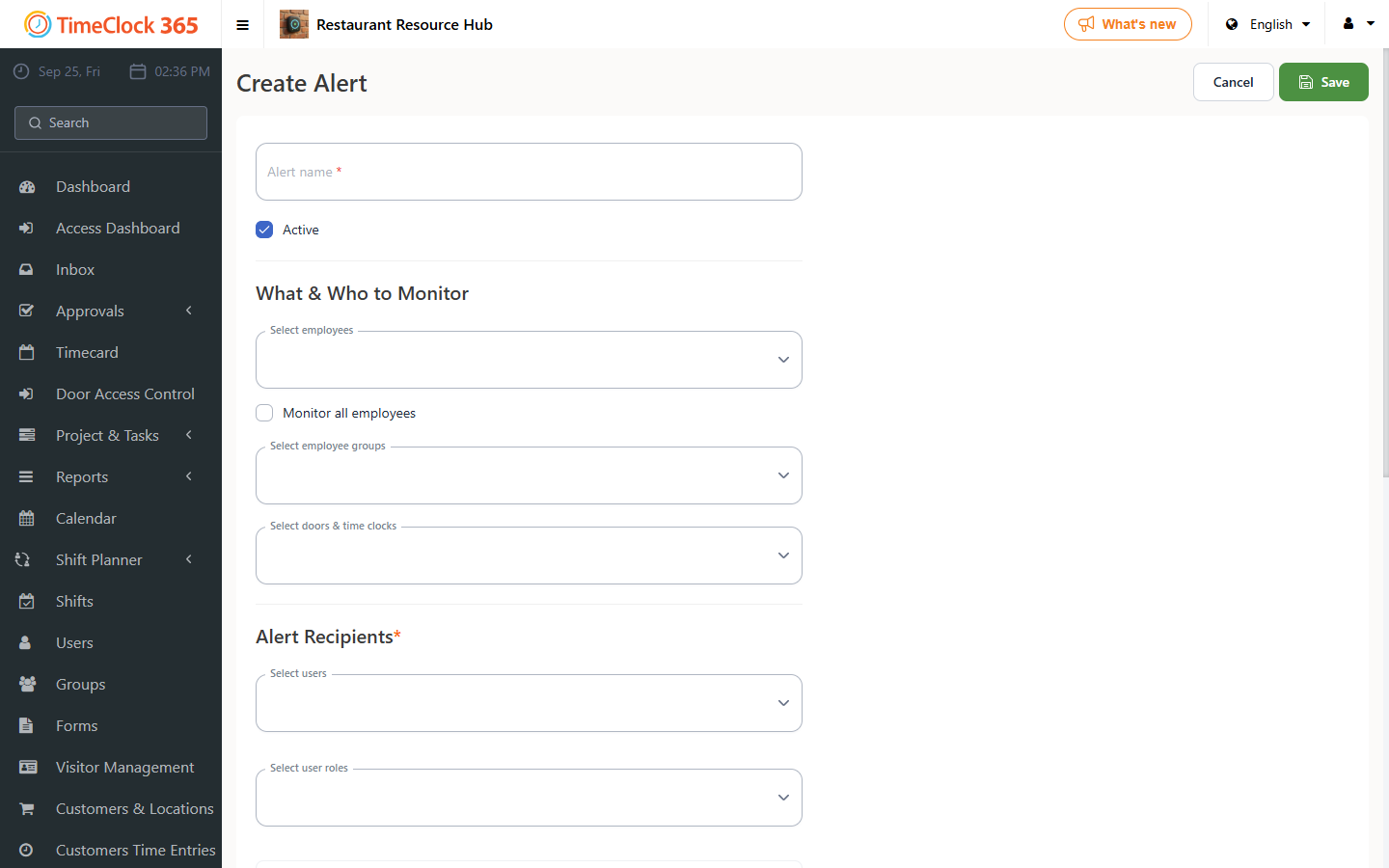
This guide explains how to send managers an email alert when one of their employees has a birthday.
Step 1: Set the employee's date of birth
Click "Users" -> select the employee whose date of birth you want to set. Scroll down to the "Payroll Details" tab -> enter the date of birth -> click Save. Repeat these steps for any other employees you want alerts for.
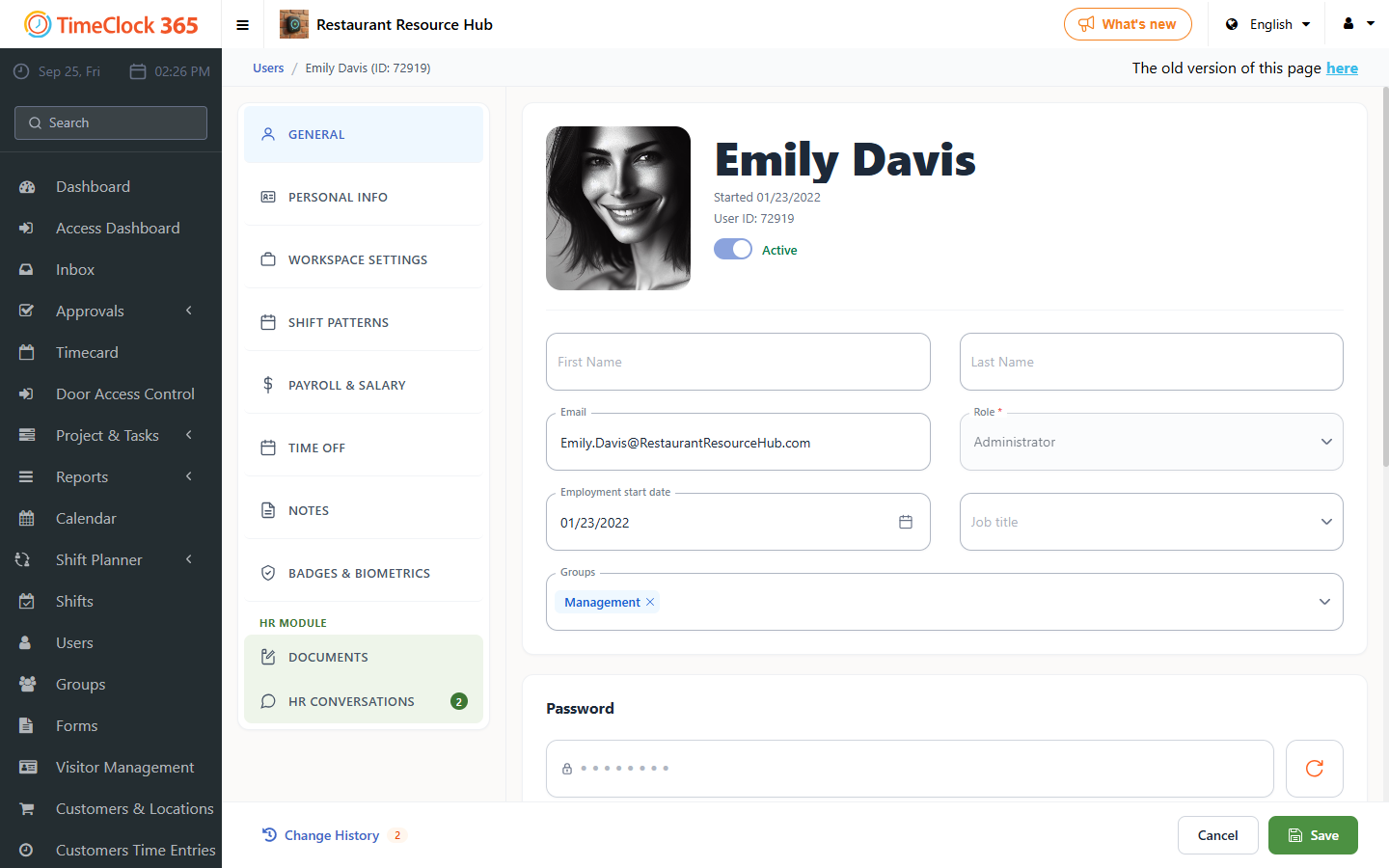
Step 2: Create the alert
Click "Alerts" -> "Create new alert". Set up the alert:
- Alert name.
- Select which employees you want the alert to cover (you can check "Get alerts for all users").
- Select which manager(s) should receive the alert (you can choose more than one).
- Scroll down and open the "Administrative alerts" tab.
- Check "Send a birthday alert at".
- Enter the time you want the alert to be sent.
- Click Save.